Help center
Step-by-step guides for using Home Planner, and what's new in each release.
 Home Planner·October 31, 2026
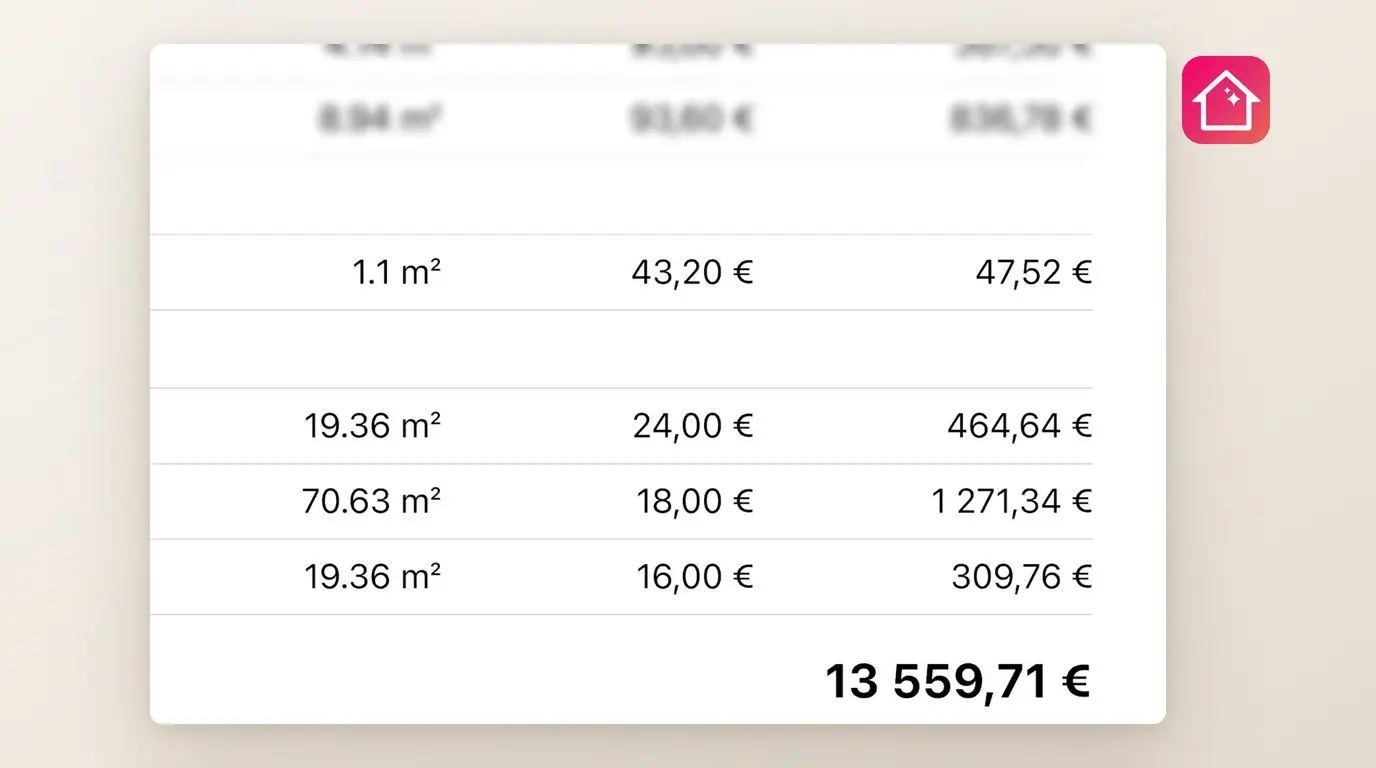
How to Make an Interior Design Estimate for a Client
Turn the design you already drew into a priced estimate that your client can sign by link. Your first estimate is free.
 Home Planner·October 31, 2026
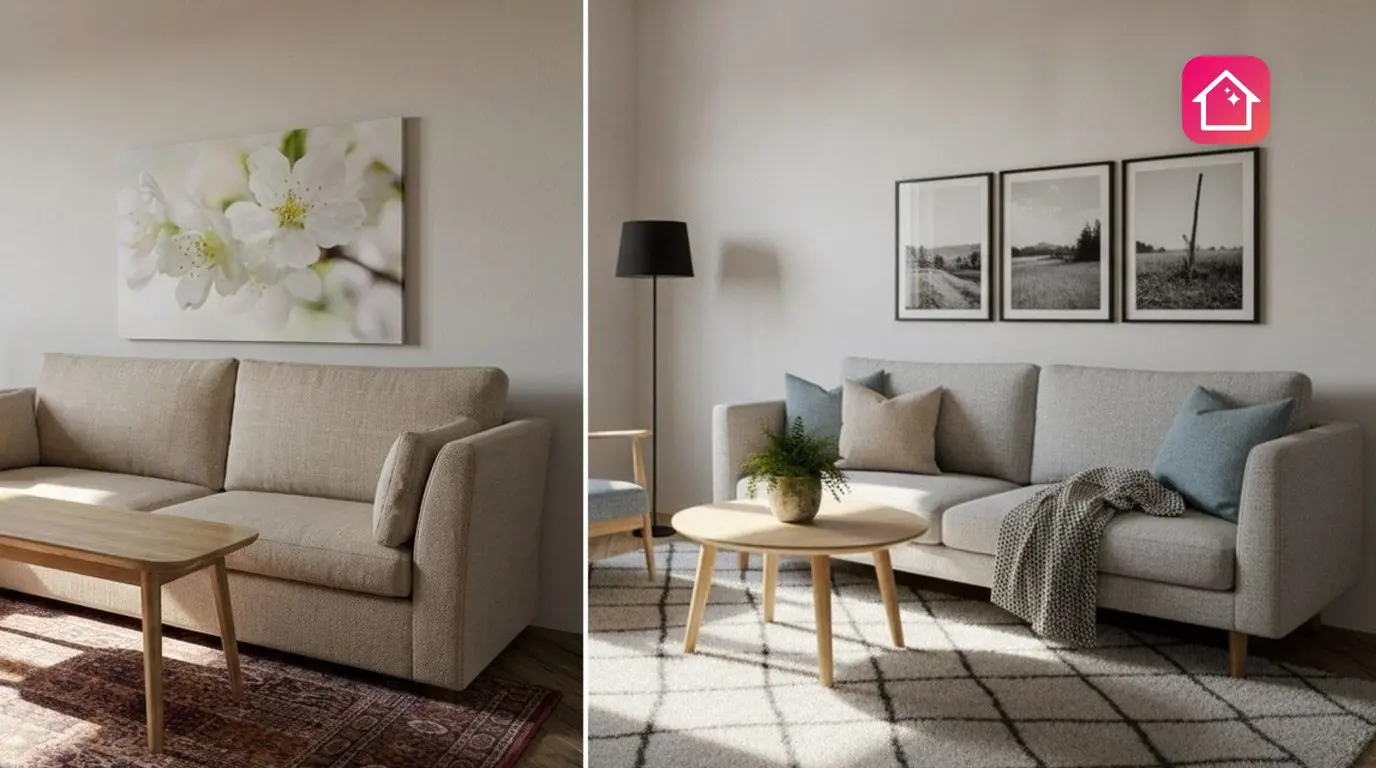
Try a new look for your own room with AI Redesign
AI Redesign in Home Planner has five tools (Style, Color, Light, Clean and Renovate), so you can change one thing in a photo of your room and compare.
 Home Planner·October 31, 2026
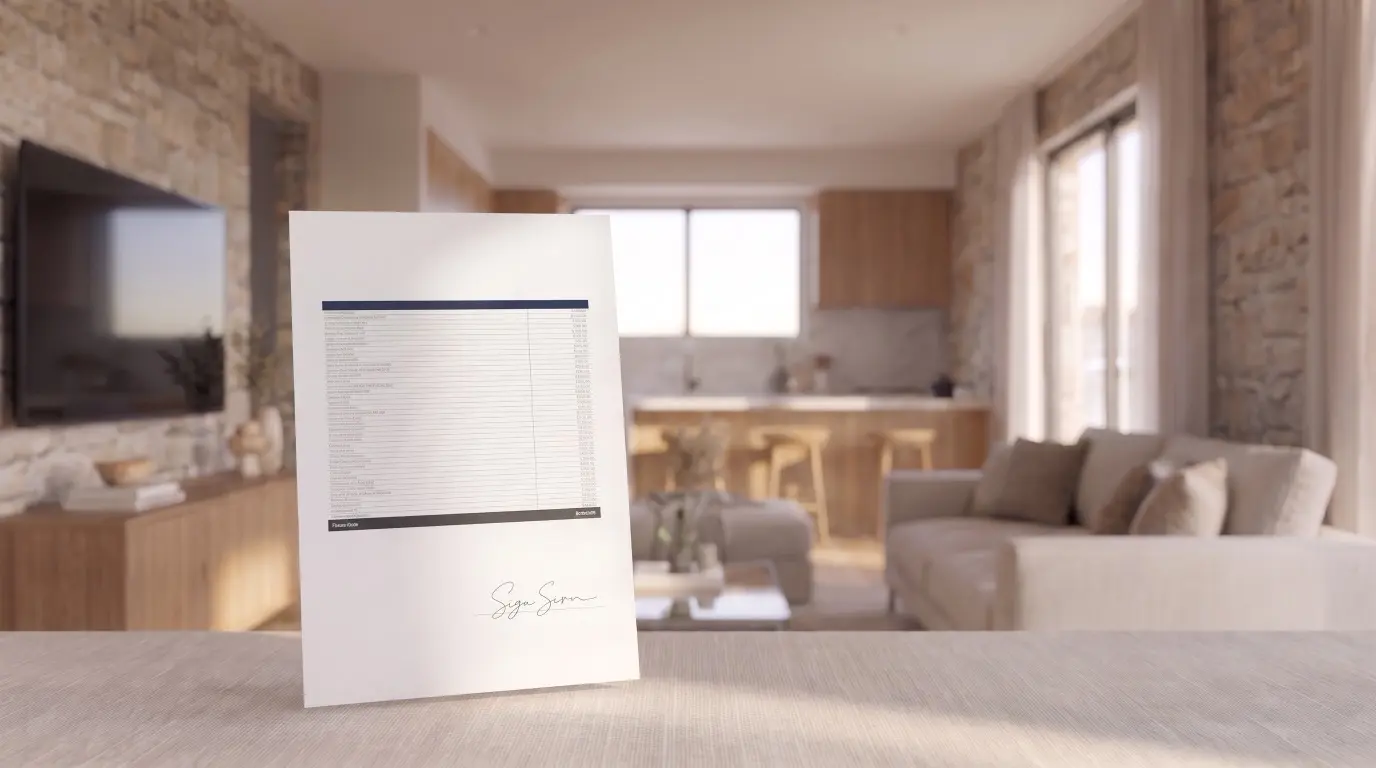
Price a project for your client with Client estimate
Client estimate in Home Planner turns a shopping list into a numbered PDF for your client, with markup inside the prices, work prices and your contacts.
 Home Planner·October 31, 2026
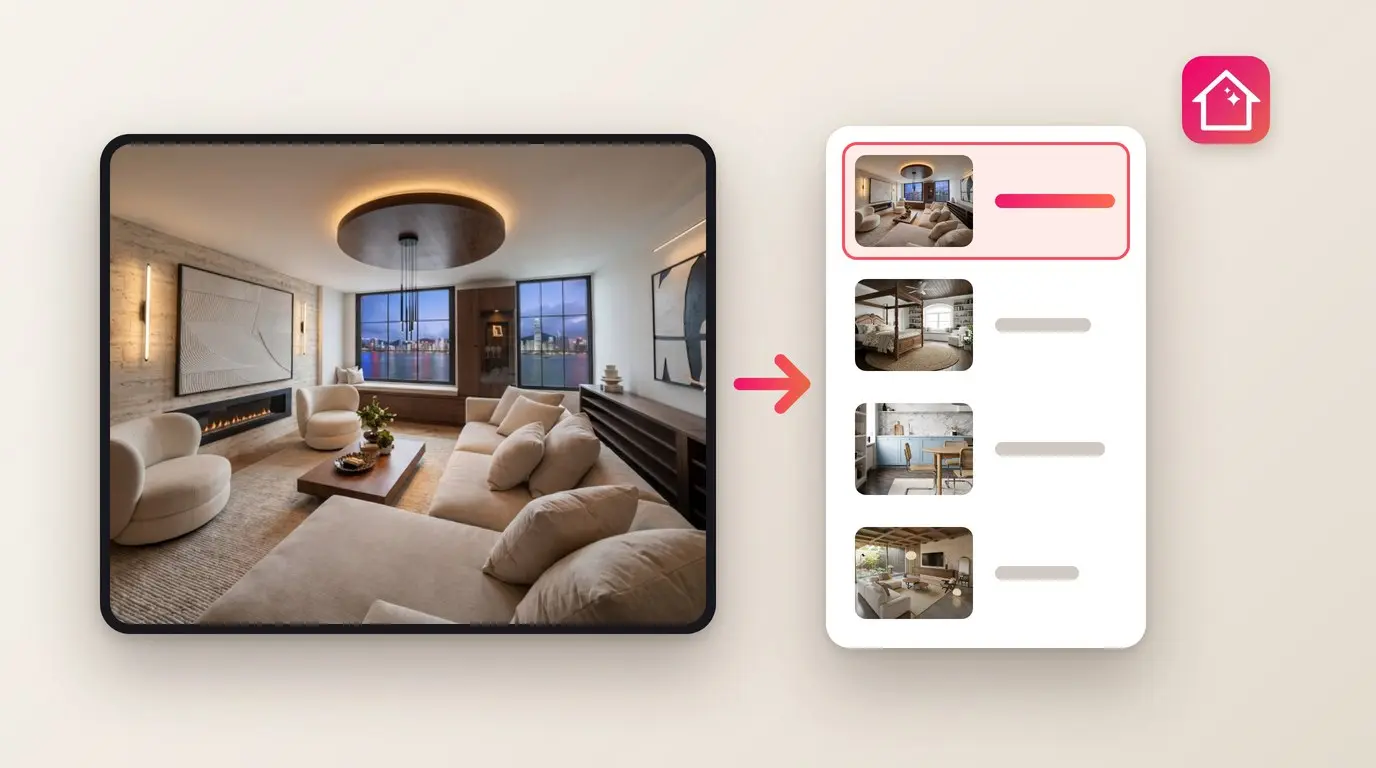
Keep client projects in your CRM with Home Planner
With CRM & spreadsheets in Home Planner, each project you send arrives as one record with rooms, products, prices, the total and the floor plan PDF.
 Home Planner·October 31, 2026
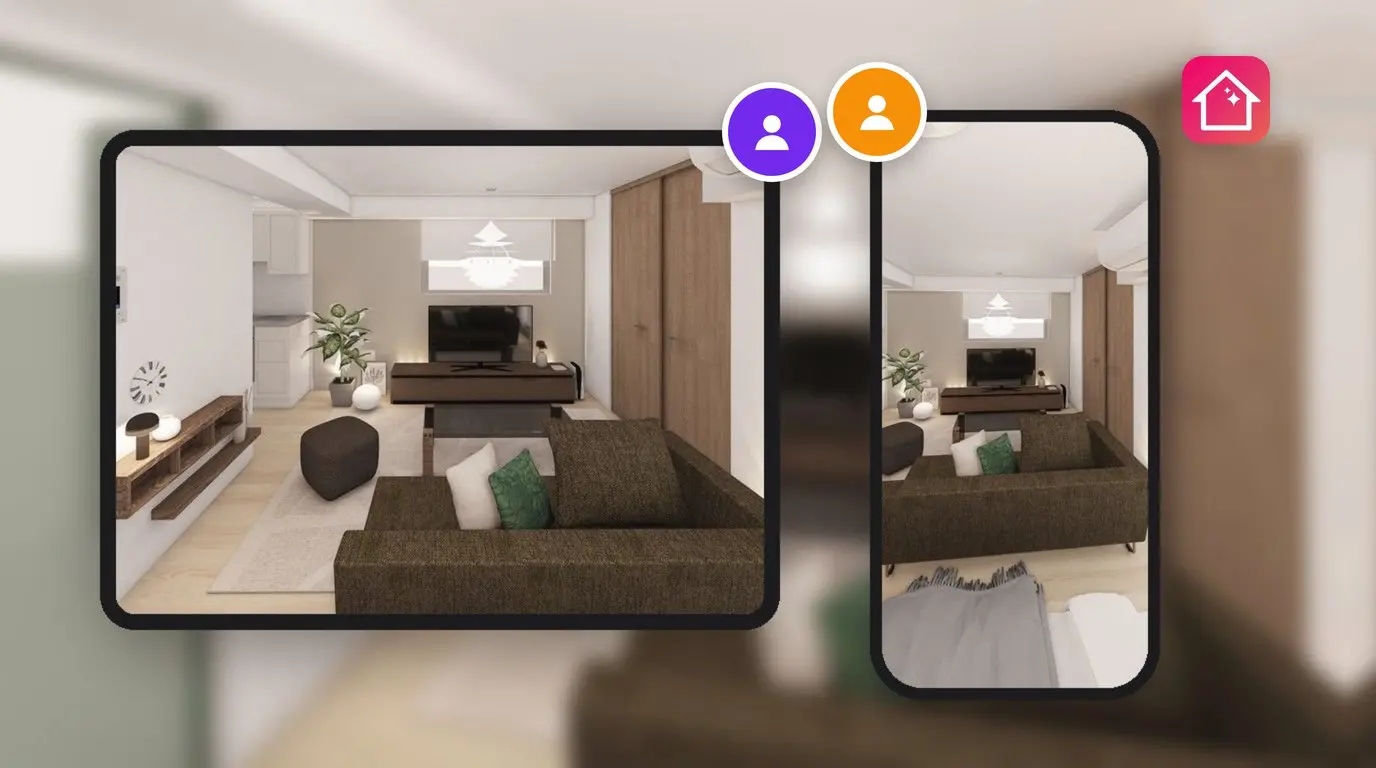
Design together in real time
Share your 3D design in Home Planner by app link or email, and choose who can only look and who can also edit it with you.
 Home Planner·October 31, 2026
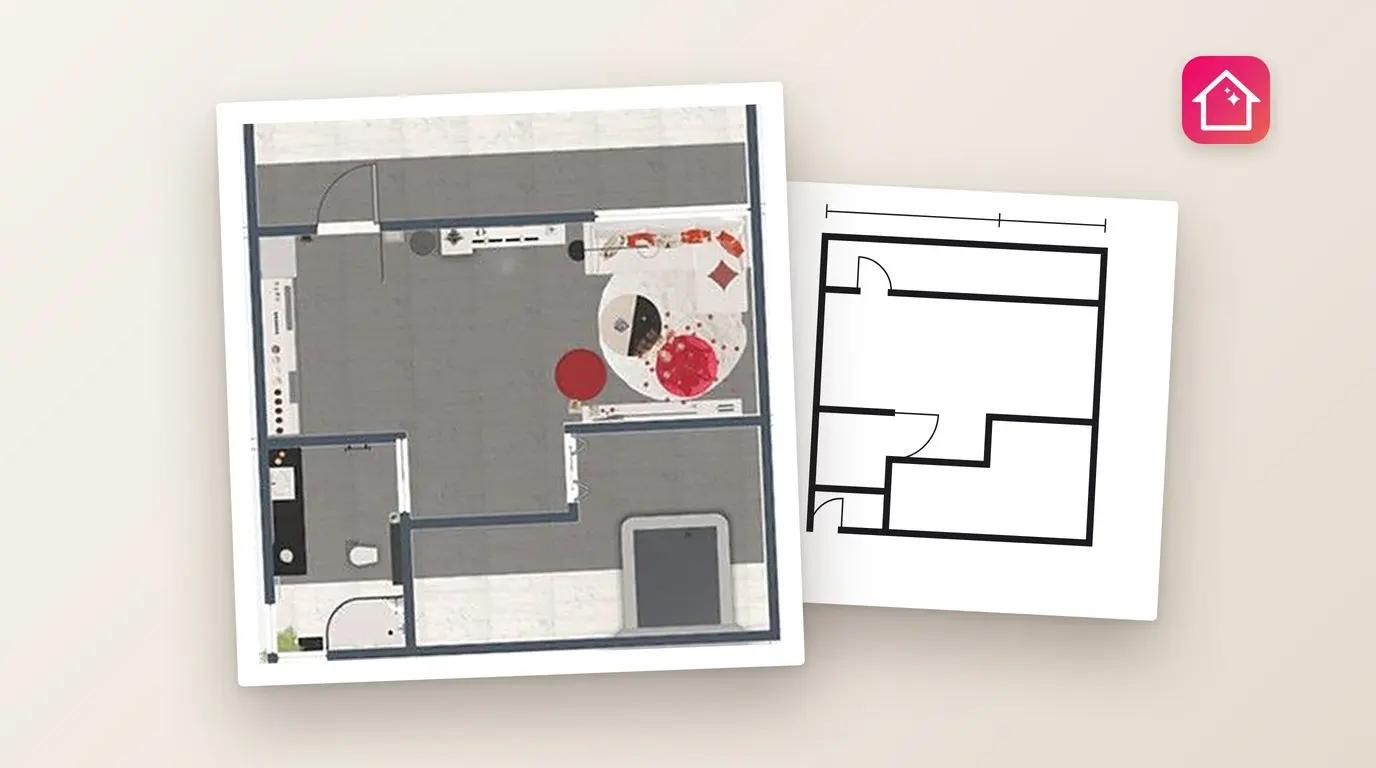
Send your plan as a PDF or a DWG/DXF file
Send your plan as a PDF or a DWG/DXF file: Home Planner adds your logo and estimate to a client PDF and exports DWG, DXF, SVG and to-scale PDF drawings.
 Home Planner·October 31, 2026
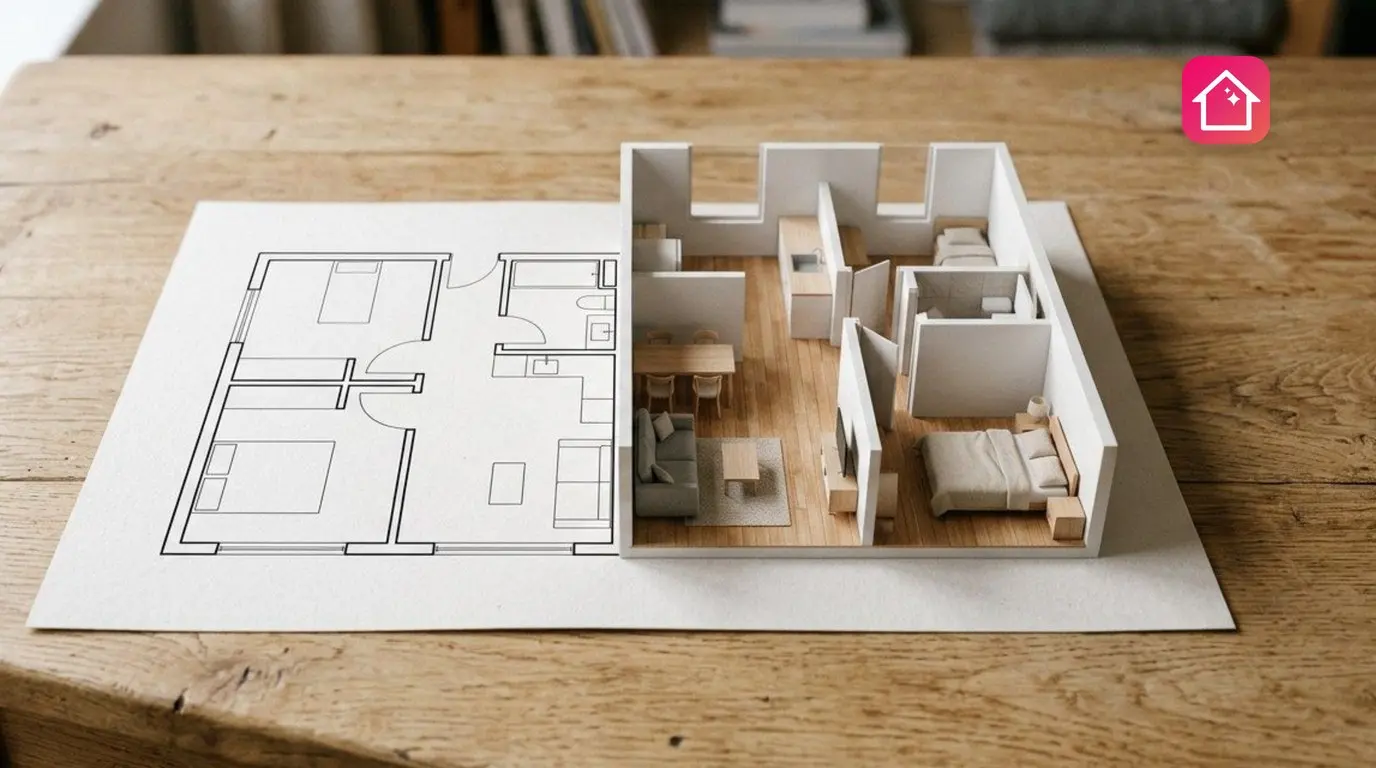
See a floor plan in 3D with Plan from a Photo
Plan from a Photo in Home Planner uses AI to turn a floor plan photo or PDF into an editable 3D design you can walk through.
 Home Planner·October 31, 2026
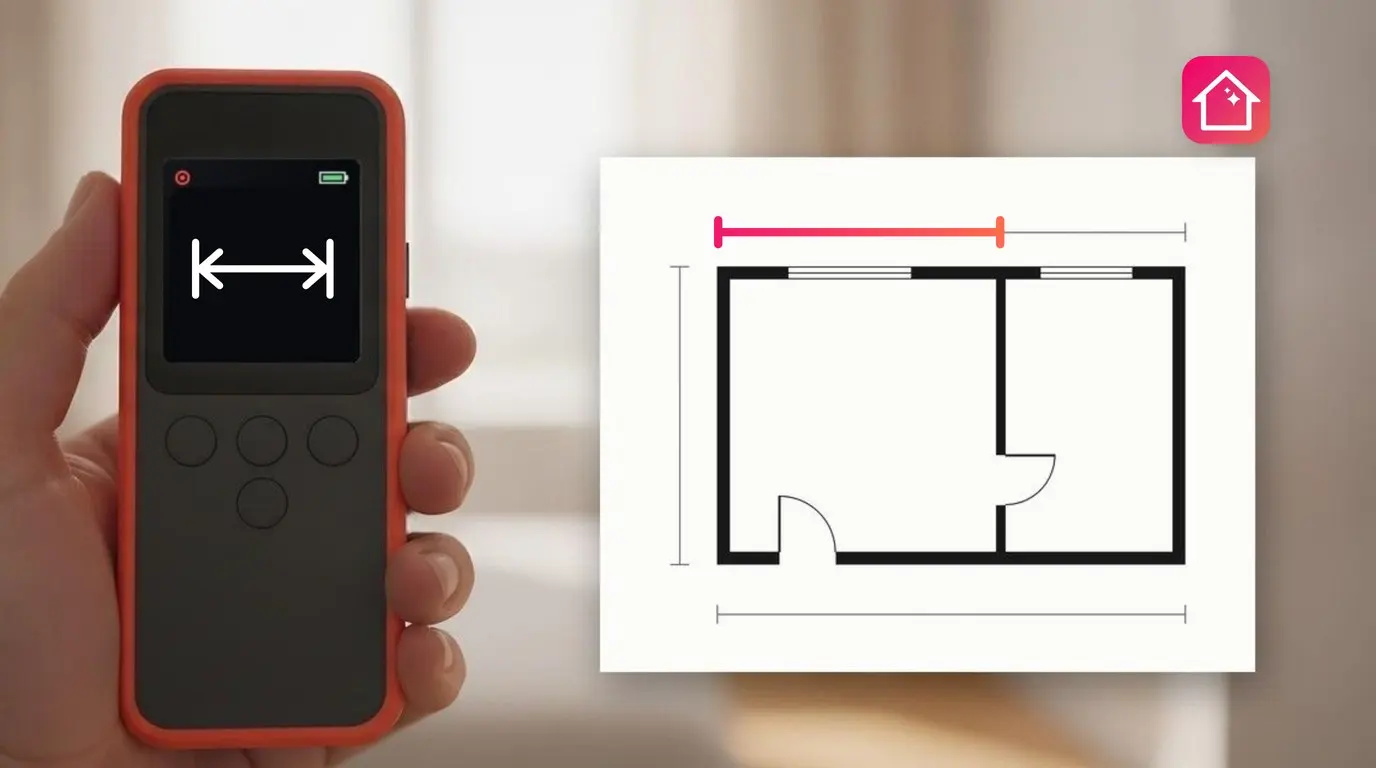
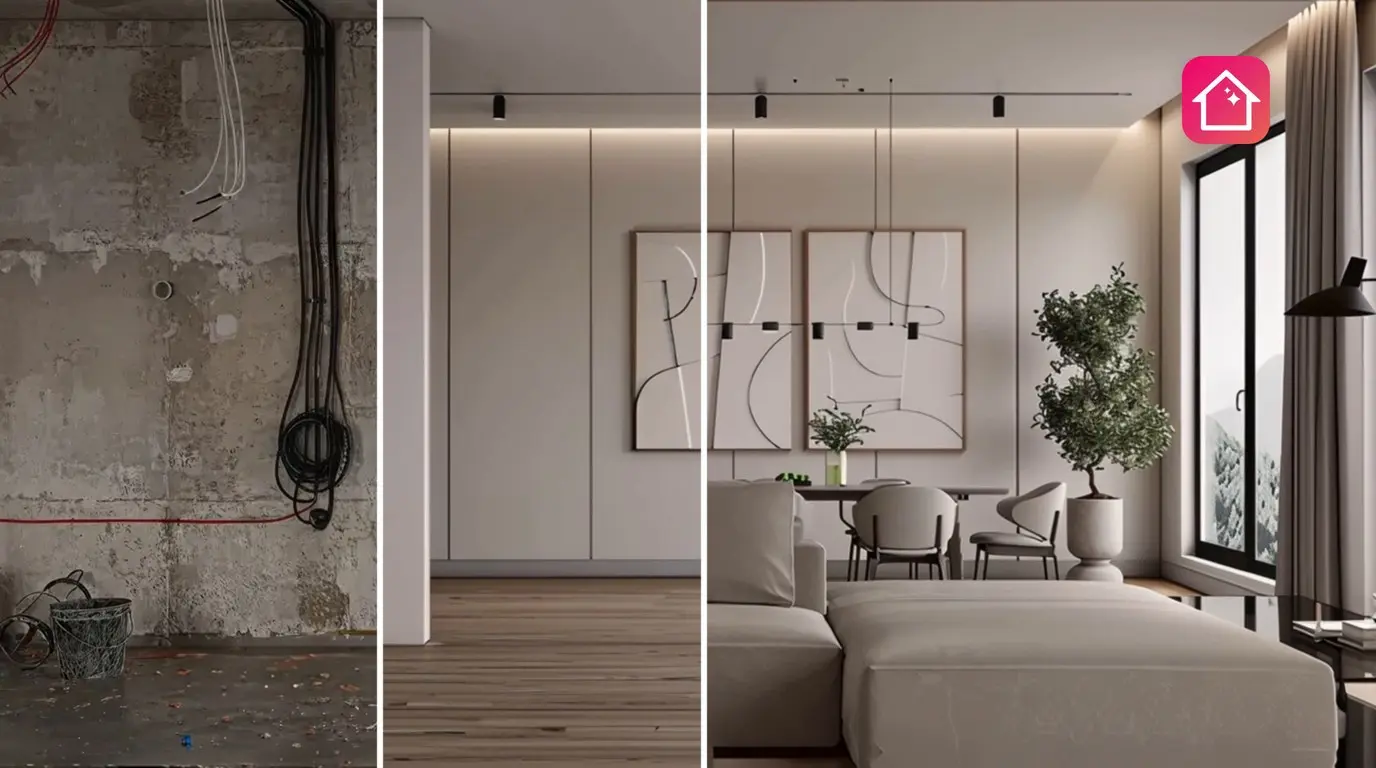
Plan from real measurements with Laser measure
Home Planner is designed to work with selected laser distance meters, so each reading goes straight into your floor plan and you do not type it again.
 Home Planner·October 31, 2026
Keep every stage of your renovation with Renovation Diary
Renovation Diary in Home Planner keeps every stage in one timeline, with photos, short notes and the date of each step.
 Home Planner·October 28, 2026
Home Planner CRM API Reference
Endpoints, authentication, webhook delivery and the project record of the Home Planner CRM API used by Zapier, Make and your own server.
 Home Planner·October 23, 2026
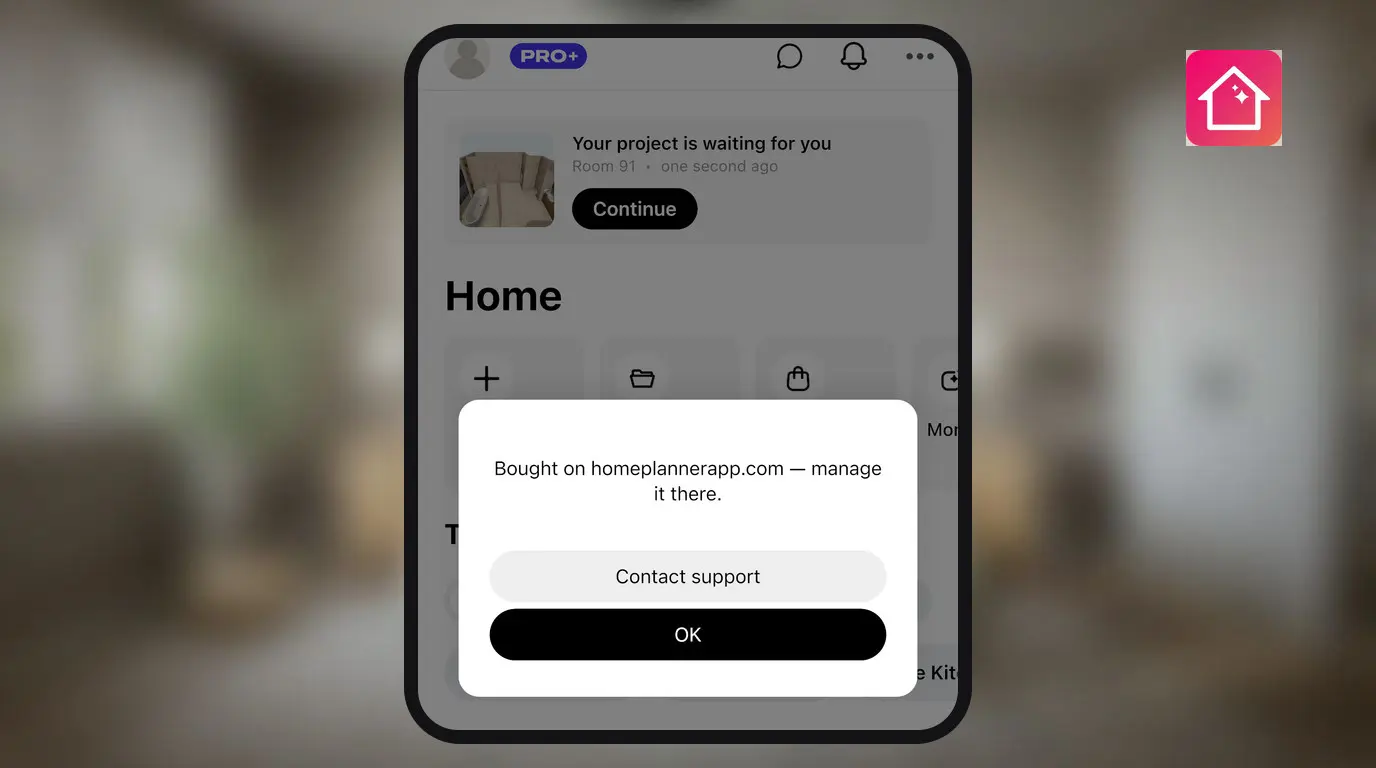
How to Cancel Your Home Planner PRO Subscription
Cancel Home Planner PRO in the store where you bought it — the App Store, Google Play, Steam, the Microsoft Store or homeplannerapp.com. PRO stays active until the end of the paid period.
 Home Planner·October 23, 2026
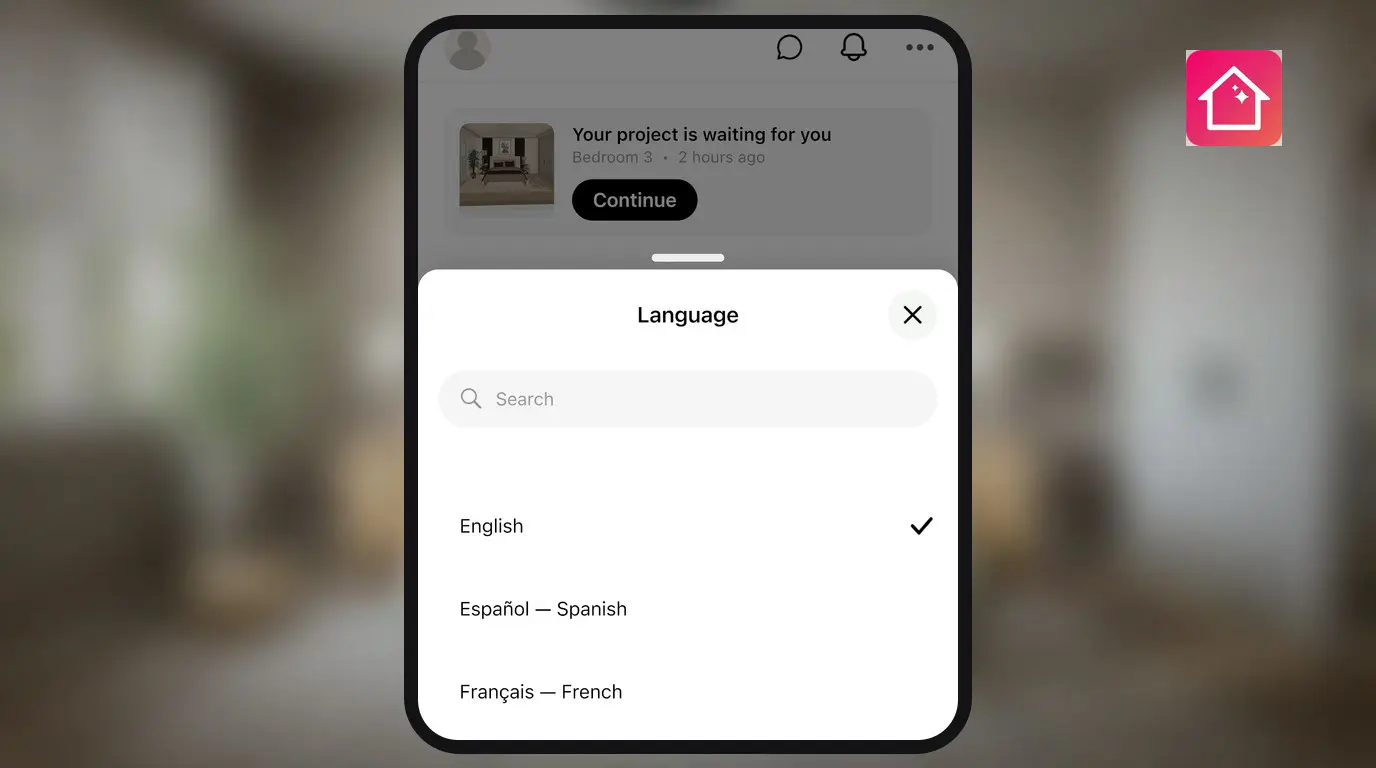
How to Change the App Language in Home Planner
Home Planner's interface works in 30 languages. On Android you change the language inside the app; on iPhone, iPad, Mac and Windows you change it in the system settings. Here is where each setting lives and when the system asks for a restart.
 Home Planner·October 23, 2026
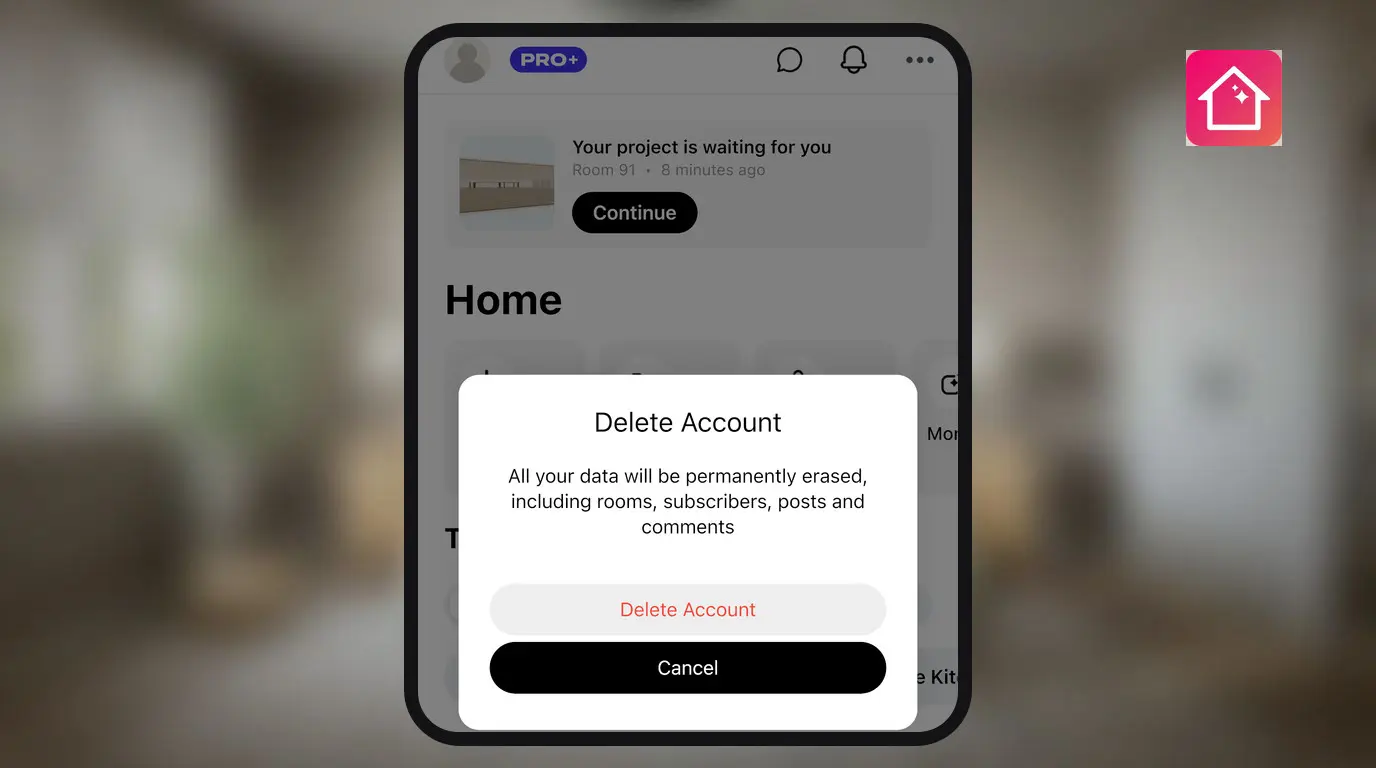
How to Delete Your Home Planner Account
Delete your Home Planner account in the app or on homeplannerapp.com. Cancel a store subscription first: deleting the account does not stop store billing.
 Home Planner·October 22, 2026
Home Planner App Login: How to Sign In and Find Your Account
Home Planner app login without a password: sign in with Google, Apple, Facebook or an email link, find the account you used before and see your synced designs.
 Home Planner·October 22, 2026
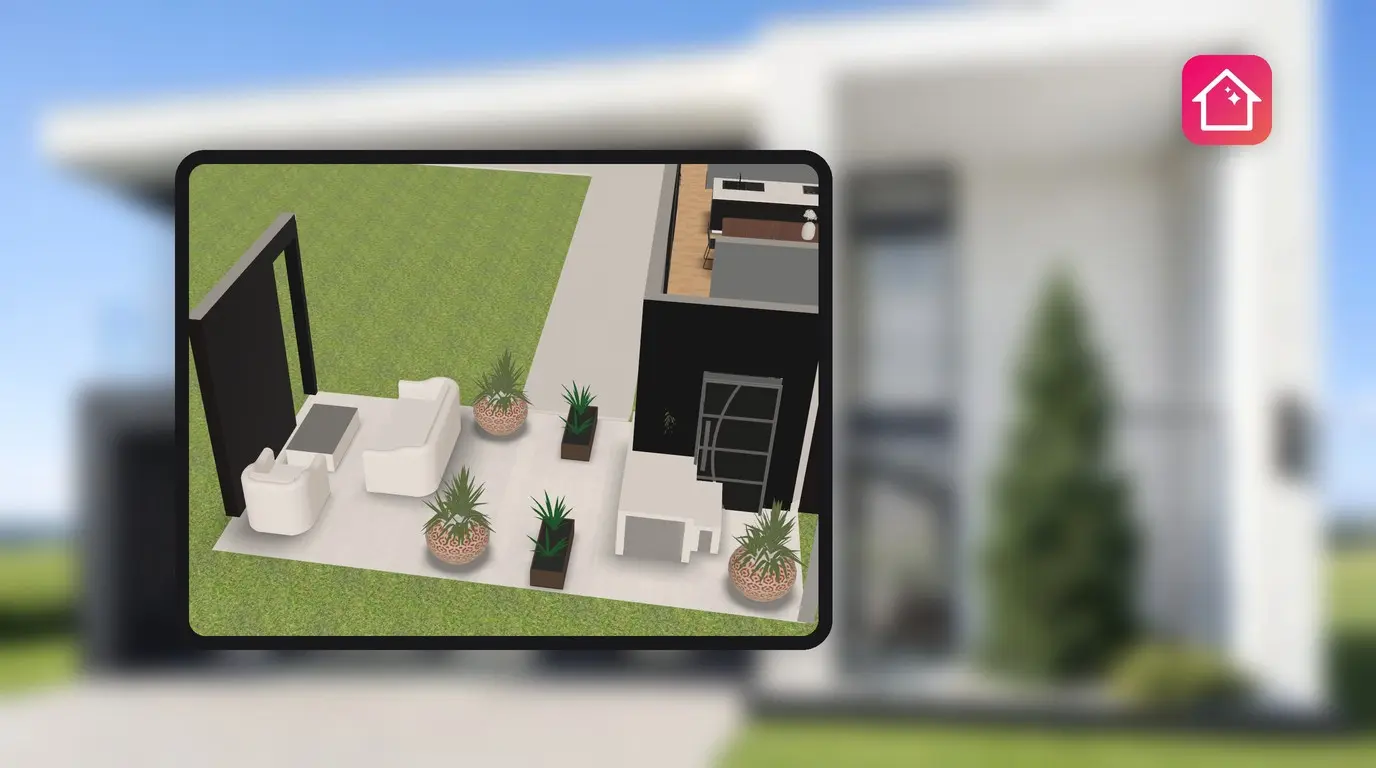
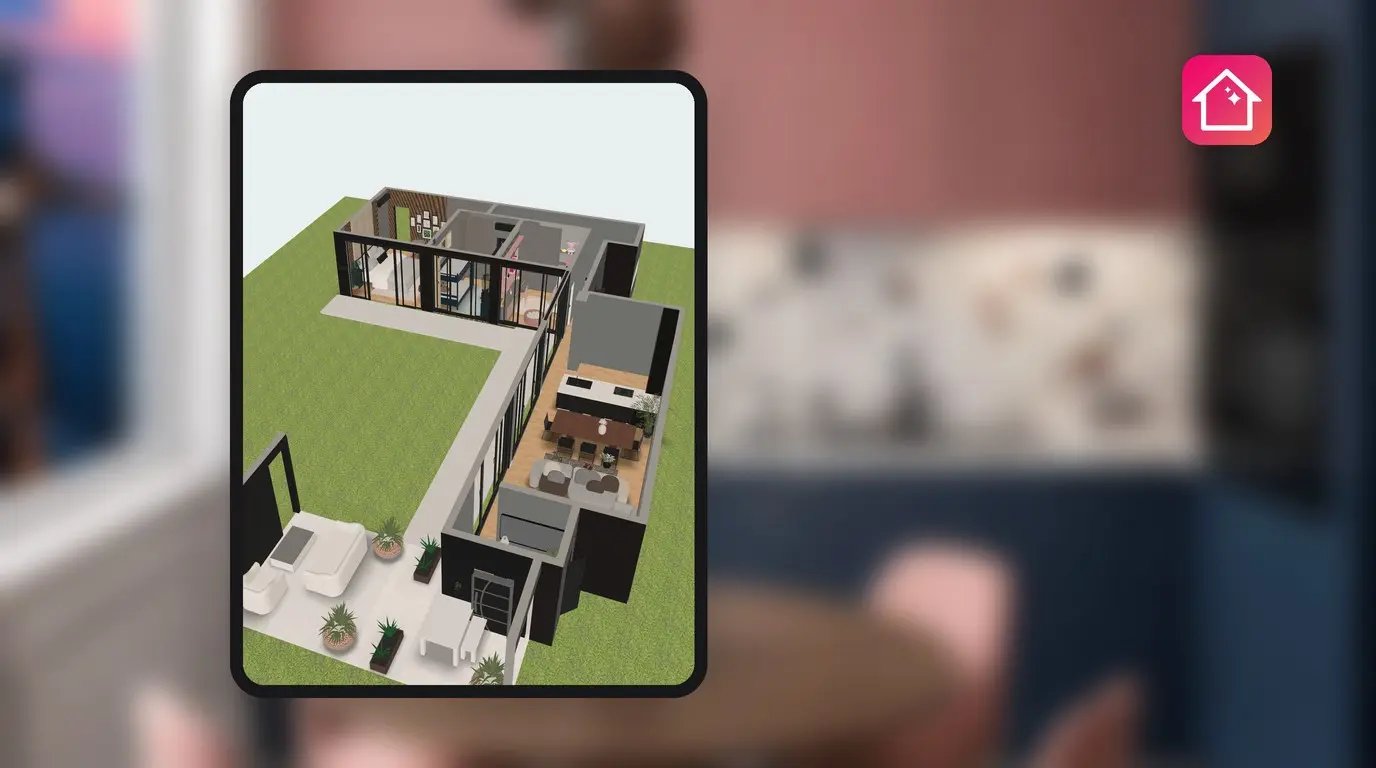
How to Design a Patio Layout and Backyard in 3D
Draw your patio or backyard to scale in Home Planner, set the type Yard or Patio, split it into zones with their own floor and add open passages.
 Home Planner·October 22, 2026
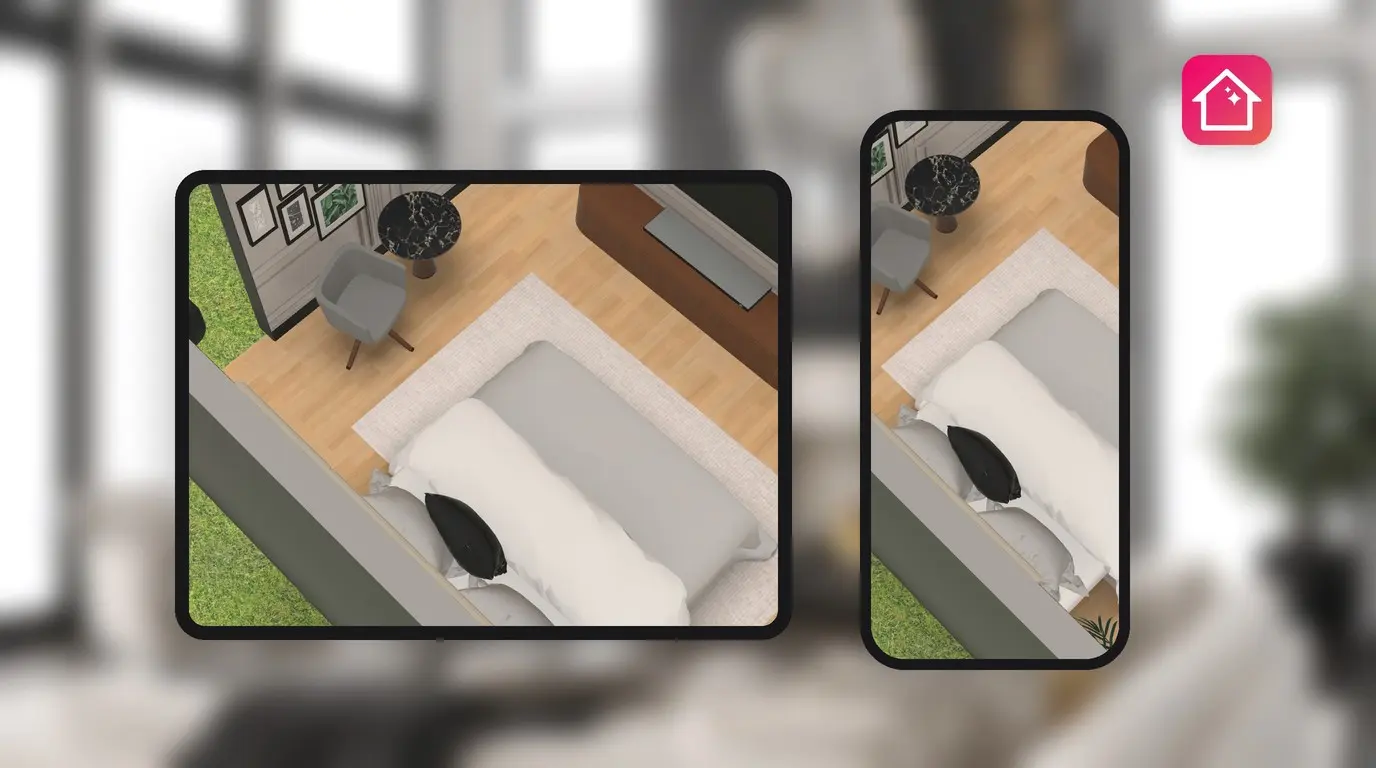
How to Keep Home Planner Fast on Big Projects
Home Planner slow on a big project? Split it into separate designs, see when the large-project warning appears and what the graphics settings change.
 Home Planner·October 22, 2026
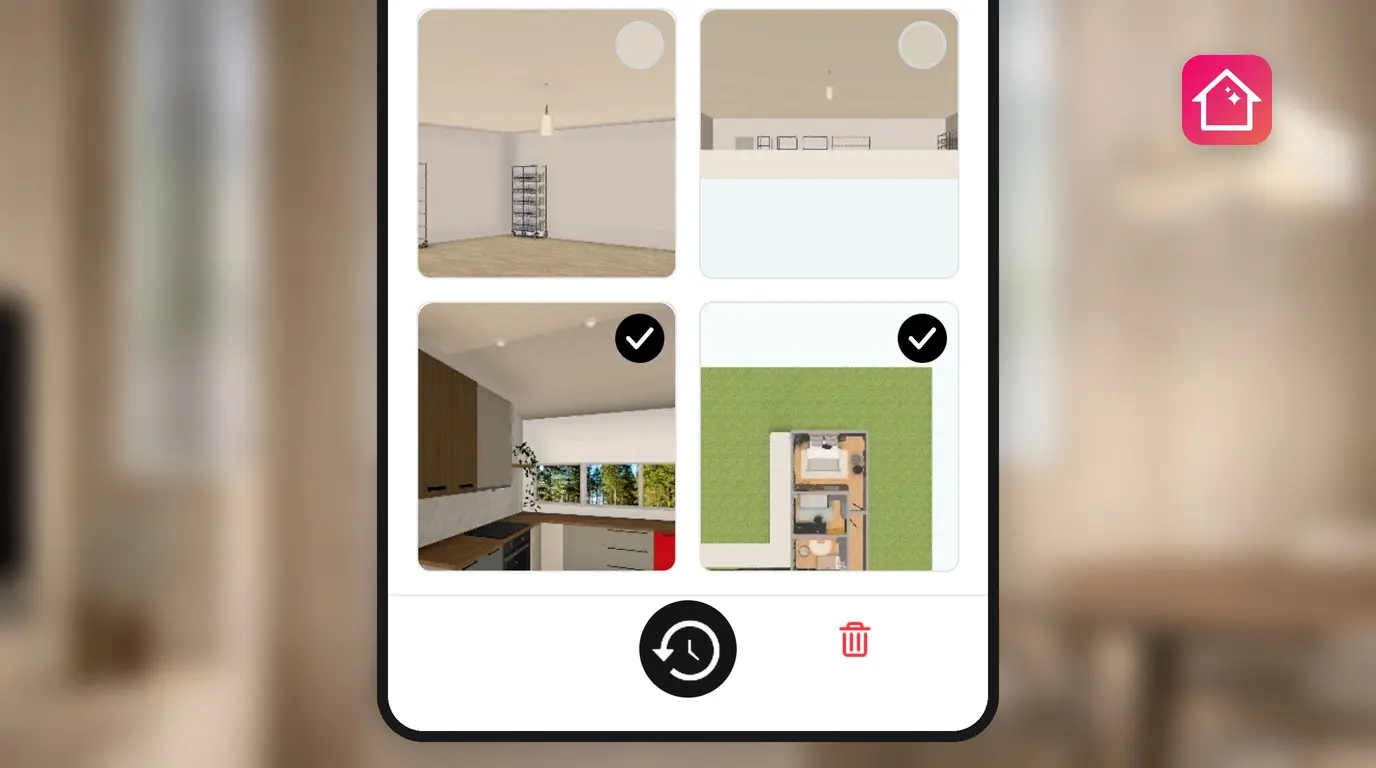
How to Move Your Designs to a New Phone, Tablet or Computer
Got a new phone, tablet or computer? Move your Home Planner designs with cloud sync: one account, a paid plan and Sync now on the old device.
 Home Planner·October 22, 2026
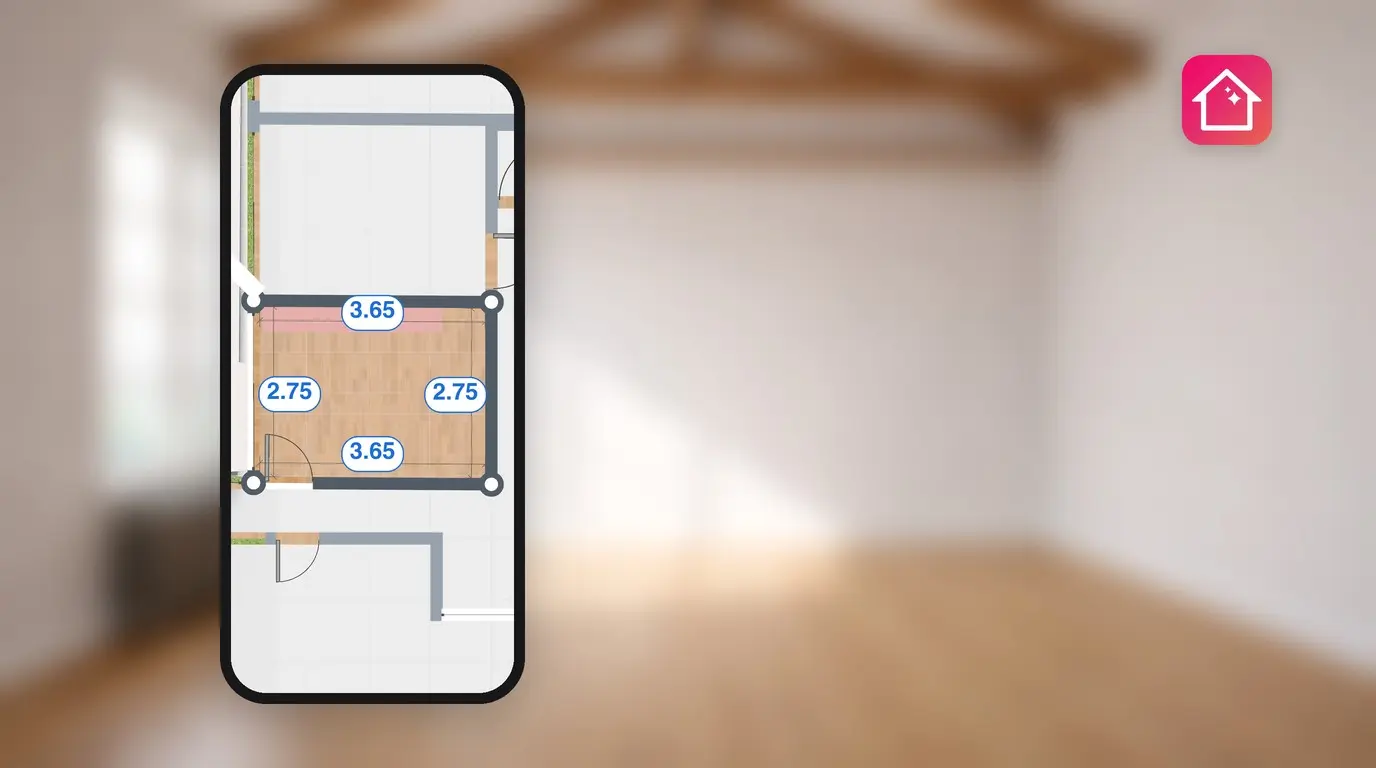
How to Restore a Deleted Design in Home Planner
Deleted a design by mistake? Home Planner keeps it in Recently deleted for 14 days. How to restore it, what the plan limit changes and what to do after 14 days.
 Home Planner·October 22, 2026
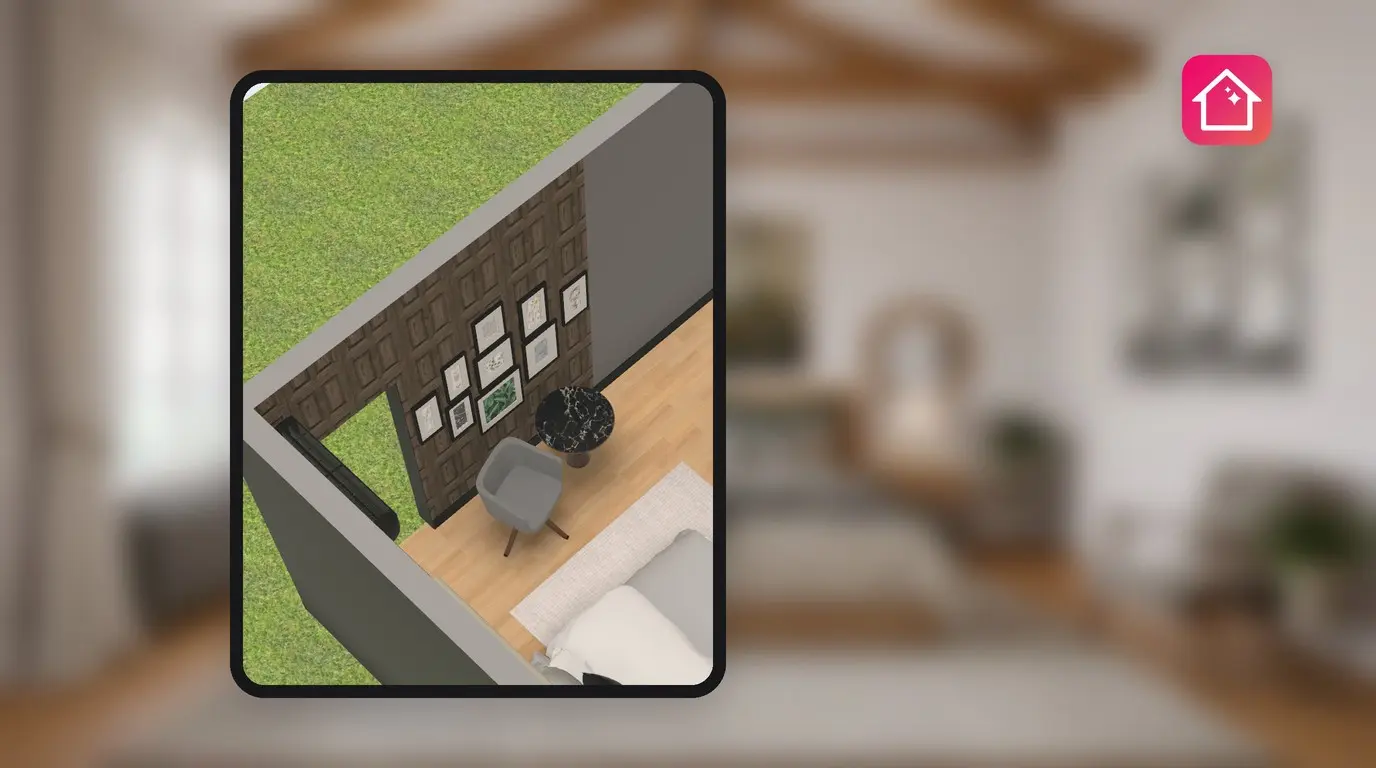
Room Planner to Scale: Set the Plan Scale and Exact Wall Lengths
Draw your room to scale in Home Planner: set the plan scale from one measured wall, type exact wall lengths with PRO and resize a room.
 Home Planner·October 22, 2026
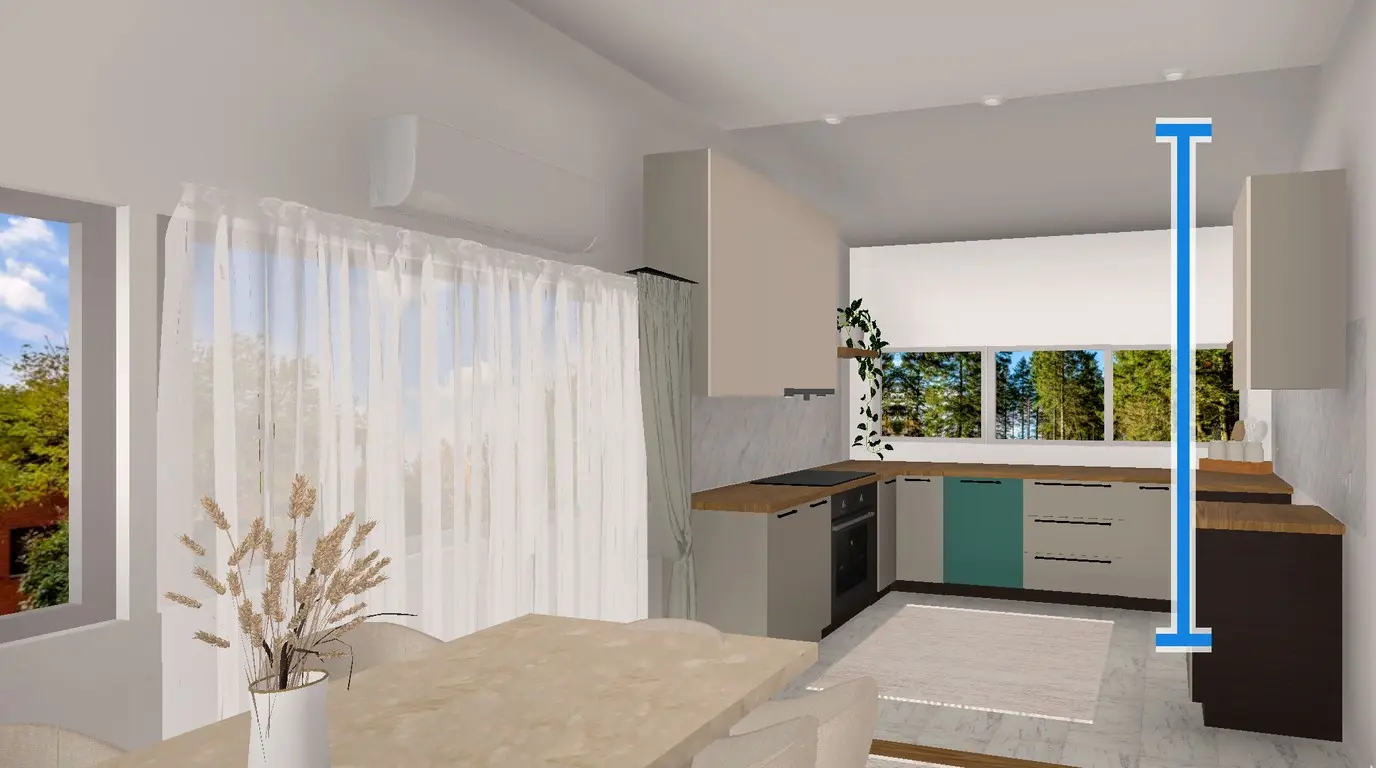
Wall Panel Visualizer: Try Panels, Wall Materials and Floors in 3D
Try wall panels, wallpaper, bricks and floors on your own room in Home Planner, use a photo of a sample as a material and set the exact height of a shelf on a wall.
 Home Planner·October 18, 2026
How to Change Ceiling Height in Home Planner
Change ceiling height in Home Planner for free: open Room Size, type the height, and every room on the level changes. You can also change the height of one wall.
 Home Planner·October 18, 2026
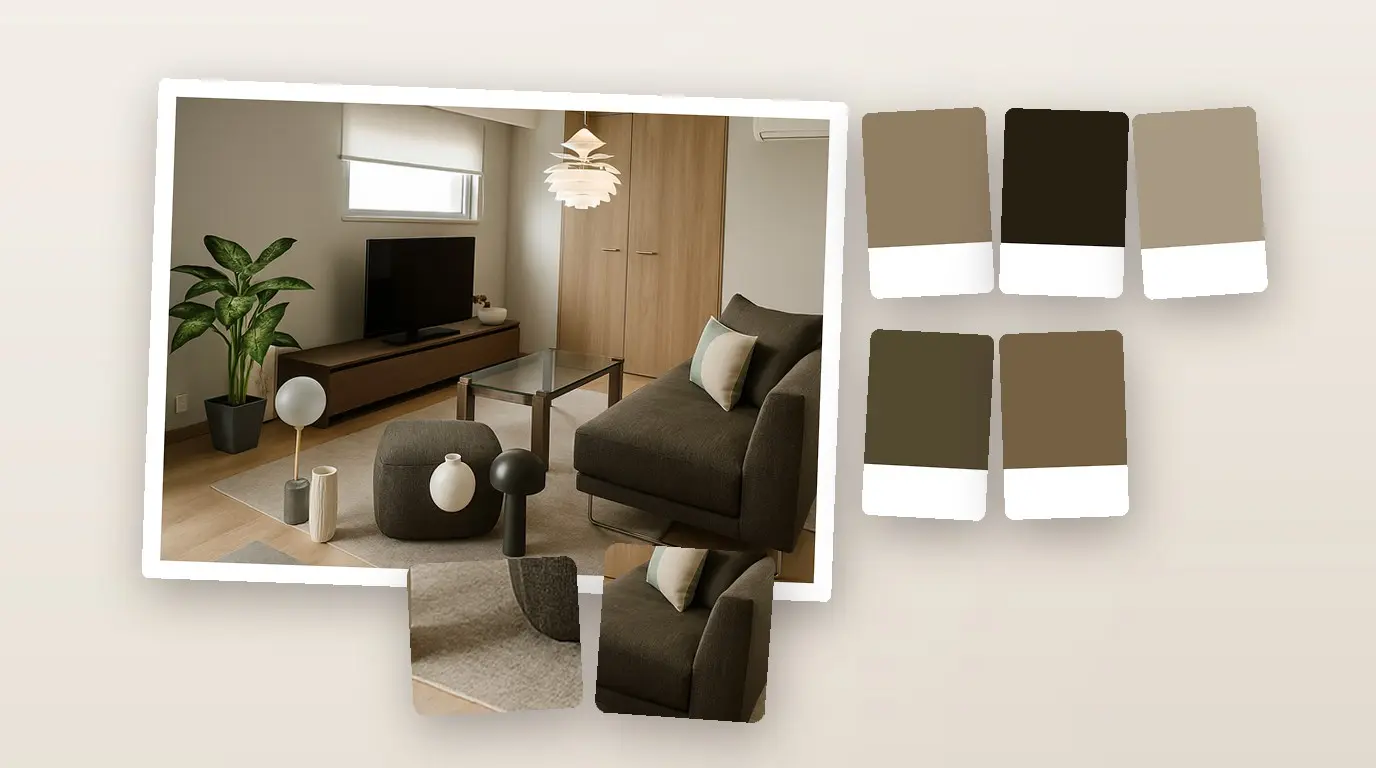
How to Make a Mood Board for Interior Design with AI
How to make a mood board for interior design from your project: the real furniture, decor and palette of a room, exported as a realistic AI image for your client.
 Home Planner·October 17, 2026
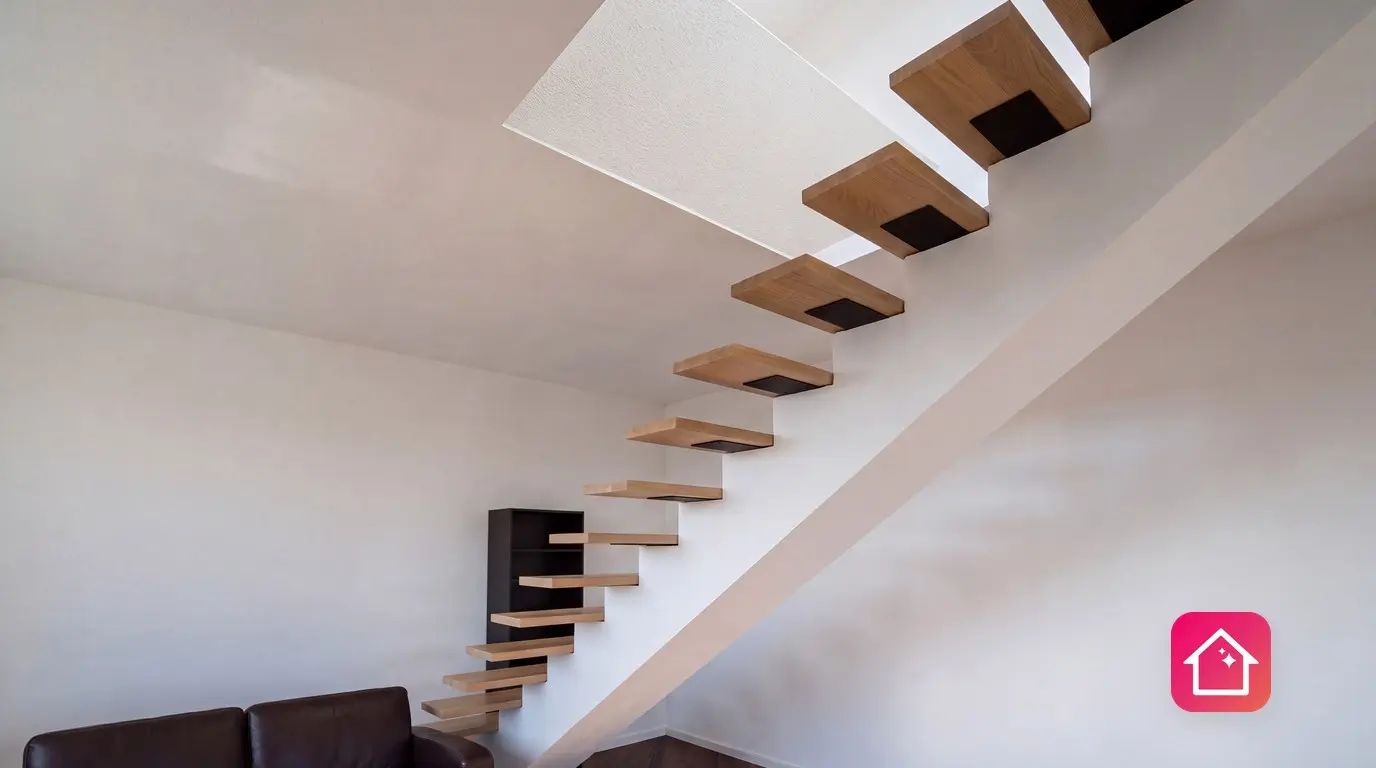
How to Make a 2-Story Floor Plan with Stairs
Make a 2-story floor plan in Home Planner: add a second floor, place stairs, cut a stair opening and walk up between floors in 3D.
 Home Planner·October 17, 2026
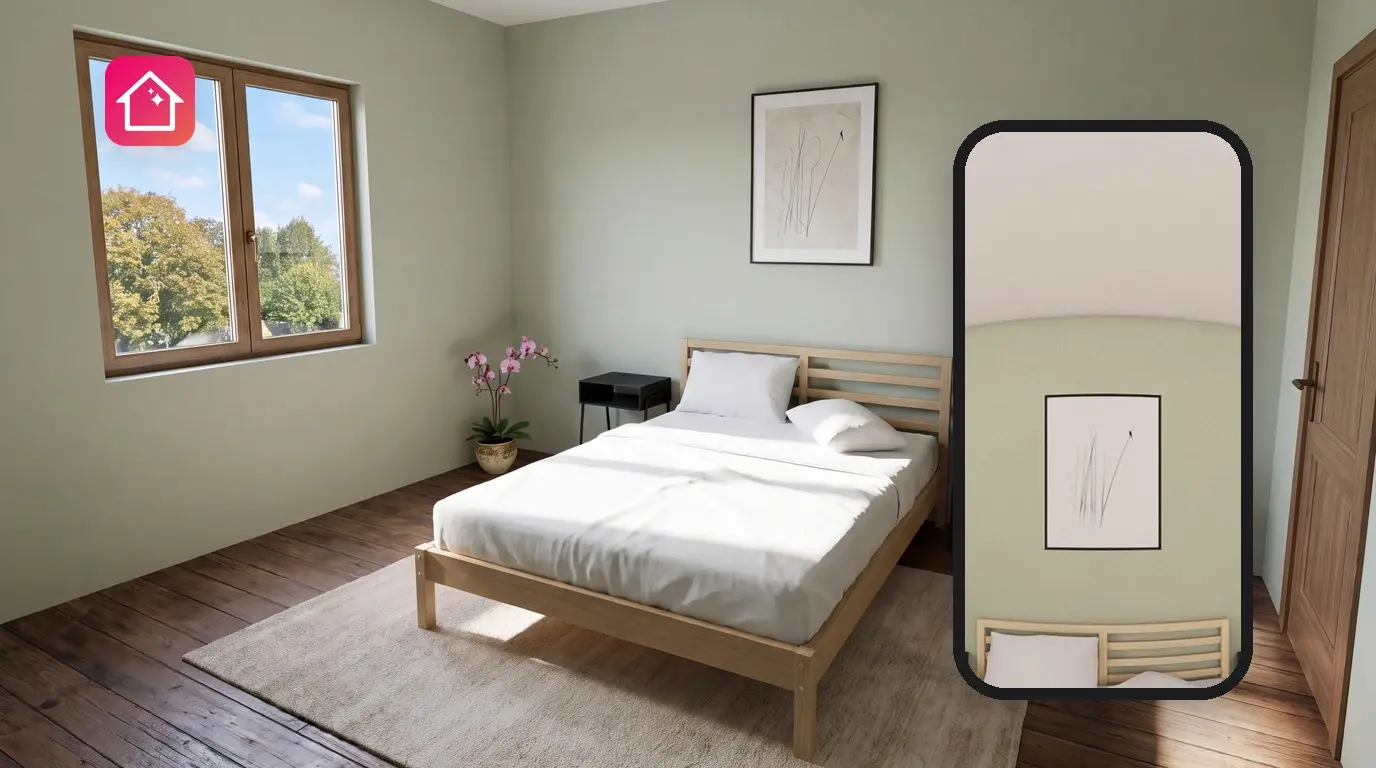
How to Make a 3D Render of a Room
Turn your 3D room design into a realistic render in HD, Full HD or 4K, choose the light, and share the photo.
 Home Planner·October 17, 2026
How to Add Custom Furniture 3D Models to a Floor Plan
How to add furniture to a floor plan when the catalog does not have it: import your own 3D model or a photo into Home Planner and place it in your room.
 Home Planner·October 17, 2026
How to Use ChatGPT for Interior Design and Room Layout
How to use ChatGPT for interior design: prompts that work, the AI interior designer inside Home Planner, and how to turn AI ideas into a real room layout.
 Home Planner·October 17, 2026
How to Draw Walls on a Floor Plan: Angled, Curved and Thick Walls
Draw a wall at any angle, add a corner to an existing wall, build a curved wall from short walls, change wall thickness and add a sloped attic ceiling in Home Planner. Drawing walls is free.
 Home Planner·October 17, 2026
How to Find Furniture from a Picture and Try It in Your Room
Find furniture from a picture with Home Planner: take a photo, get similar 3D models from the catalog, see them in your room in 3D and find them in stores.
 Home Planner·October 17, 2026
How to Make a Floor Plan PDF with Measurements & Elevations
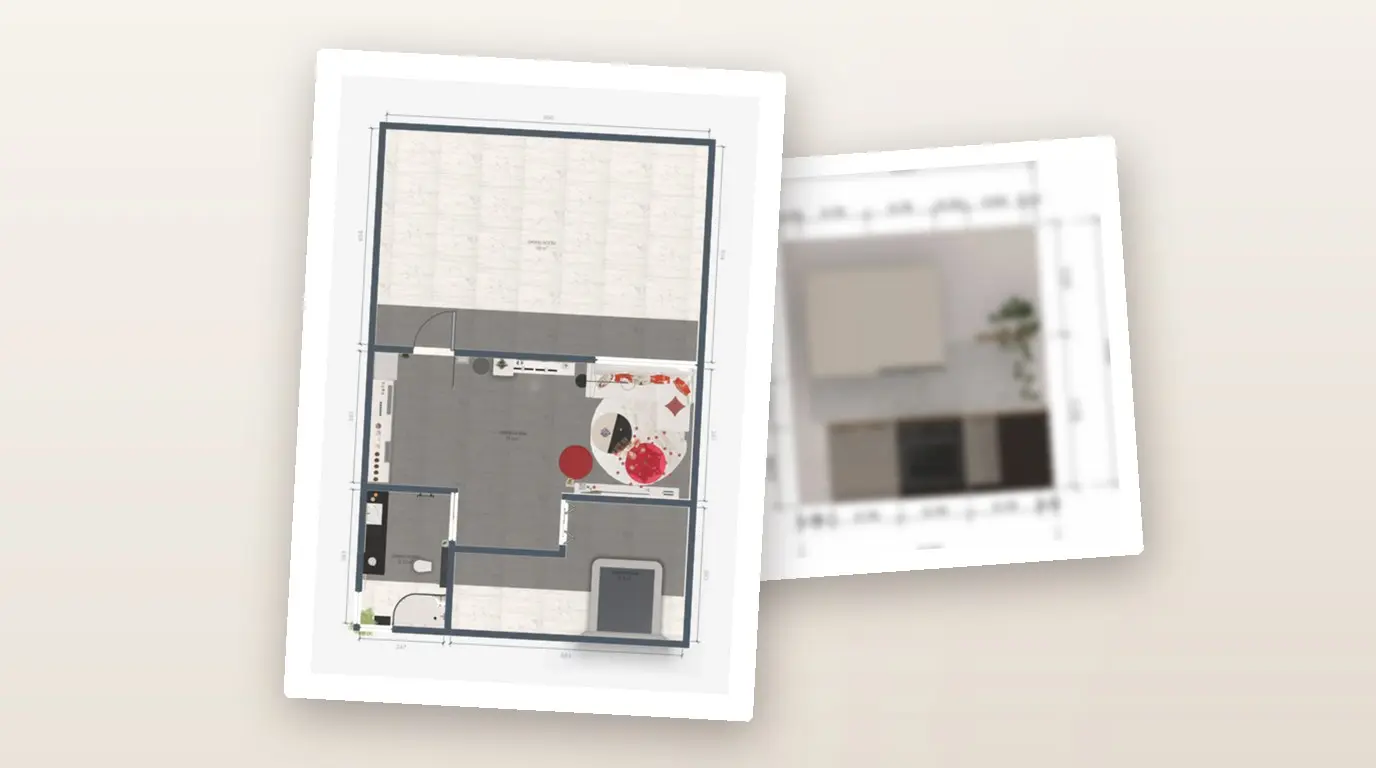
Make a floor plan PDF with measurements in Home Planner: colored plans, room statistics, wall elevations for kitchens and bathrooms, and a shopping list.
 Home Planner·October 17, 2026
How to Convert a 2D Floor Plan to 3D from a Photo or PDF
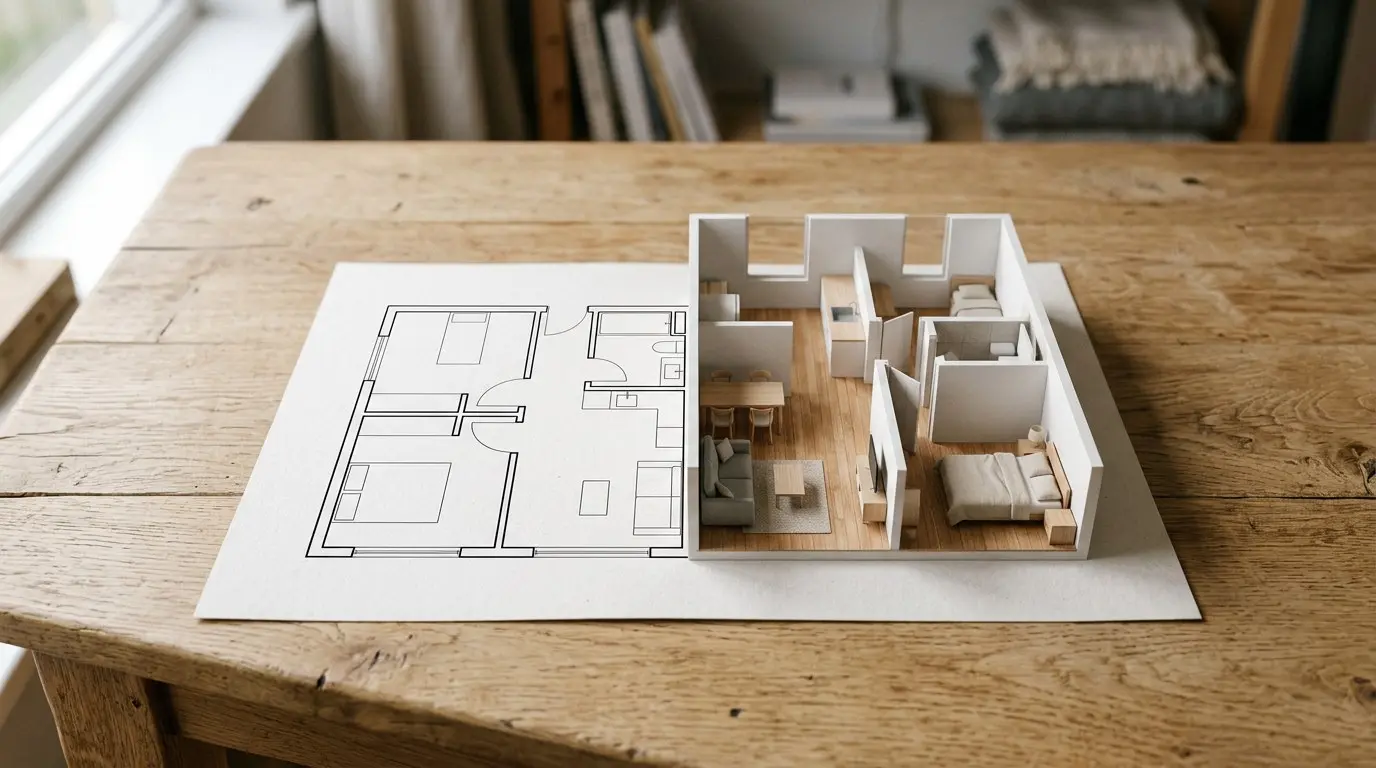
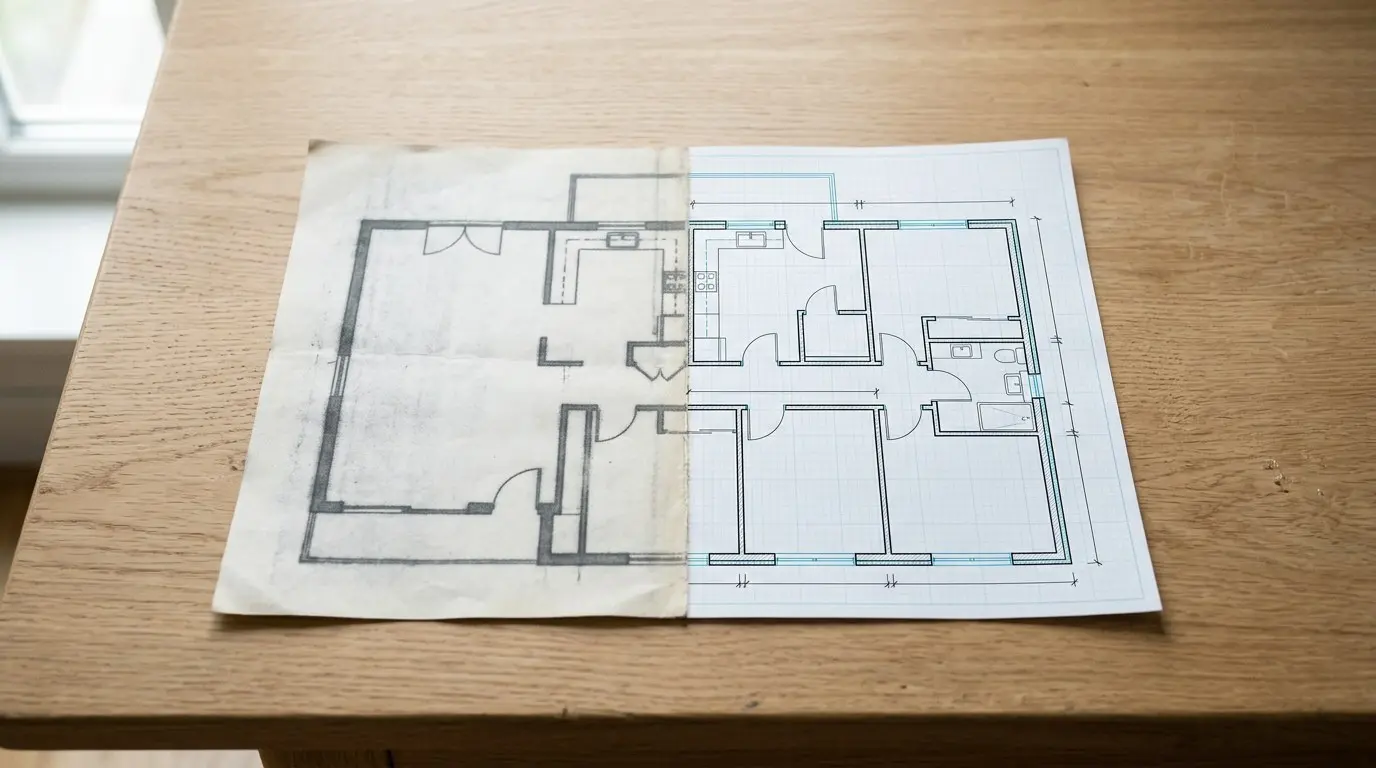
Convert a 2D floor plan to 3D in Home Planner: upload a photo, image or PDF, let automatic recognition build the walls, doors and rooms, then check the scale.
 Home Planner·October 17, 2026
How to Convert a PDF or Image Floor Plan to DWG
Upload a PDF or image floor plan to Home Planner, let it recognize the walls, and export a clean DWG or DXF drawing with layers, sizes and a sheet per floor.
 Home Planner·October 17, 2026
How to Design a Kitchen Layout Step by Step in 3D
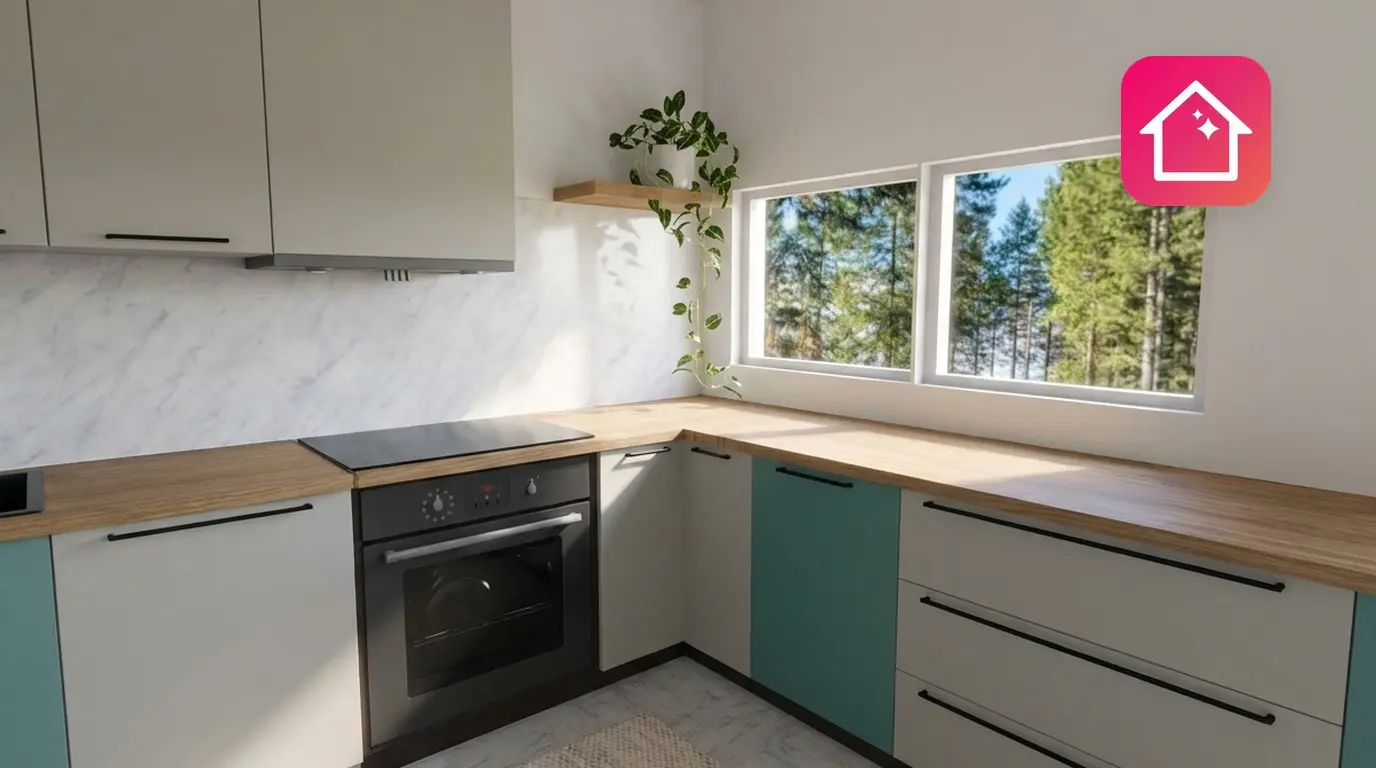
Plan a kitchen layout step by step in 3D: draw the room, place base and wall cabinets, add an island and appliances, and choose fronts and countertops.
 Home Planner·October 17, 2026
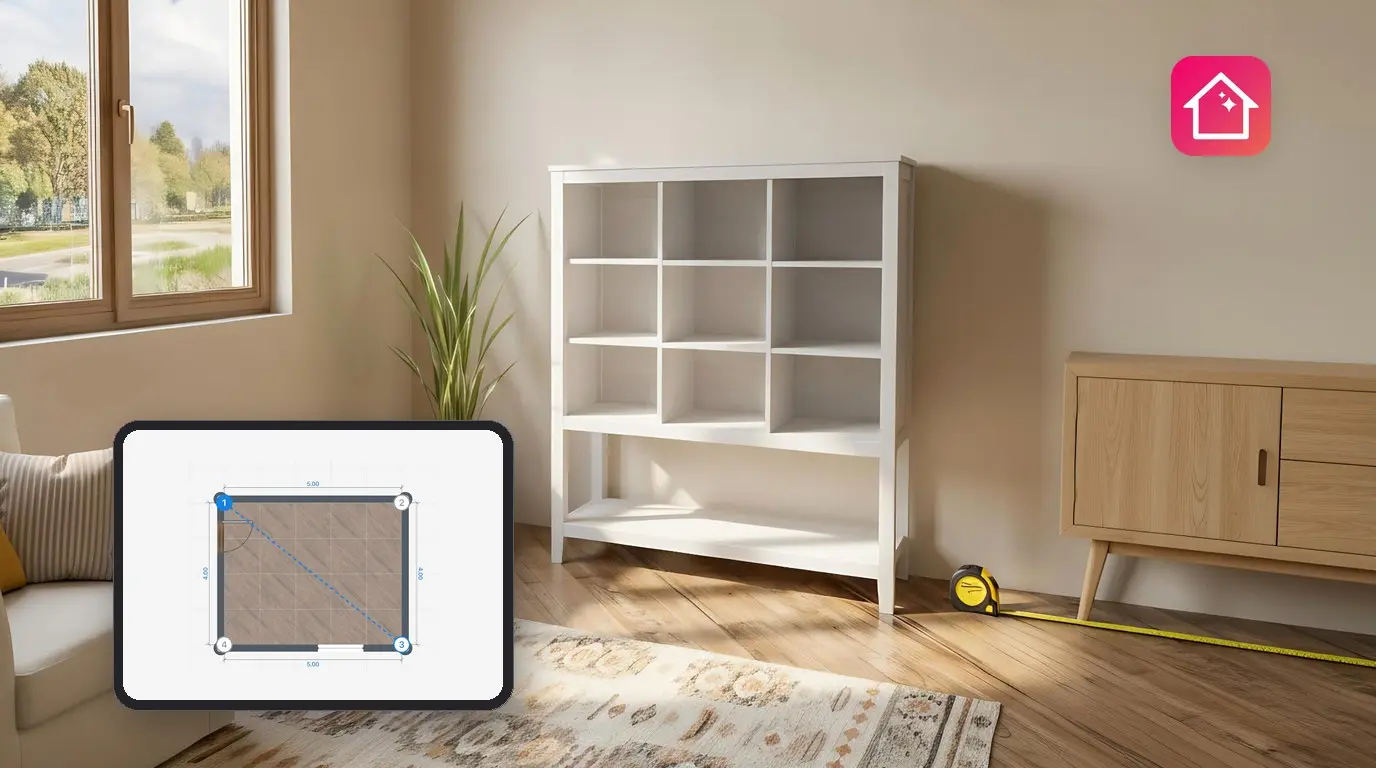
How to Measure a Room for a Floor Plan, Step by Step
How to measure a room for a floor plan: walls, ceiling height, doors, windows and diagonals, then enter them in Home Planner for a to-scale 2D and 3D plan.
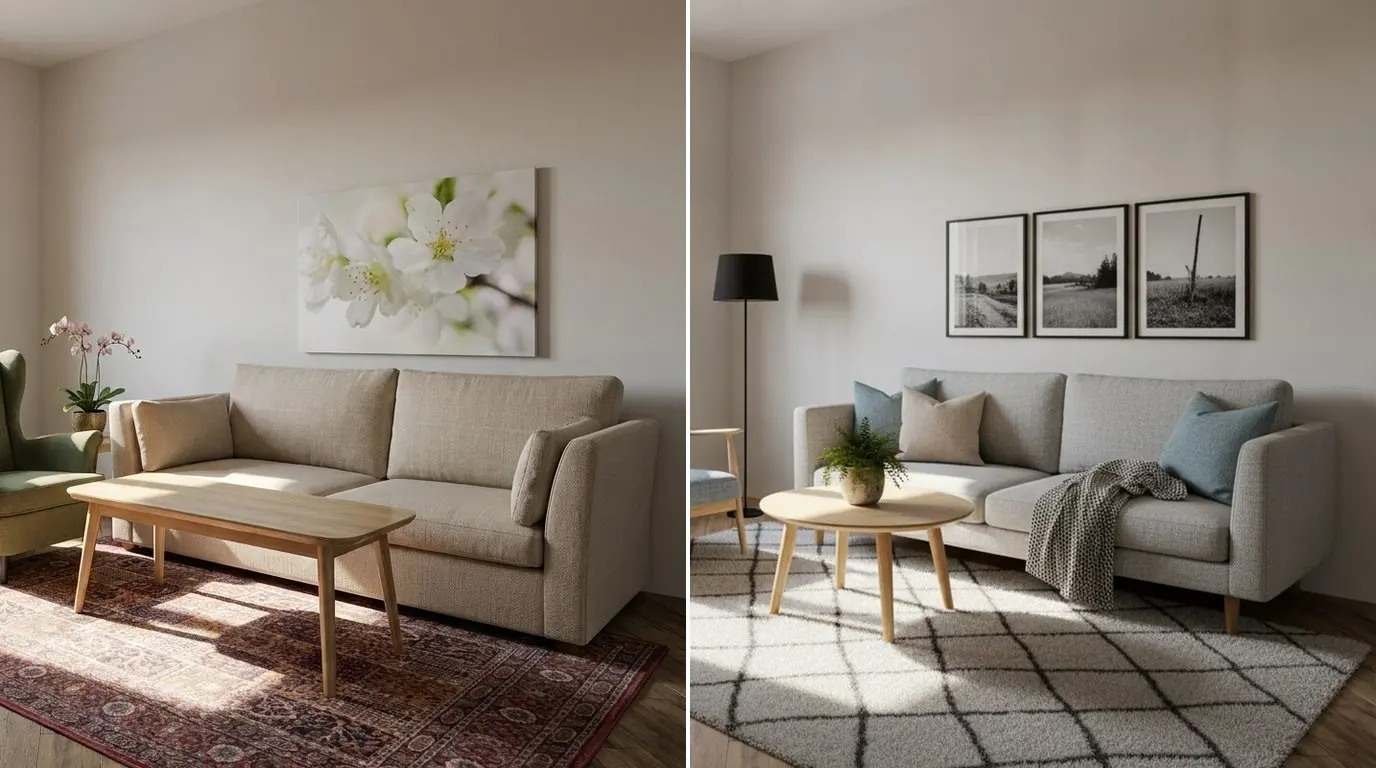 Home Planner·October 17, 2026
How to Redesign Your Room with AI from a Photo
Upload one photo of your room to Home Planner, choose a style or describe the change, and see a new interior for the same room. You can try it for free.
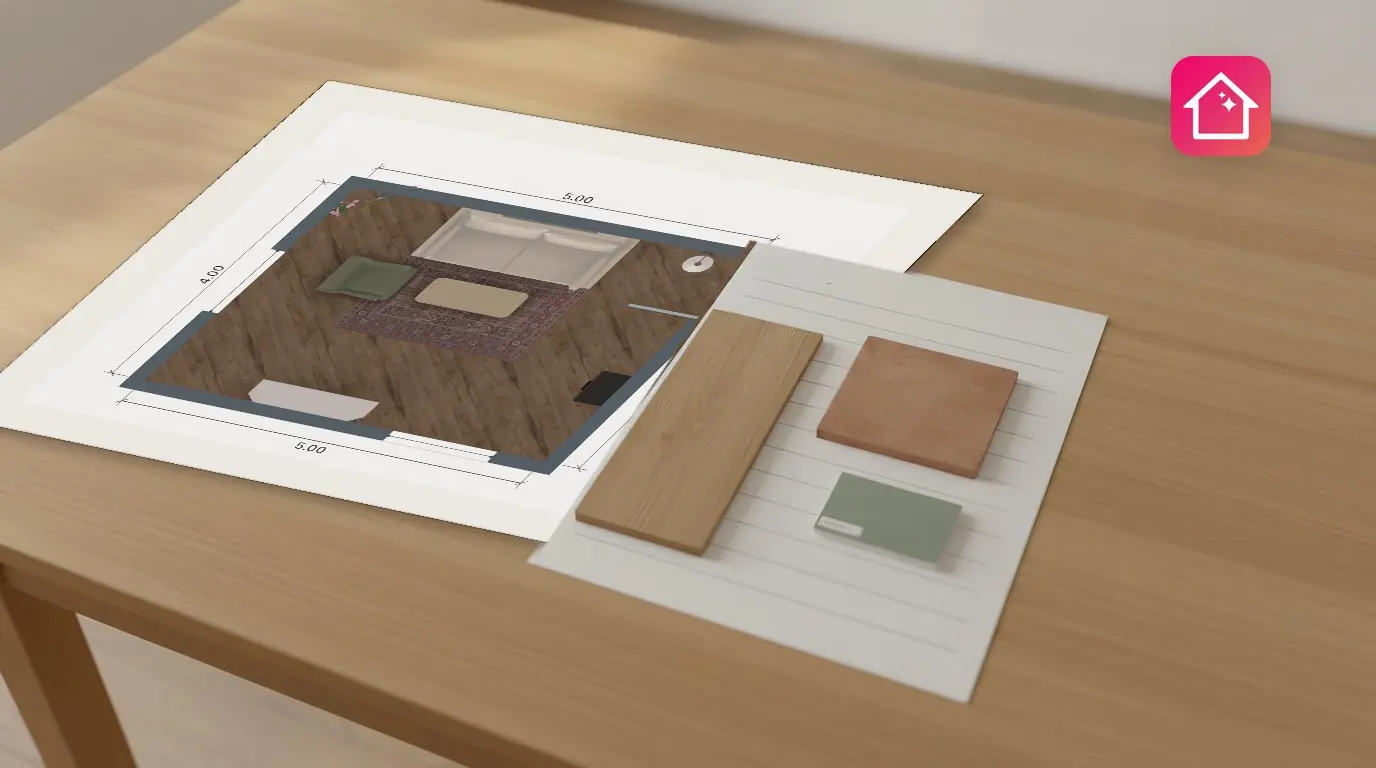 Home Planner·October 17, 2026
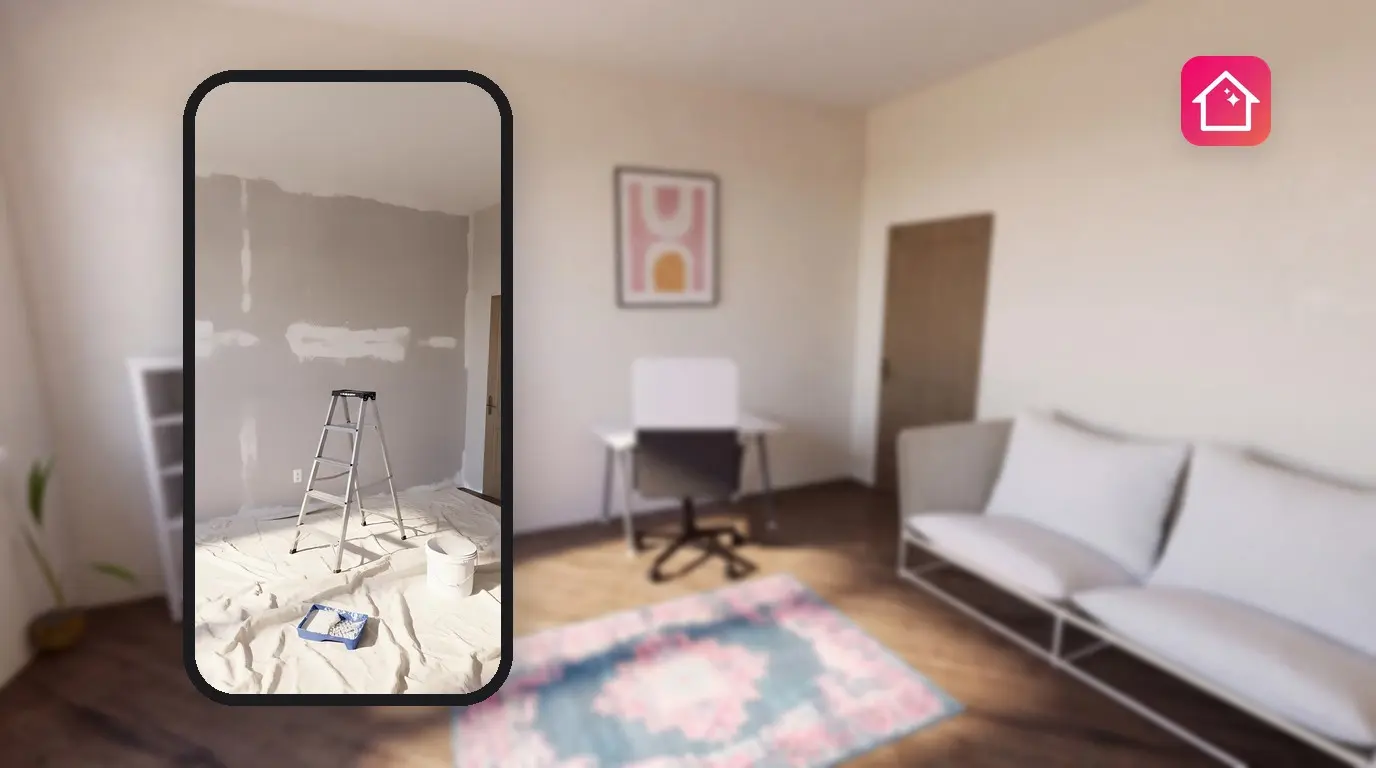
How to Estimate Renovation Costs from a Floor Plan
Estimate renovation costs from a floor plan: Home Planner measures the areas and prices furniture and finishes room by room. Export the lists as PDF.
 Home Planner·October 17, 2026
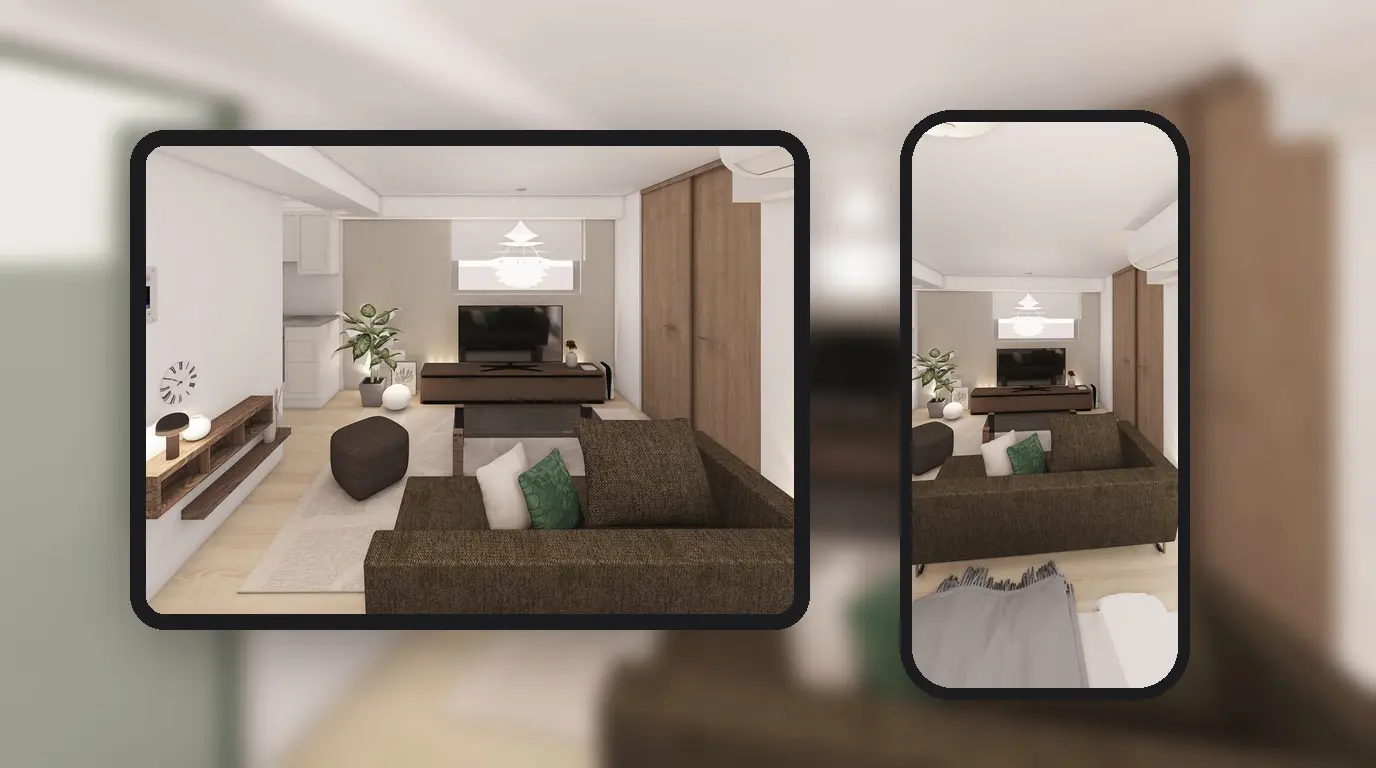
How to Keep a Home Renovation Diary, Before and After
Keep a free renovation diary in Home Planner: post before and after photos by stage, add notes and share your renovation journal.
 Home Planner·October 17, 2026
Collaborative Floor Plan: How to Share and Edit It Together
Send your 3D floor plan to family, a partner or a builder by link or e-mail, choose if they can only look or also edit, and change the plan together in real time. No subscription needed.
 Home Planner·October 17, 2026
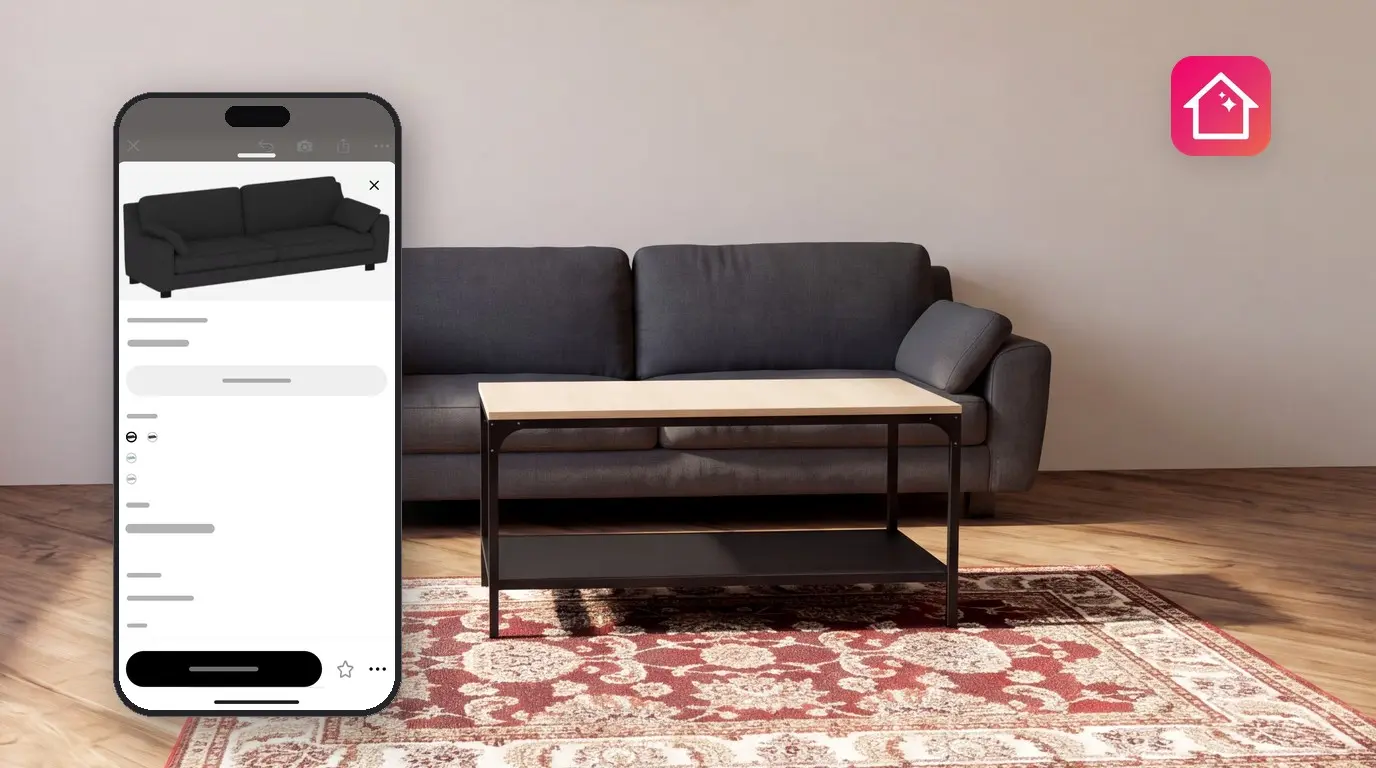
How to Visualize Furniture in Your Room Before You Buy
Visualize furniture in your room before you buy: place real brand products in a plan of your room, see them in 3D at real size, and get a shopping list with prices.
 Home Planner·October 14, 2026
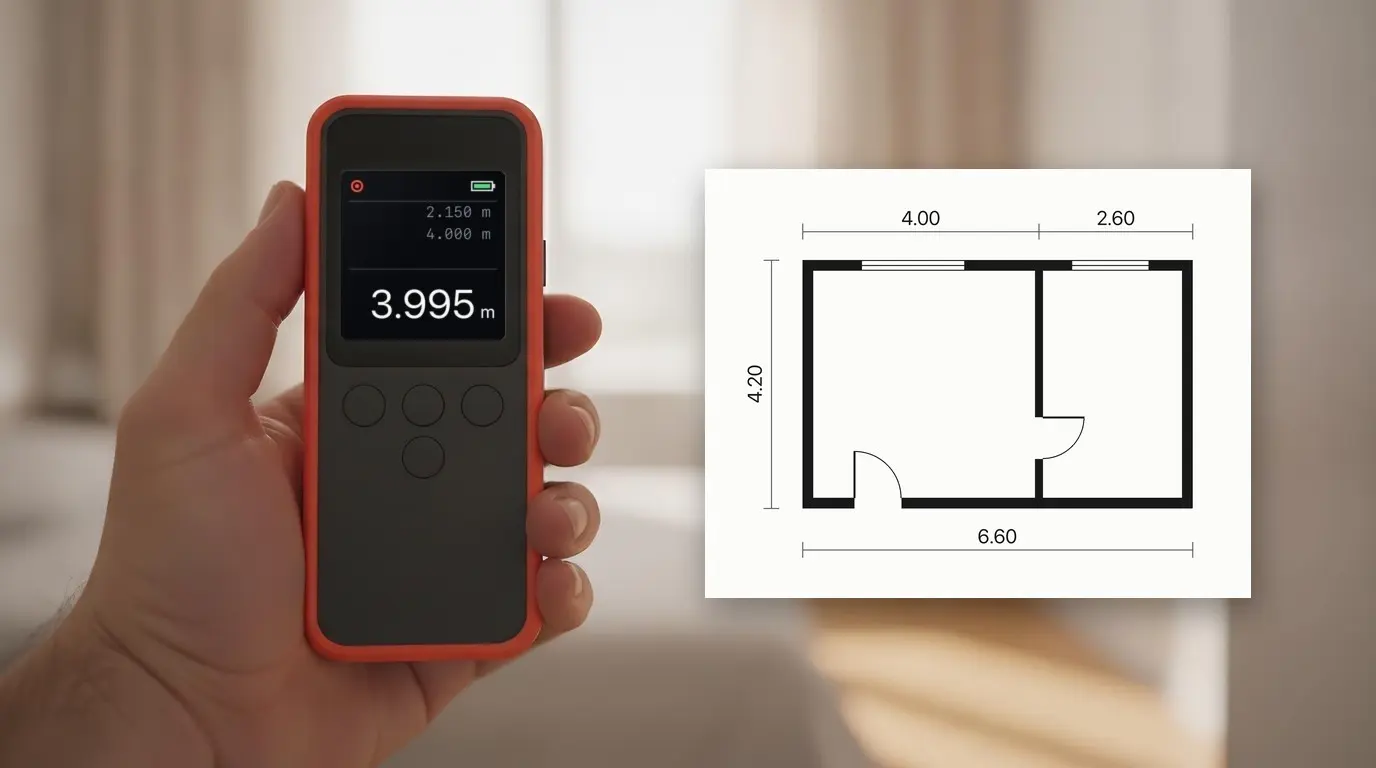
Laser Measure App: Connect Your Laser Meter to Home Planner
Connect a compatible laser distance meter — selected Bosch, Leica, Stanley, DEWALT and Mileseey models — to Home Planner and send each wall length into your floor plan.
Home Planner·October 13, 2026How to Send Projects from Home Planner to Your CRM
Connect HubSpot, Pipedrive, Bitrix24, Salesforce, Google Sheets or your own system, and send a project with rooms, products, prices and the floor plan in one step.
 Home Planner·July 21, 2026
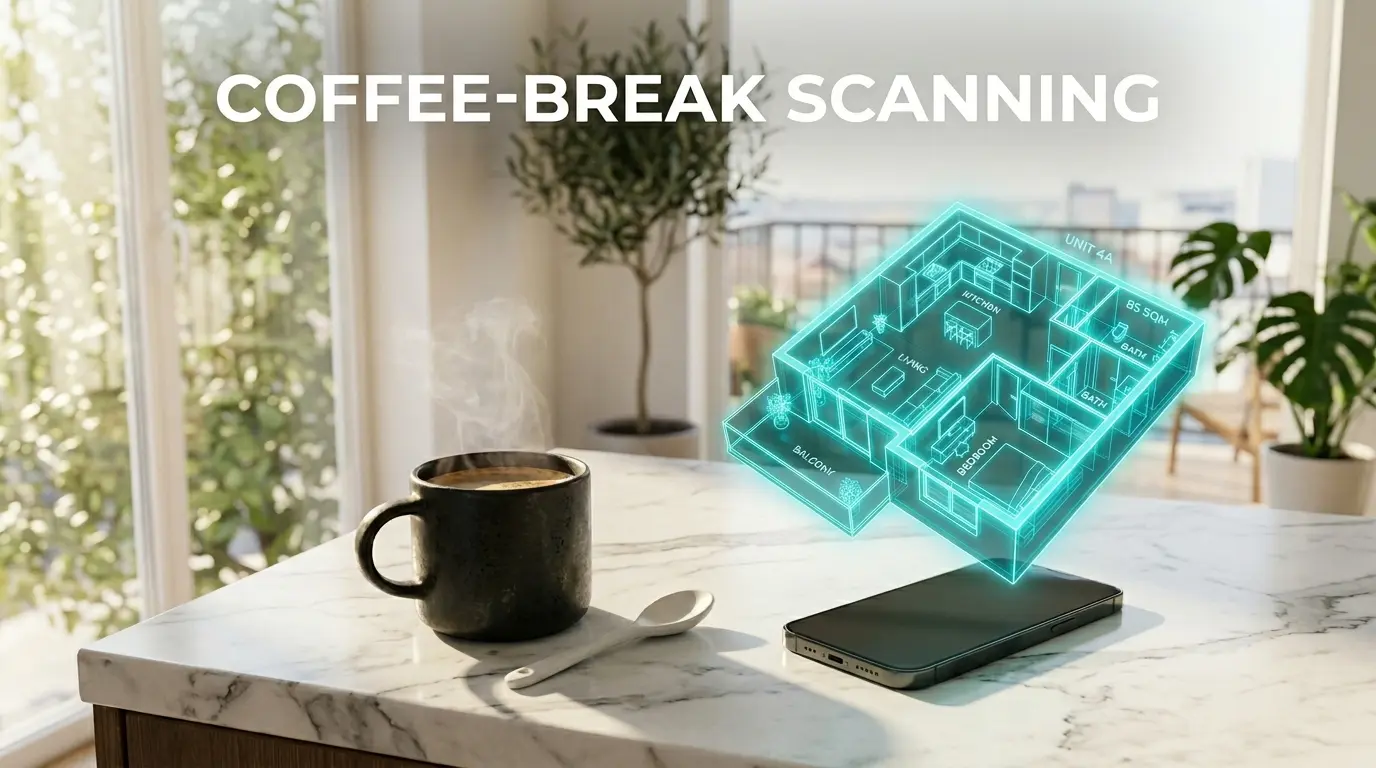
See your design in motion with AI Video
AI Video in Home Planner turns your 3D design into a 5-second video with smooth camera motion, such as Zoom In or Zoom Out.
 Milya·May 18, 2026
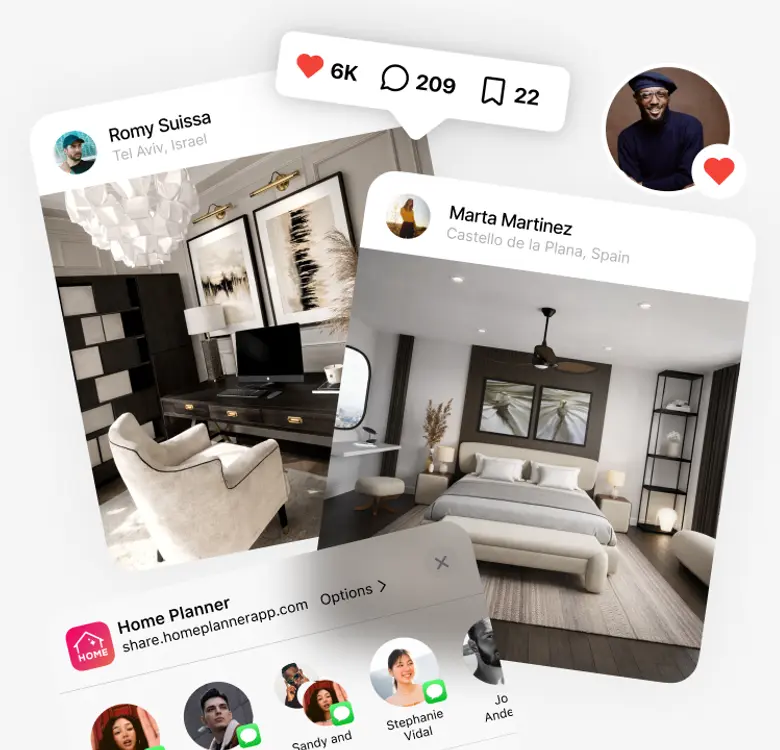
How to Create a Floor Plan on Your Phone: Step-by-Step (2026 Guide)
No more paper and pencils. Learn how to create professional 2D and 3D floor plans using only your smartphone and Home Planner's LiDAR technology.
 Home Planner·April 15, 2026
How to Boost Your Design Popularity in Home Planner
Learn how to level up in Home Planner! Discover expert design tips, master room lighting, get more likes, and grow your community standing.
 Milya·April 15, 2026
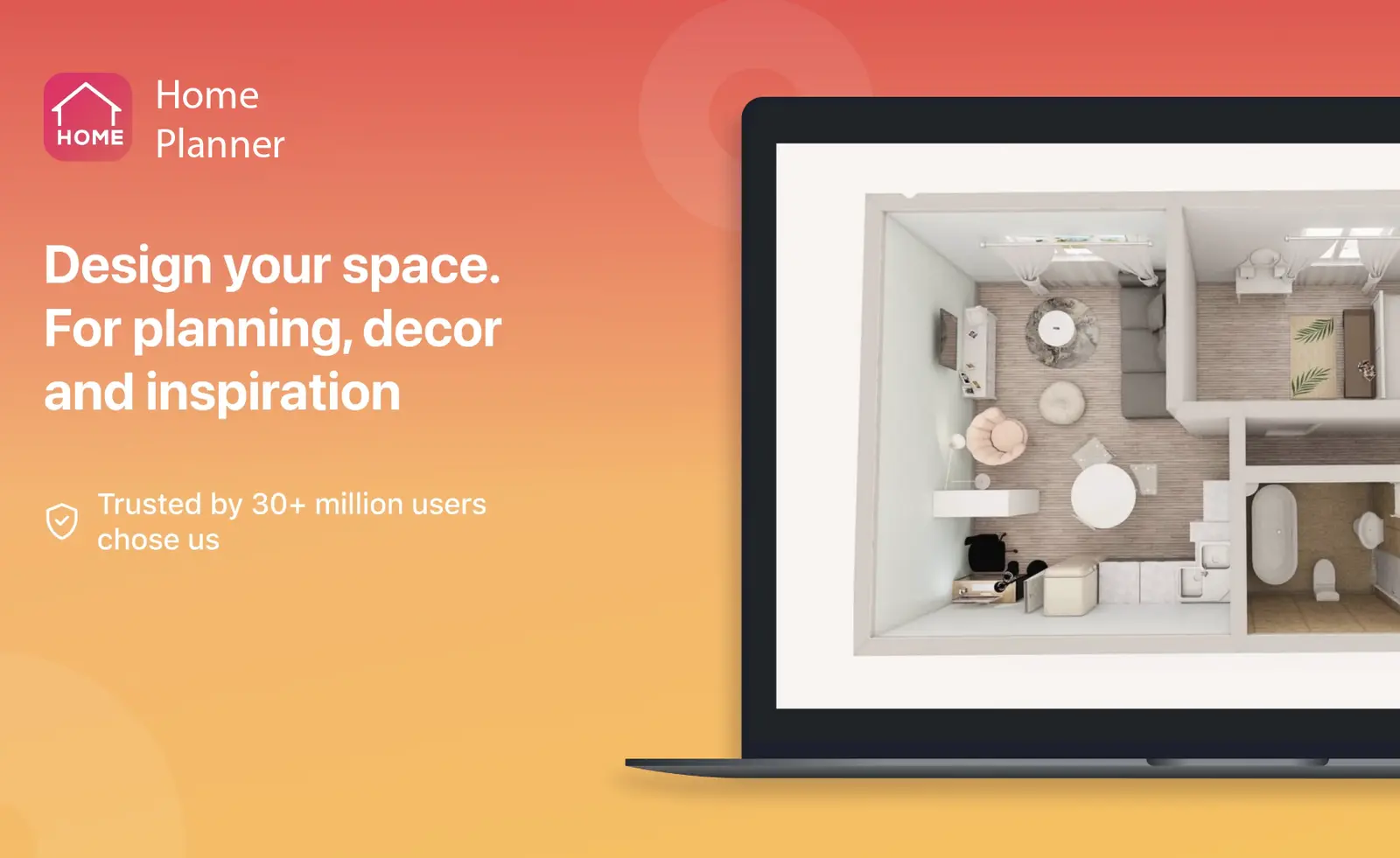
How to Measure a Room with Your Phone: AR and LiDAR Scan
Scan a room with your iPhone, iPad or Android phone and get its walls, doors and windows to scale in 3D. LiDAR makes it faster; AR works without it.
 Home Planner·March 18, 2026
Same App, Bigger Canvas: Designing with Home Planner on Desktop
Home Planner for Windows and macOS offers the same powerful features as the mobile version — but on a larger screen, with full mouse and keyboard navigation. No exclusive features. Just a better way to focus.
 Home Planner·July 15, 2025
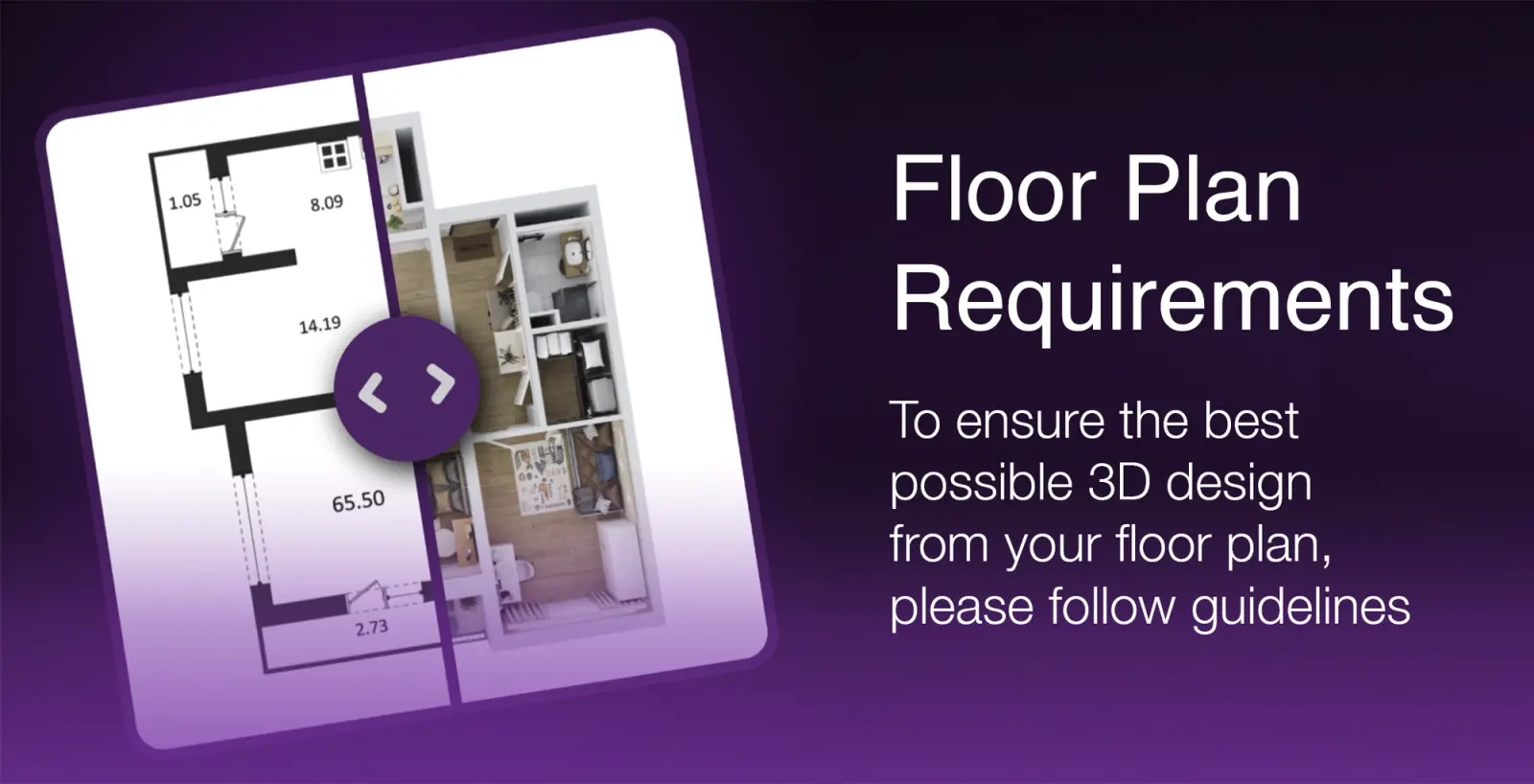
Upload Your Floor Plan and get 3D Design
By adhering to these requirements, you'll receive a more accurate and detailed 3D design based on your floor plan.

 Emily·July 2, 2025
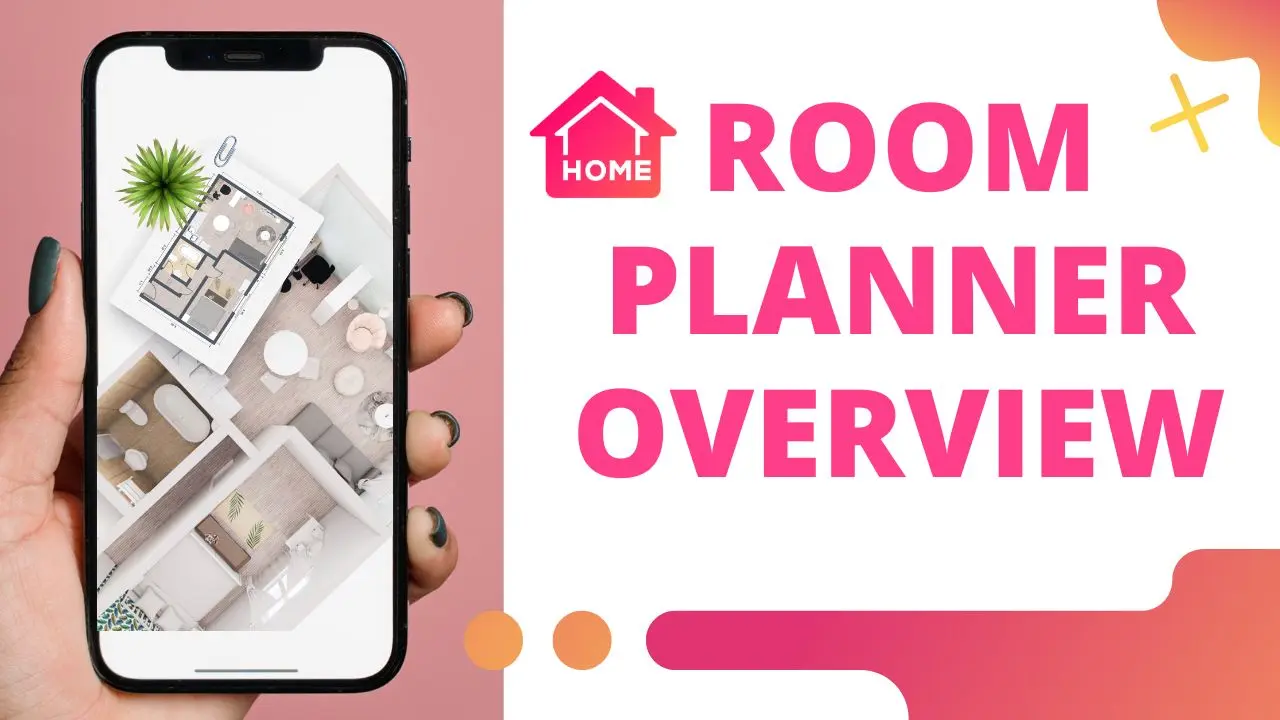
Room Planner with Real Furniture: How to Find Any Item Fast
Find the piece you need among 560,000+ items from 30,000+ brands: the Other Rooms tab, styles, brands, themes, favorites and store catalogs.
 Home Planner·July 17, 2020
Home Planner App Tutorial: 6 Free Video Lessons
Six free video lessons on Home Planner: room design, doors and windows, the catalog, materials, photos and panoramas, export and sharing.