Hotel Planner
Hotel Floor Plan: design your guest rooms in 3D
Draw your hotel, guest house or holiday rental to scale, then furnish every guest room, the reception and the breakfast room. The hotel floor plan shows it all in 3D, so you see what fits before you buy furniture or start the renovation.
4.6App Store · 300K+ ratings
On your phone too
Point the phone camera here to install, then scan your rooms
Downloads across all stores; countries where the App Store carries the app.
A wrong layout is repeated in every room
A guest room plan drawn by eye looks fine on paper. The problems show up when the furniture arrives.
- The wardrobe door hits the bed, and you find out on delivery day.
- Rooms of one type get the same furniture, so one wrong size repeats in each of them.
- Partners and investors cannot picture the renovation from a sketch.
Home Planner shows each room to scale in 3D first. You move a bed on the plan, not in the room.
Fit every guest room before you order furniture
The whole property on one plan
Draw the guest rooms, bathrooms, corridors, the reception and the breakfast room together, and add a level for each floor of the building.
Guest rooms that really fit
Place double, twin and king beds, nightstands, a wardrobe, a desk and an armchair. Everything is to scale, so you see the space left around the bed. Exact wall measurements come with PRO.
Bathrooms in detail
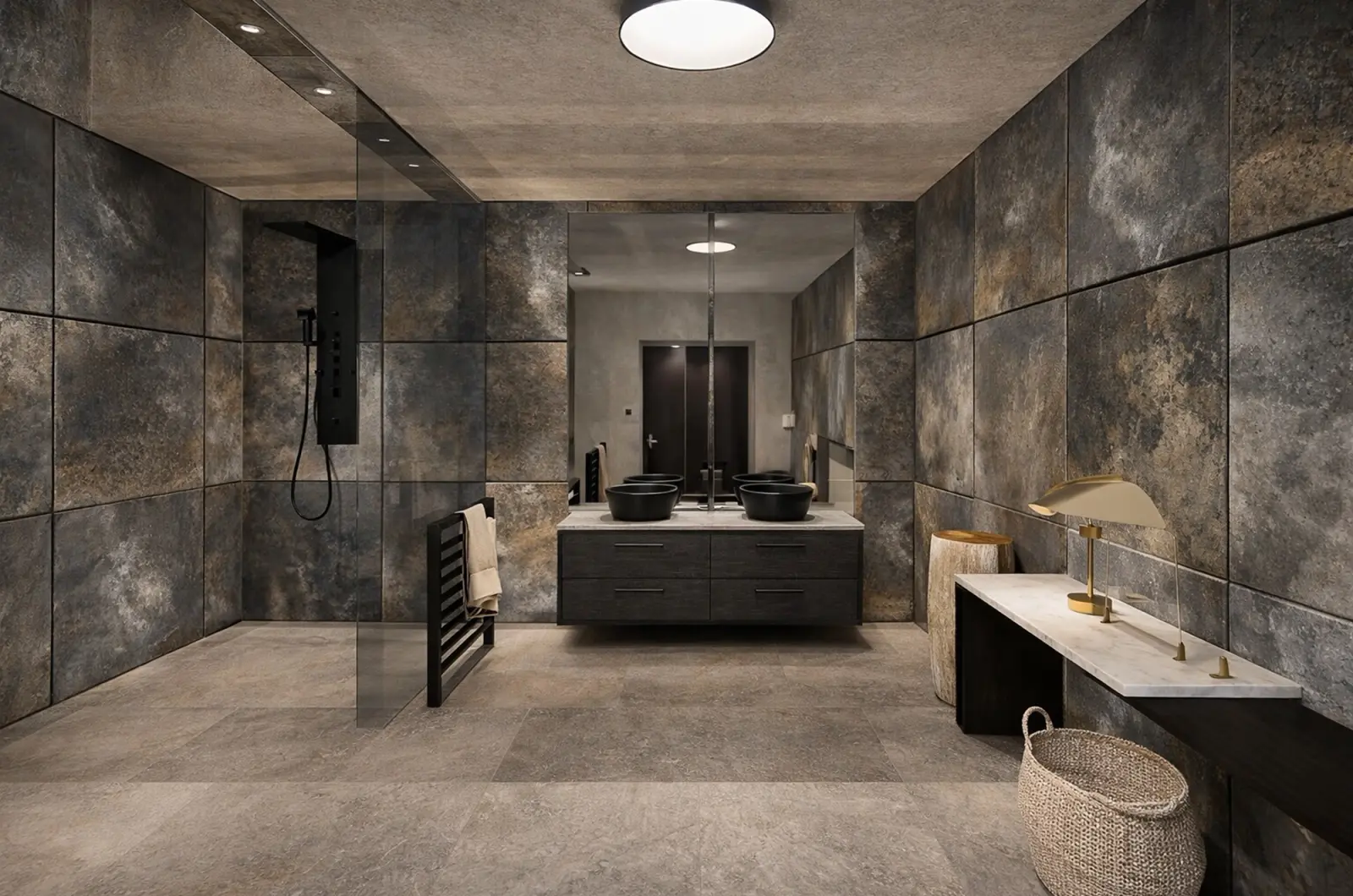
Fit the shower, the vanity and the toilet, then try new tiles and finishes before the contractor starts.
Reception and breakfast room
Plan the front desk and the lounge. Choose Cafe & Bar when you add a room for the breakfast room or the bar, with tables, a counter and bar stools.
See every room before the renovation
Walk through each room in 3D and make photo-realistic renders for your partners or investors. 4K and 360° photos come with PRO+.
Redesign from a photo
Take a photo of a guest room and see it in a new style, with new colors, floors and decor. AI Redesign keeps the layout of the room in your photo.
From an empty plan to a hotel you can walk through
1.
Draw or scan your property
Draw the walls to scale or scan each room with your phone. Add the doors, the windows and the corridor.
2.
Furnish the rooms
Pick beds, wardrobes, desks, bathroom fixtures and lounge furniture from the catalog, then move and swap them until the layout works.
3.
See it in 3D and share
Walk through the hotel, make photo-realistic renders, and send a link to your partner, designer or contractor.
1.
Draw or scan your property
Draw the walls to scale or scan each room with your phone. Add the doors, the windows and the corridor.
2.
Furnish the rooms
Pick beds, wardrobes, desks, bathroom fixtures and lounge furniture from the catalog, then move and swap them until the layout works.
3.
See it in 3D and share
Walk through the hotel, make photo-realistic renders, and send a link to your partner, designer or contractor.
Guest room layouts to start from
Standard double
A double bed between two nightstands, a wardrobe by the door and a desk under the window.
Twin room
Two single beds with a shared nightstand, a luggage bench and an armchair.
Junior suite
A king bed, a sofa corner with a coffee table and a walk-in shower in the bathroom.
Family room
A double bed and a bunk bed or a sofa bed, with storage for four guests.
Guest house lounge
A reception desk, sofas around a coffee table and a breakfast corner with small tables.
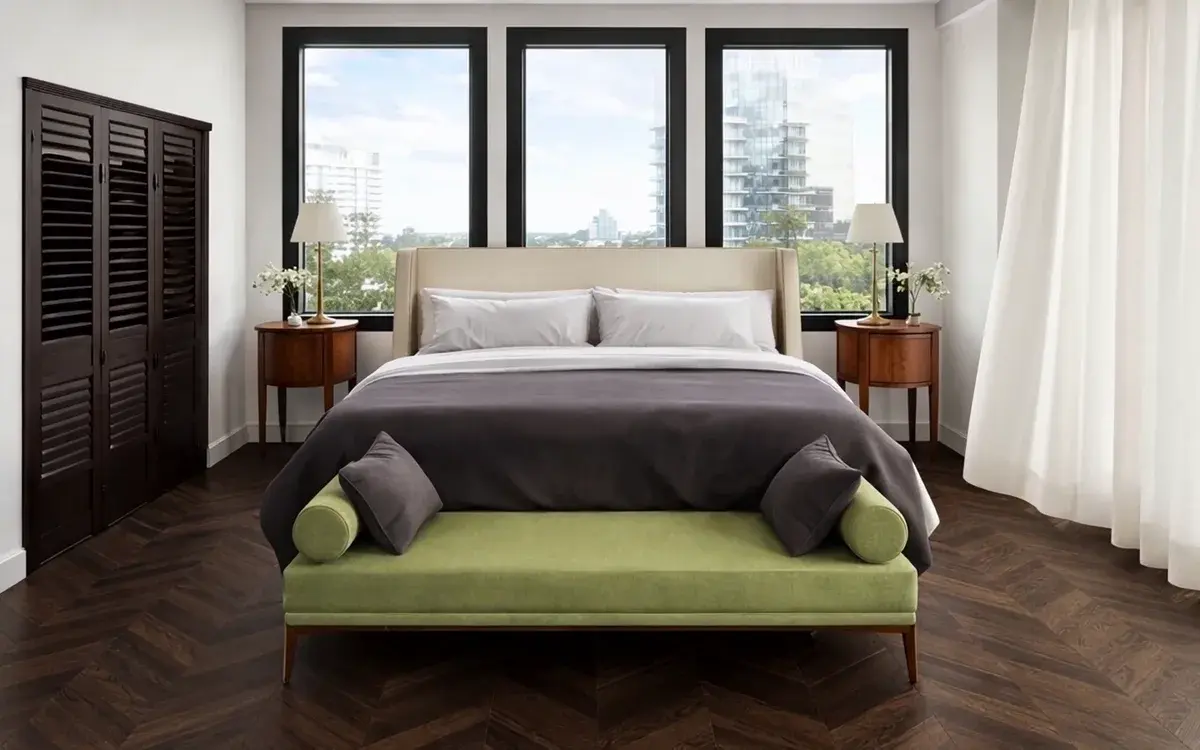
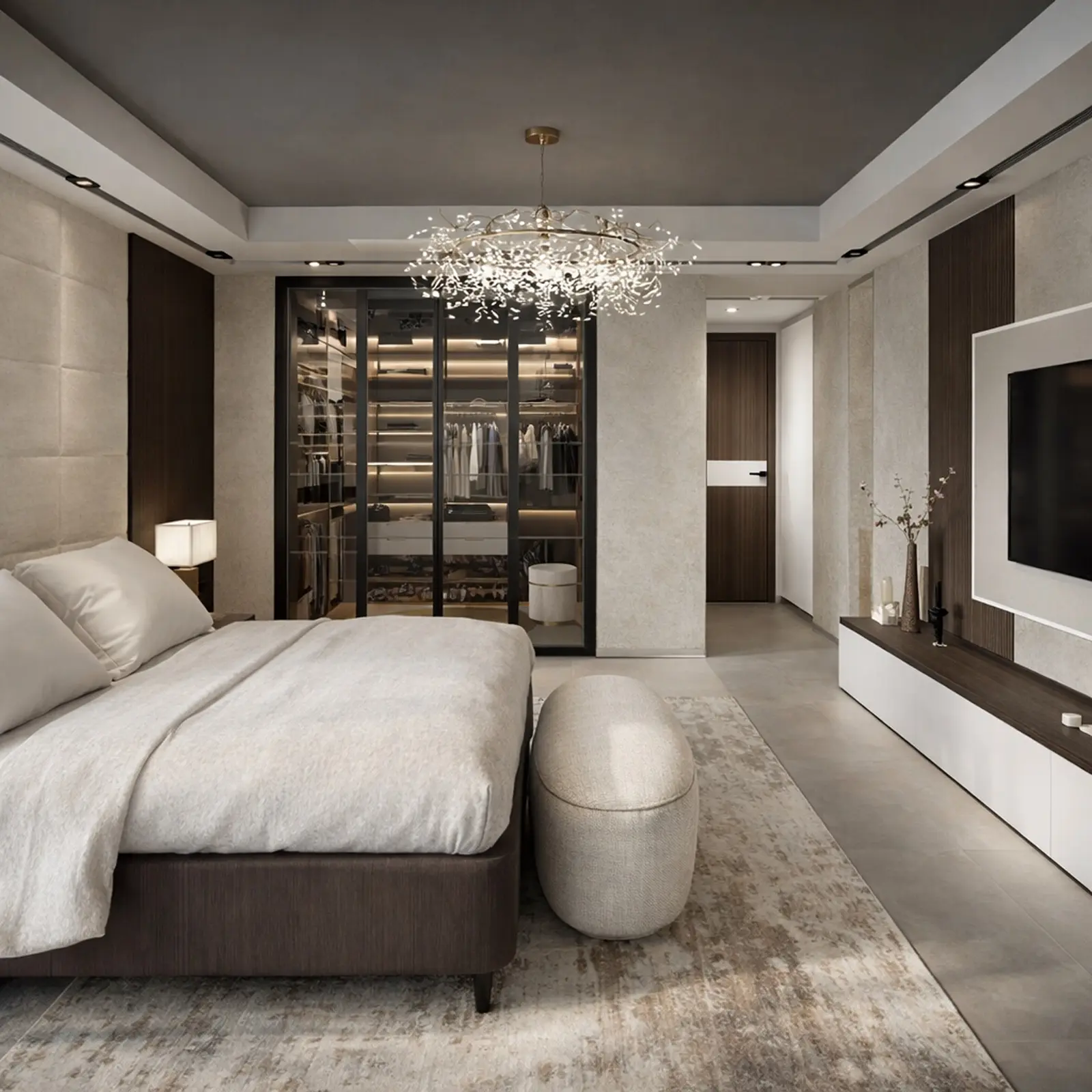
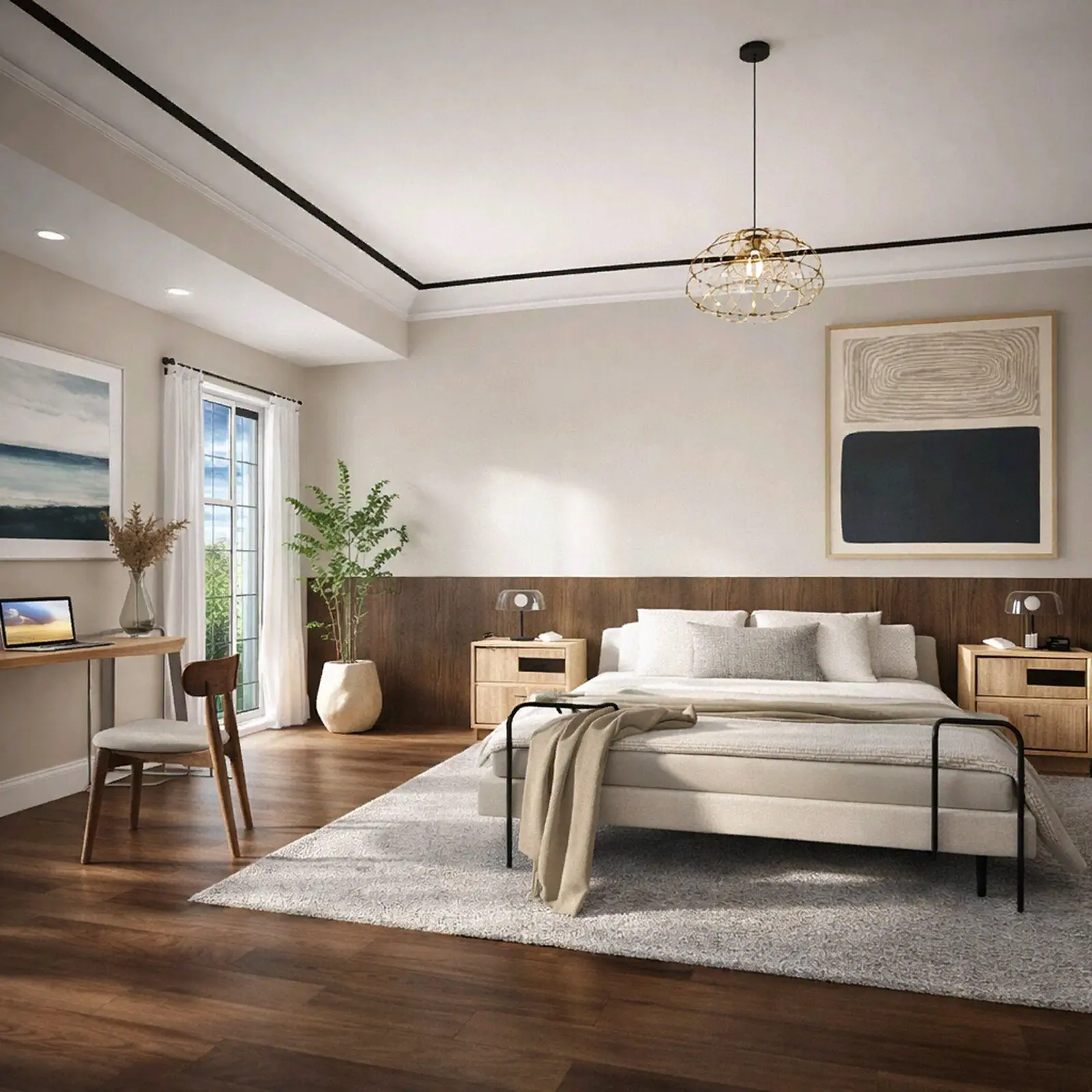
Guest rooms and bathrooms designed in Home Planner
Ideas for your own rooms.
Created in Home Planner
Created in Home Planner
Created in Home Planner
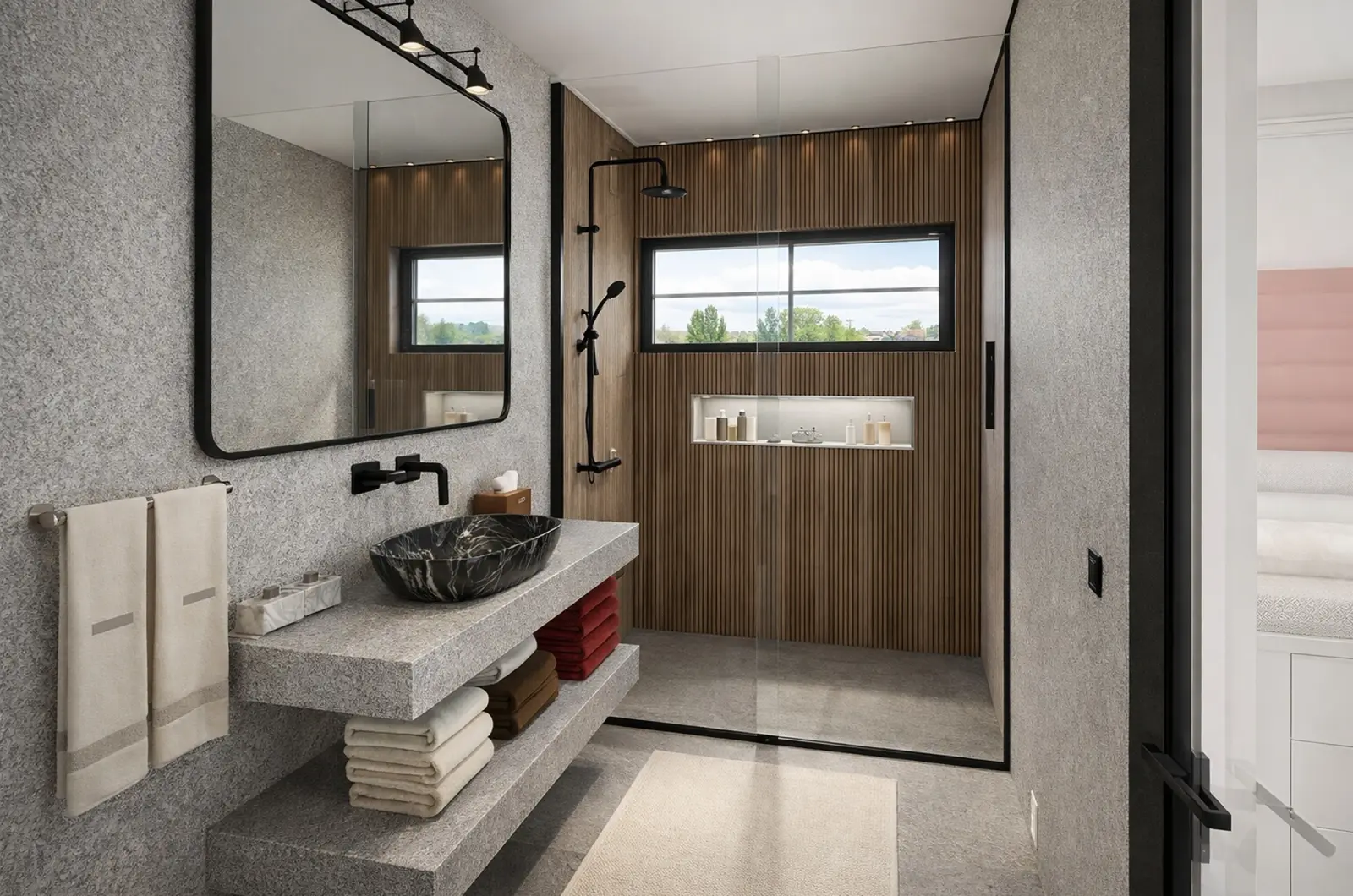
Created in Home Planner
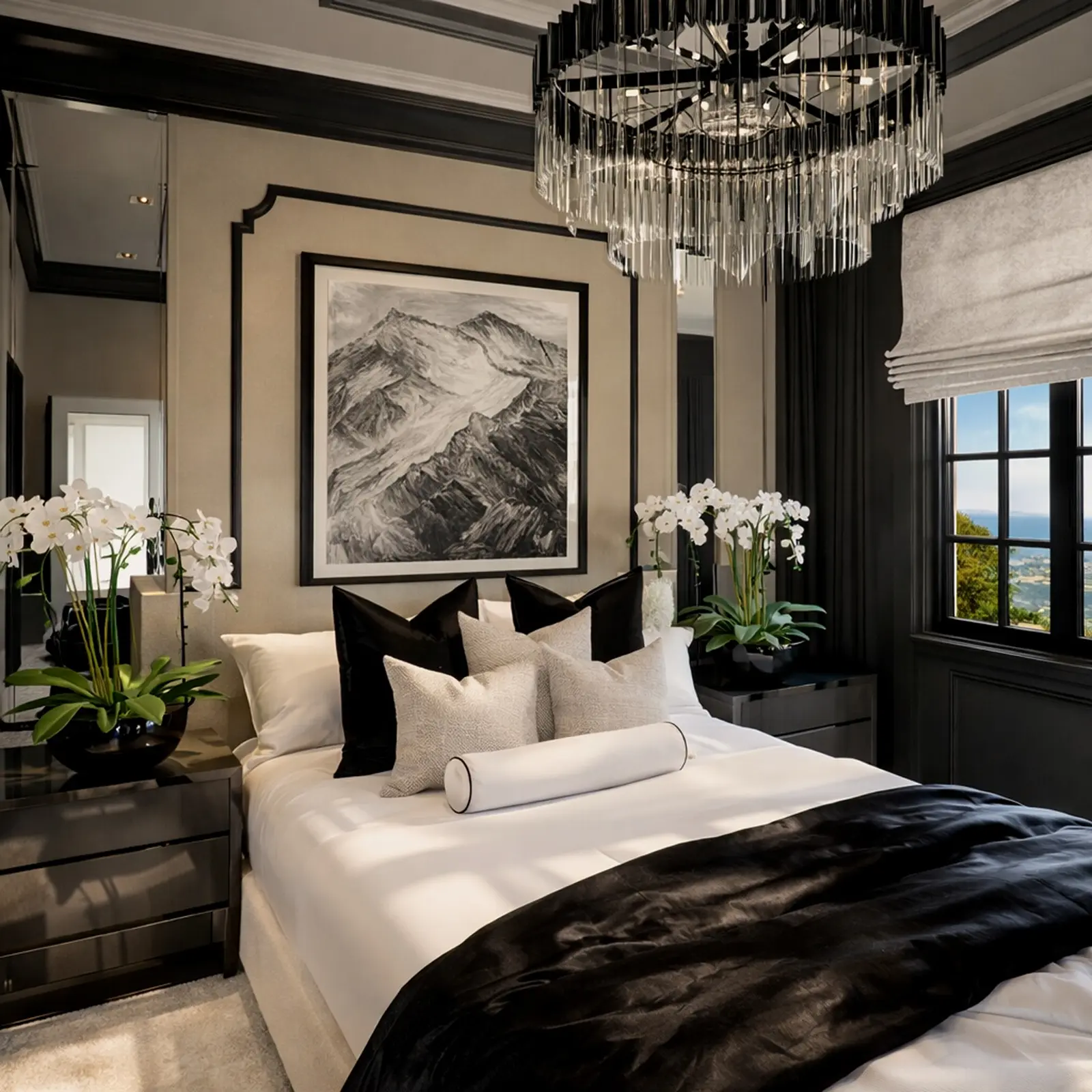
Created in Home Planner
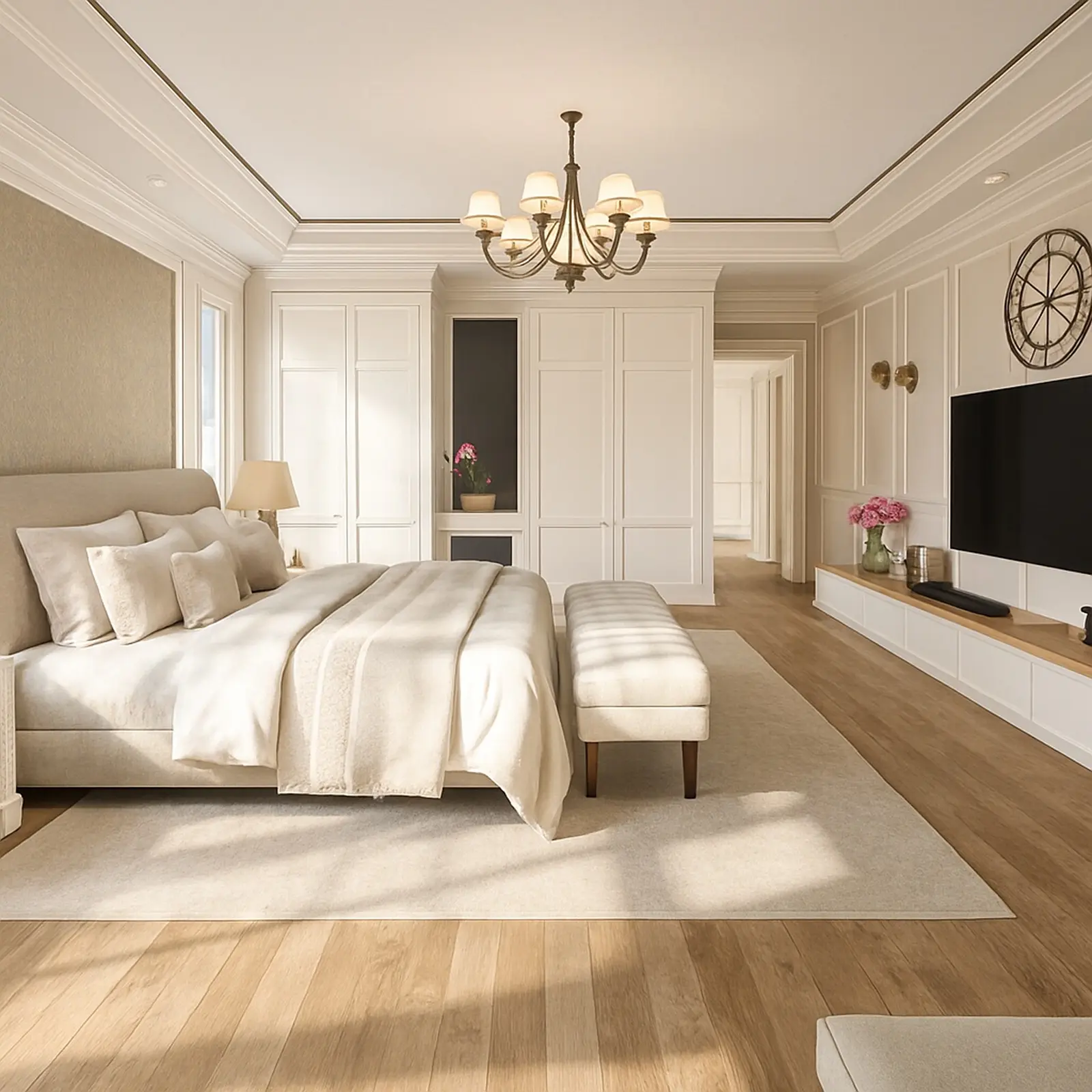
Created in Home Planner
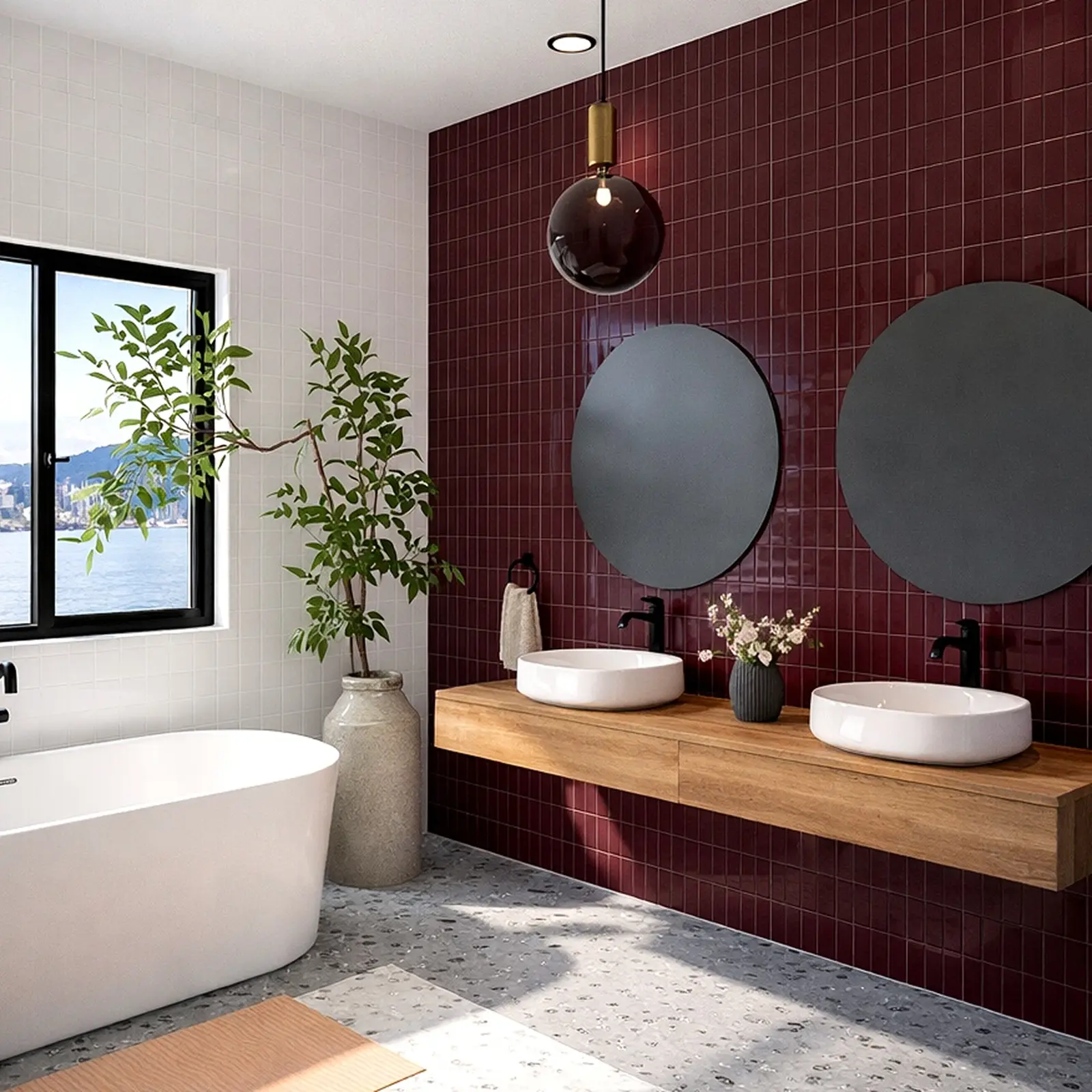
Created in Home Planner
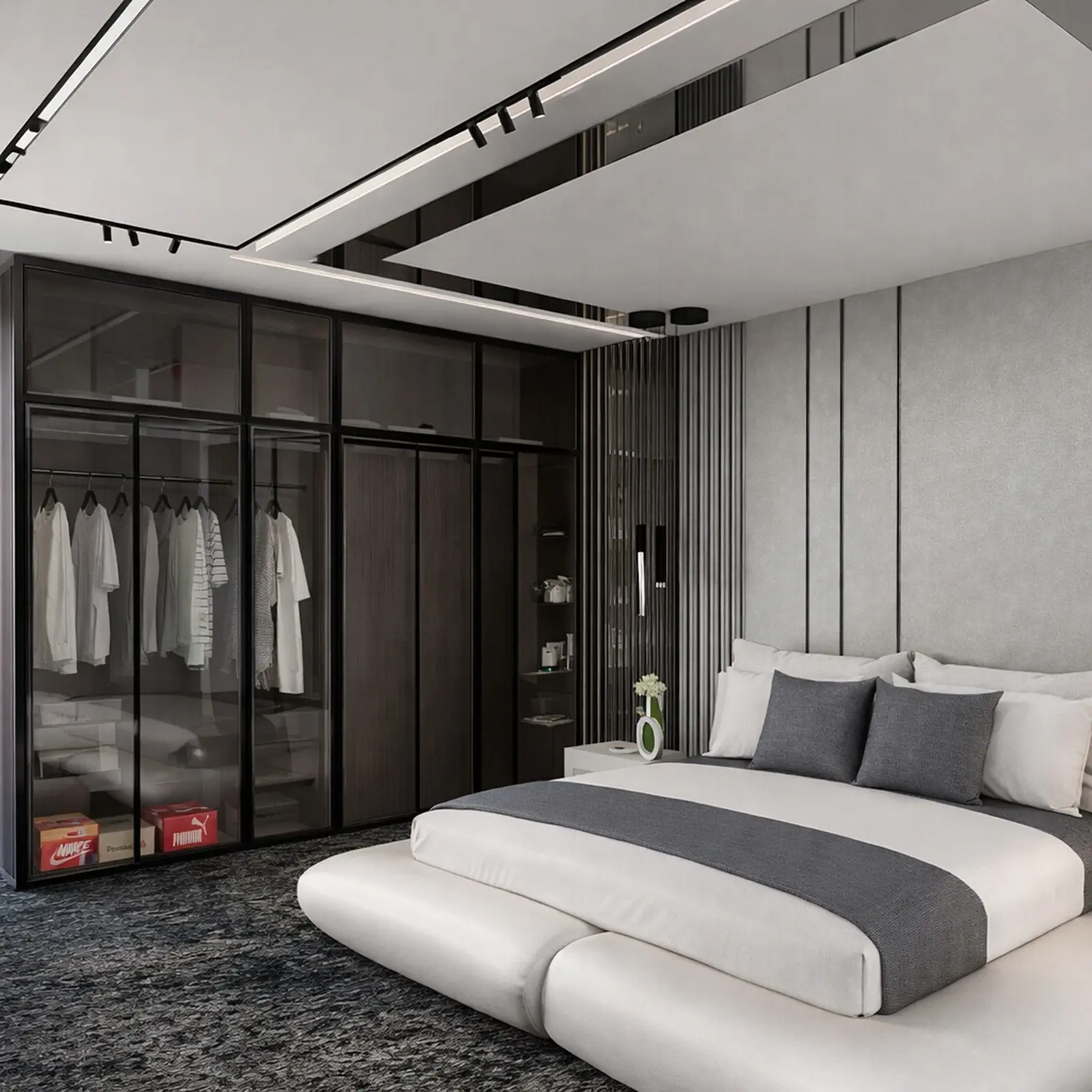
Created in Home Planner
Created in Home Planner
Created in Home Planner
Created in Home Planner
Created in Home Planner
Created in Home Planner
Created in Home Planner
Created in Home Planner
Created in Home Planner
Renders of designs made in Home Planner.
Plan the hotel for free. Use the pictures for your business with PRO+.
Free: draw the hotel, furnish it and see it in 3D. PRO adds exact wall sizes and the full catalog. To show the renders on your website, in listings or to investors, you need PRO+: it includes commercial use.
Free
For personal use
- Draw the plan and see it in 3D
- Scan a room and see it in 3D
- A free part of every catalog category
- Share a link, edit together
- Up to 10 designs
PRO
For personal use
- Everything in Free
- Exact wall lengths and ceiling height
- The full catalog of 560,000+ products
- Renovation cost estimate
- Sync between your devices
PRO+
For your hotel business
- Everything in PRO
- Commercial use: show the rooms to guests and investors
- 4K renders and 360° photos
- No watermark
- Offline access
Plans renew automatically each billing period unless you cancel. You can turn off auto-renew in your account settings, and the plan stays active until the end of the period you paid for.
Frequently Asked Questions
Yes. The free plan lets you save up to 10 designs, each one a whole building plan, and try photo renders and AI redesign. PRO adds exact wall measurements, the full catalog, unlimited renders and renovation cost estimates; PRO+ adds 4K, 360° photos and offline access. Compare plans
The free plan is for personal use. Commercial use comes with PRO+, together with 4K renders, 360° photos and offline access.
Yes. Draw every guest room, bathroom, corridor and common area on one plan, and add a level for each floor of the building.
Yes, with PRO: type the exact length of every wall and the ceiling height. On the free plan you draw walls on a grid.
You can make renders of each room and, with PRO+, 360° photos, and share a link that opens in any browser, no app needed. Using them to promote your business needs PRO+, which includes commercial use. Home Planner is not a booking system.
Yes, on phones that support AR; iPhone models with LiDAR make a detailed scan. Scanning is free, editing the scanned room needs PRO. Scanning isn't available on Mac or Windows.
No. Home Planner is a visual planner: it shows how your hotel will look and whether the furniture fits. Check codes, exits and occupancy limits with a licensed professional.
iPhone, iPad, Android phones and tablets, Mac and Windows. Measure a room with your phone and finish the plan on a computer: on PRO and above, your designs sync between your devices.
Yes. Cancel any time; the plan stays active until the end of the paid period. Bought on our website — contact support and we'll help with a refund. Bought in the App Store or Google Play — the store handles refunds under its own policy.
Plan your hotel today
Free to start. Try beds, layouts and finishes in your own rooms before you order anything.
Home Planner is not affiliated with, endorsed or sponsored by Apple, Google, Microsoft or Valve; their names and marks belong to their owners. Android is a trademark of Google LLC. iPhone, iPad and Mac are trademarks of Apple Inc., registered in the U.S. and other countries. Steam and the Steam logo are trademarks and/or registered trademarks of Valve Corporation in the U.S. and/or other countries. Windows is a trademark of the Microsoft group of companies. Other trademarks are the property of their respective owners.