Home Planner vs Planner 5D (2026): Which Home Design App Is Better for a Real Renovation?

Compare Home Planner and Planner 5D. See which interior design app offers better AR scanning, AI design, and photorealistic rendering for your renovation.
Renovating a house is an expensive, stressful ordeal. The last thing you need is a newly purchased sofa that blocks a doorway or a kitchen island that leaves zero room to breathe. Finding the right interior design software isn't just about looking at pretty 3D pictures; it's about digital risk management.
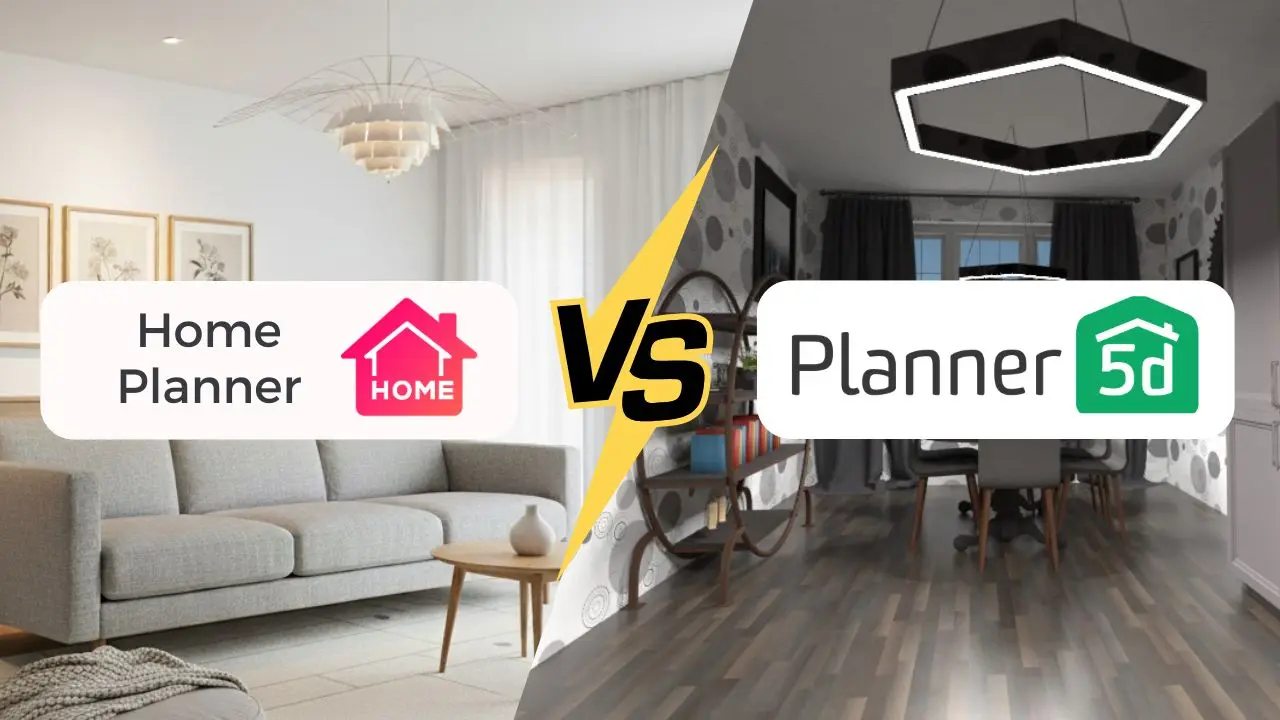
Today, we are looking at two heavyweights in the consumer interior design space: Home Planner and Planner 5D. While both apps allow you to draw floor plans and drop furniture into rooms, their core audiences have violently split into two camps in 2026.
If you want to play a Sims-like game, one is enough. If you are about to sink $50,000 into a real renovation, only one prevents catastrophic mistakes.
Here is the definitive breakdown of why Home Planner defeats Planner 5D when real money is on the line.
1. Home Planner vs Planner 5D: Side-by-Side Comparison for 2026
Key Differences at a Glance
| Feature | Home Planner | Planner 5D |
|---|---|---|
| Primary Goal | Flawless physical renovations | Casual sandbox design |
| AR Scanner Precision | LiDAR Millimeter Accuracy | Often distorted, scaling issues |
| Bluetooth Laser Meters | 60+ models: Bosch, Leica, Mileseey, DeWalt, Stanley, Hilti and more | Not listed on planner5d.com |
| Furniture Catalog | 500,000+ real retail items | ~8,000 generic shapes |
| Render Quality | Advanced: AI Render in ~10 s + professional cloud renders | Basic: standard cloud renders with AI upscaling |
| AI Redesign | Retains scale, practical items | "Design Generator", less streamlined |
| Floor Plan Recognition | Order Design: a designer turns a plan of any quality into a finished project (paid service) | Slightly better automatic recognition |
| For Students | Free with a university email until graduation | Education edition licensed to schools |
2. AR Room Scanning: Home Planner Builds a More Accurate 3D Room
Both applications offer Augmented Reality (AR) room scanners that use your phone's camera to build an instant floor plan. The difference is in the execution.
Home Planner leverages LiDAR technology to build a precise, to-scale 3D twin of your space. The app captures exact wall lengths, ceiling heights, and window placements instantly. When you drag a digital cabinet into a corner in Home Planner, you know for a fact it fits in the physical world.
Planner 5D's scanner gets you a rough box. User reviews consistently point out measurement discrepancies, distorted walls, and ignored alcoves. If you are just brainstorming wall colors, a few missing inches won't hurt.
Bottom line: AR scanning is one of Home Planner's clearest wins. You get a to-scale room you can trust, not a rough box you have to fix.
3. Bluetooth Laser Meters: Fast, Exact Measurements in Home Planner
Typing numbers from a tape measure is the slowest and most error-prone part of planning a room. Home Planner connects to Bluetooth laser meters: press the button on the meter, and the measurement goes straight into the wall you are drawing. No typing, no mistakes from copying numbers off a small screen.
Home Planner supports 60+ laser meter models from all major brands: Bosch, Leica DISTO, Mileseey, DeWalt, Stanley, Hilti, Stabila, Würth and more. It works on iPhone, iPad and Android, and the full list of models is in the app.
Planner 5D does not list laser meter support. You measure by hand and type each wall length yourself.
Bottom line: scan the room with AR for the shape, then use your laser meter for exact wall lengths. That combination is only available in Home Planner.
4. Furniture Catalog: 500,000+ Real Brand Items vs ~8,000 Generic Models
A 3D design is useless if you can't buy the items in it.
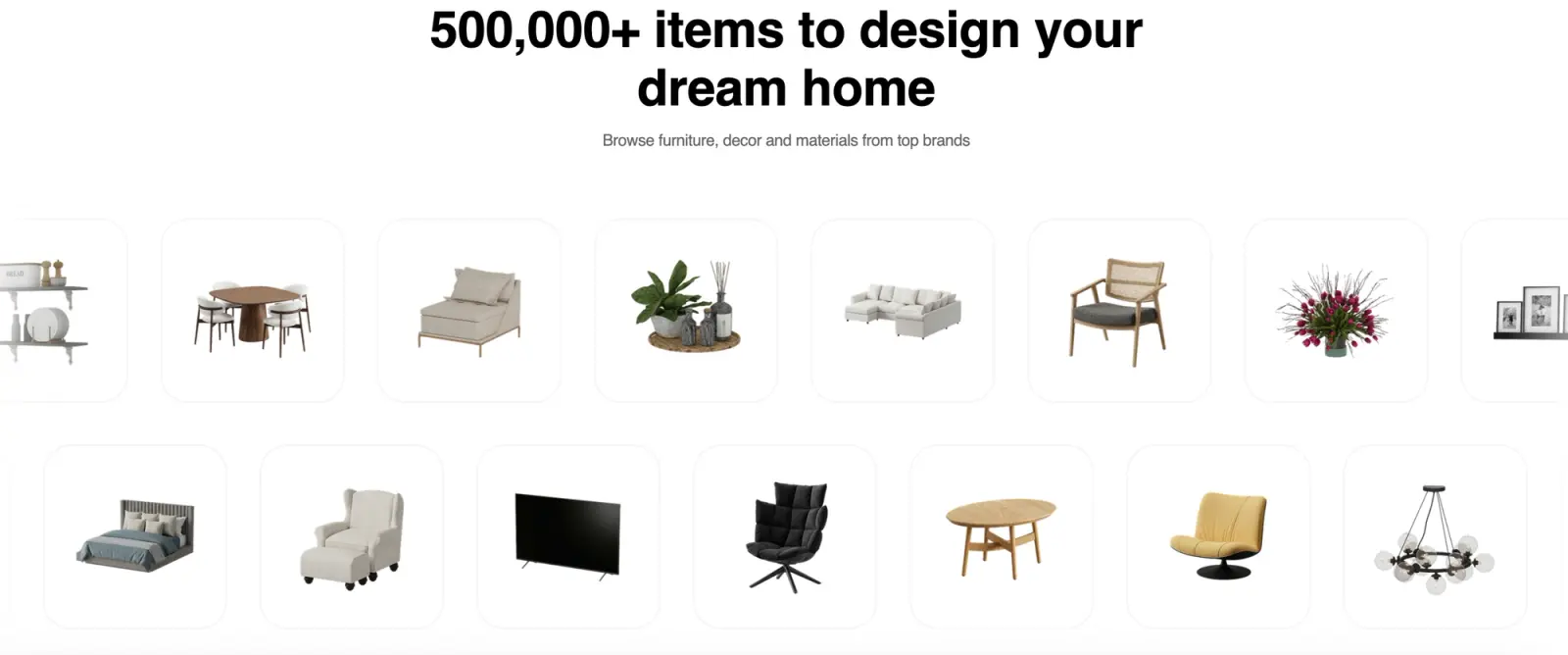
Home Planner took the architectural approach, boasting a catalog of over 500,000 premium, real-world furniture items. We are talking exact SKU numbers from major brands like IKEA, Wayfair, and real-world local retailers. Every dimension is tethered to reality. You design it, you click "Find in store," and you buy it. You avoid the classic "wrong-sized furniture" trap because the app prevents you from creating a fantasy room you can't actually build.
Planner 5D offers around 8,000 models. The caveat: most of these are generic, abstract representations of furniture. You might place a gray sofa in your 3D plan, but good luck finding that exact sofa in a local store.
5. AI Room Redesign from a Single Photo
The AI room redesign from photo feature is a 2026 must-have, and both apps approach it differently.
With Home Planner, you just snap a photo of your current, cluttered room, pick a style, like Scandinavian or Industrial, and watch the magic happen. In less than 10 seconds, the app digitally wipes away your old furniture and brings your dream space to life with breathtaking, magazine-quality finishes. It doesn't just guess; it respects your room's real boundaries, giving you stunning, actionable design ideas you can actually execute without spending a dime on a human visualizer.
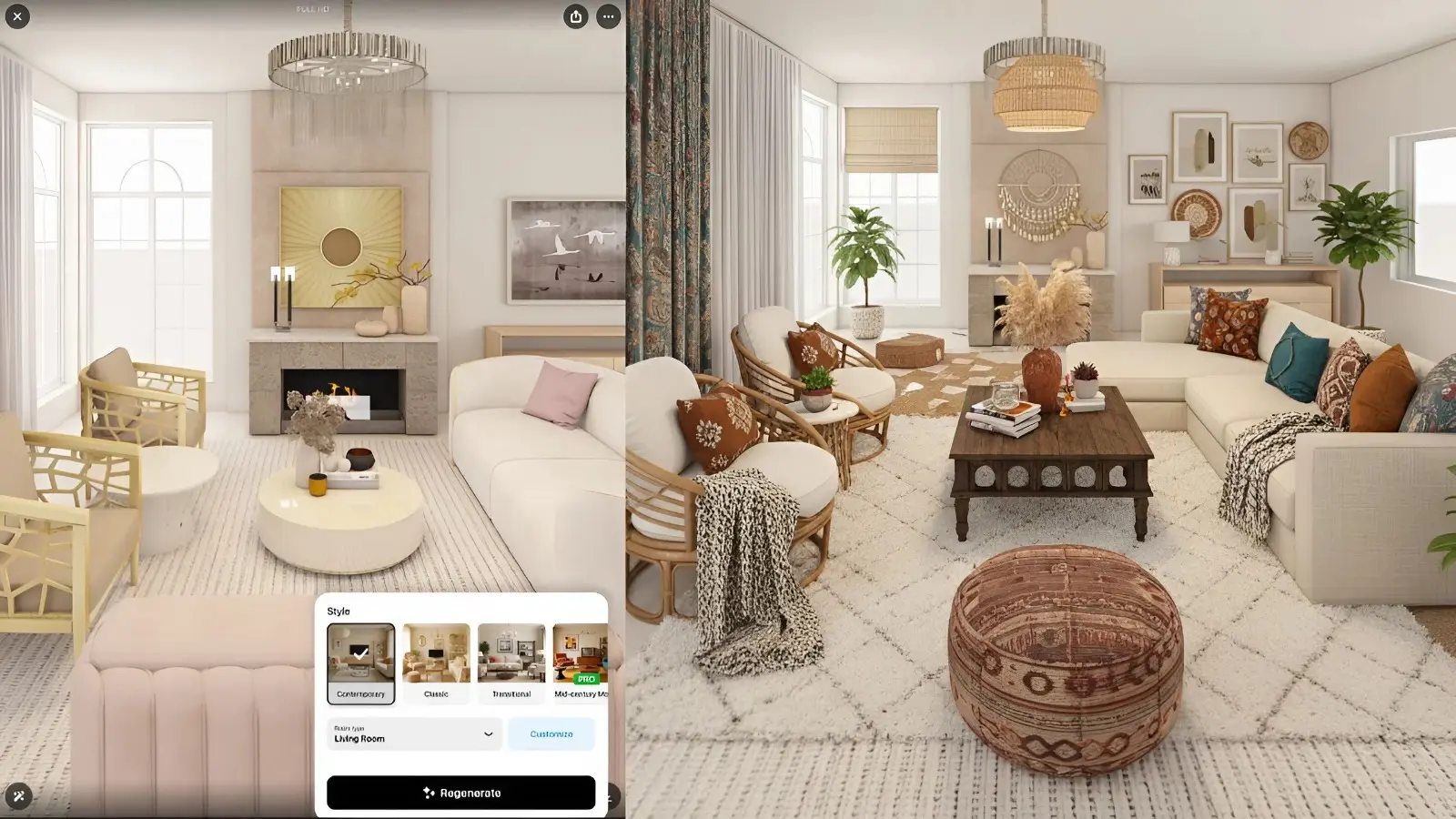
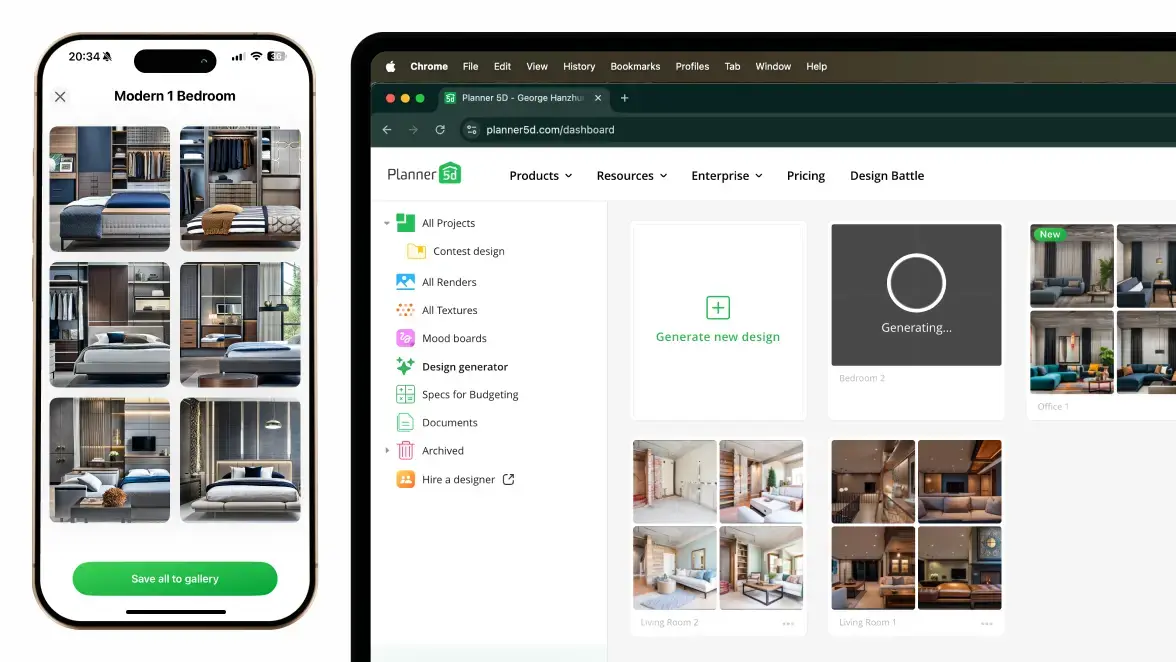
While Planner 5D tries to offer a similar feature, its interface feels more like a complicated, old-school computer program. It completely misses that intuitive, magical feel that makes Home Planner so effortless to use.
6. Rendering Quality: Advanced Photorealism vs Basic Visualization
Seeing the result before you start tearing down drywall is the ultimate anxiety-killer.
Home Planner offers two powerful rendering engines to suit your workflow:
1. Home Planner AI Render: Generates a highly detailed, photorealistic preview in just 10 seconds. This is a massive crowd-favorite because it's incredibly fast and visually stunning.
2. Home Planner Cloud-based Interior Rendering: A heavy-duty cloud process for final presentations. It offers professional settings for sun position and lighting, supporting high-res 360 Photos.
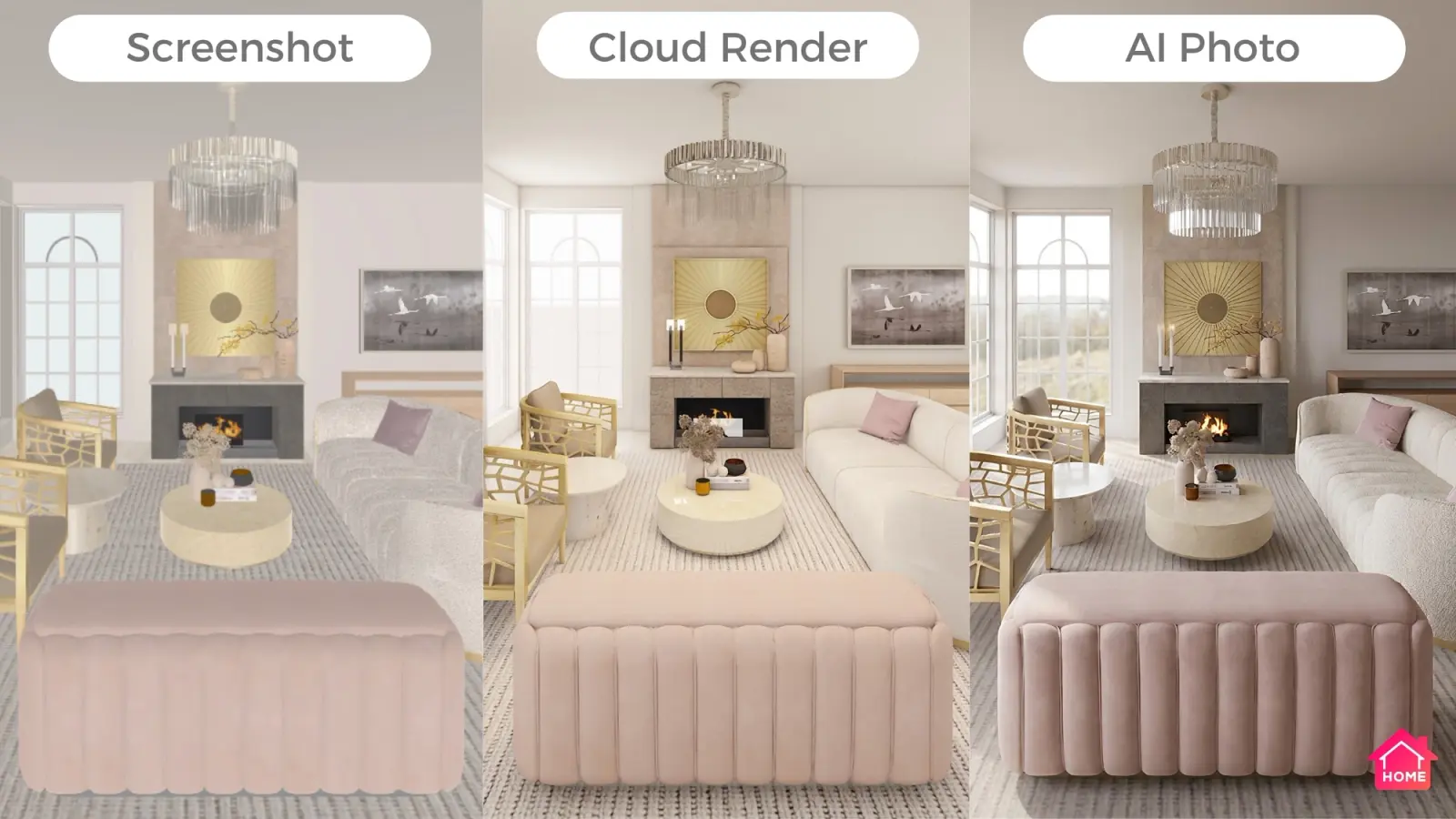
Planner 5D utilizes standard cloud rendering with AI-upscaling and a VR view mode for headsets. 360 Photo are available, though they lack the advanced lighting controls found in Home Planner, leaving surfaces occasionally looking flat or digital.
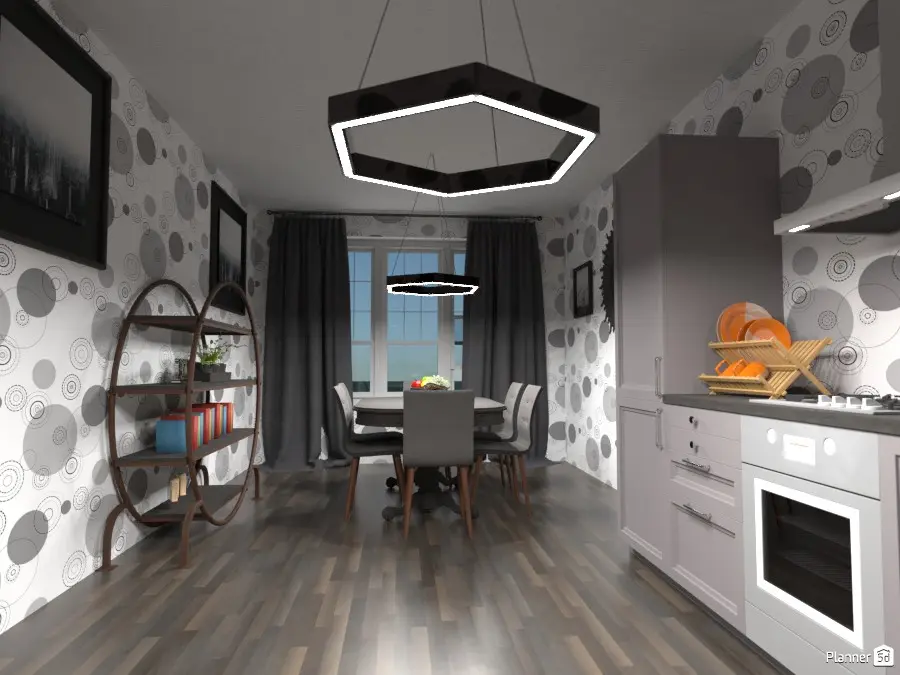
Bottom line: Planner 5D gives you basic-quality visualization. It is enough to check a layout. Home Planner's renders are a step up: real lighting, sun position and photorealistic materials that look like a photo of the finished room.
7. Floor Plan to 3D: Planner 5D's Recognition vs Home Planner's Order Design
Both apps offer automated ways to turn a 2D sketch into a 3D environment, but they target completely different outcomes.
Home Planner bypassed this headache directly with the "Order Design" feature. You upload your floorplan or a simple 2D sketch. Instead of a messy editable model, you receive a flawless, photorealistic 360-degree interactive virtual tour. The geometry is 100% accurate. This is professional-grade staging that usually costs thousands in architectural fees, delivered directly as a high-end 360° photo you can walk through.
Order Design is the more professional route. A designer works on your project, so it starts from a plan of any quality: a phone photo, a hand sketch or a blurry scan that automatic recognition, Planner 5D's included, cannot import. You get a finished, furnished design right away, not a raw model to fix. The trade-off: Order Design is a paid service on top of the app.
Planner 5D's Floorplan Recognition is its strong point. You upload a 2D floor plan, and the system builds an editable 3D model. Here Planner 5D is slightly ahead: its automatic recognition handles drawings a little better than Home Planner's floor plan import. Complex plans can still need a few walls fixed by hand.
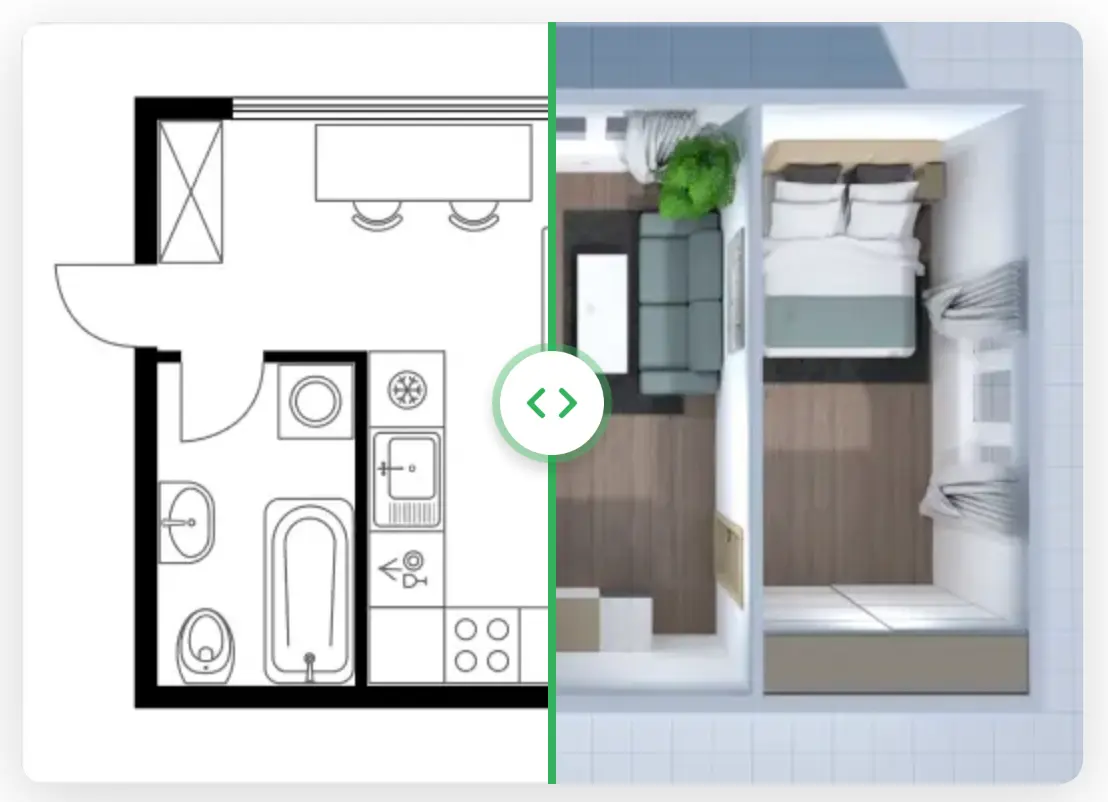
Bottom line: for quick automatic recognition of a clean drawing, Planner 5D is slightly better. For a finished, professional design from any plan, Home Planner's Order Design wins, with a designer involved and a separate fee. And for an exact model of the room you are standing in, Home Planner's AR scan and laser meter support are ahead.
8. Community and Inspiration: Share Designs and Get Real Feedback
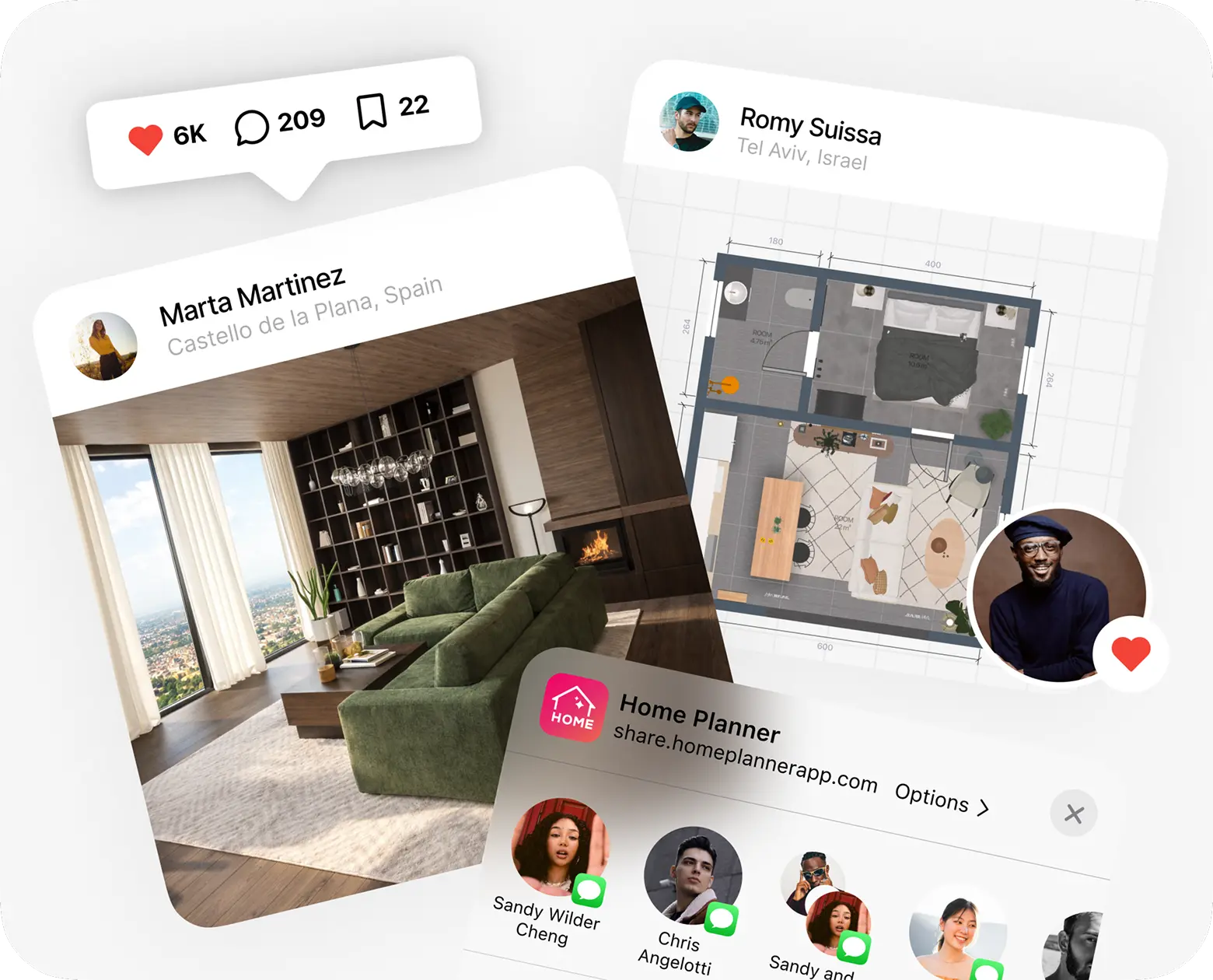
What if you aren’t sinking $50,000 into a real-world construction site and just want to escape, dream, and create? Home Planner is a thriving global network of over 30 million design enthusiasts and creators.
Here, in Home Planner, you aren't just placing virtual furniture; you are building a digital portfolio, getting inspired by millions of public designs, sharing your own concepts, and getting real feedback from a passionate community. It turns interior design into an engaging, collaborative experience. It’s the ultimate space to play with professional-grade aesthetics, connect with fellow creators, and design your dream life—whether you plan to build it tomorrow or just enjoy the process today.
9. Free for Design Students and Educators
If you study interior design or architecture, Home Planner is free. Sign in with your university email and use the app for coursework and your portfolio: space planning in 2D and 3D, real brand furniture, materials, lighting and 4K renders.
Students keep free access until they graduate. Educators get it for up to 5 years. There is no student ID to upload and no paperwork, and each student signs in on their own, so teachers have no seats or class codes to manage. Free access is for non-commercial, educational use; AI video and watermark removal are not included.
Planner 5D offers an Education edition for schools, where the institution arranges licenses for its students.
Learn more on the Home Planner for Education page.
The Verdict: Which Home Design App Should You Choose in 2026?
If you are managing a real renovation, operating on a strict budget, and fear making an expensive physical mistake in reality, Home Planner is the absolute winner for 2026. It perfectly bridges the gap by offering the millimeter precision of CAD software, a massive catalog of 500,000+ real retail items, and architectural-firm rendering quality—all wrapped in an intuitive, jargon-free interface that anyone can master in minutes. It gives pros the high-end tools they need, while giving beginners the confidence to design without fear of expensive real-world mistakes.
To be fair, Planner 5D has one edge: its automatic floor plan recognition is slightly better. But when you measure a real room, Home Planner's AR scan and Bluetooth laser meter support give you faster and more accurate numbers, and its renders show the result at a much higher quality. And if you are a student, you can use it for free.
Planner 5D, by comparison, is a simpler tool for casual design. If you just want a basic virtual dollhouse and don't need true-to-scale accuracy or real furniture brands, it will get the job done. But if you want a tool that grows with you: from a fun evening hobby to executing a flawless, budget-saving renovation then Home Planner is the smart choice.
Ready to stop guessing and start building? Don't risk a $3000 sofa not fitting in your living room. Download Home Planner today, scan your room in seconds, and see exactly what works before you spend a single dime.

Try it on your own project
Free app for iPhone, iPad, Mac, Android and Windows.