Home Planner vs Coohom: Which is Better for Your Renovation? (2026 Comparison)

Compare Coohom and Home Planner. Discover which interior design tool offers the best combination of professional power and cross-device speed.

Tackling a home renovation brings enough headaches—managing contractors, balancing tight budgets, and living in a construction zone. The digital tool you use to visualize your future interior should be a relief, seamlessly bridging the gap between professional-grade architecture and intuitive usability.
In 2026, two massive names dominate the digital interior design space: Coohom and Home Planner. Coohom has built a strong reputation as a heavy-hitting, cloud-based platform.
But whether you are a professional interior designer looking to speed up your conceptual workflow, or a homeowner plotting a kitchen remodel, the way you interact with these tools drastically impacts your efficiency. Breaking down their features reveals a significant difference in speed, platform flexibility, and design approach. Here is why Home Planner holds the edge.
1. Quick Comparison: Home Planner vs Coohom
| Feature | Home Planner | Coohom |
|---|---|---|
| Target Audience | Professionals & Homeowners | Professionals & Enthusiasts |
| Device Flexibility | Full tools on Phone, Tablet, PC | Primarily browser/desktop |
| Furniture Catalog | 500,000+ curated real retail items | Millions of items, often cluttered |
| Room Creation | Manual drafting + Instant LiDAR Scanner + AI recognition + Predesigned Layouts | Manual desktop creation |
| Design from Photo | "AI Redesign" in 60 seconds | Manual room creation only |
2. Desktop Lock-In vs. Cross-Device Freedom
When you are standing in an empty physical space, a desktop application isn't going to help you much.
Coohom requires you to sit at a computer and manually build your walls using a browser-based interface. While powerful, it dictates your workflow. You have to measure the physical room with a tape measure, walk back to your PC, and build the floorplan there.
Home Planner delivers true cross-device freedom. You get the exact same professional power on your smartphone, tablet, and PC. If you prefer classic manual 2D drafting, you can comfortably map out your walls directly on your phone screen while sitting on your couch. But if you want ultimate speed, you can use the revolutionary AR LiDAR Room Scanner on your device. Just point your camera, and the app instantly captures millimeter-precise measurements for you.
3. The Library Maze vs. Curated Reality
More isn't always better. Coohom boasts a catalog of millions of 3D models. However, users frequently point out that searching for a cohesive set of items can be a cluttered experience. Finding a specific brand's couch that you can actually go to the store and buy is often like finding a needle in a haystack.
Home Planner takes a fundamentally different approach. The catalog is heavily curated with over 300,000 real, purchasable items from major brands. Every single item is tied to its exact, real-world dimensions. You aren't just designing a beautiful concept; you are designing a physically accurate, executable project.
4. The Rendering Workflow
Visualizing a renovation requires photorealistic 4K images. Both platforms utilize premium subscription models to grant access to high-end, unwatermarked renders. However, the differentiator is the speed and integration of the rendering engine.
Coohom provides excellent rendering capabilities, but navigating the settings to get the perfect shot relies heavily on desktop-grade manipulation.

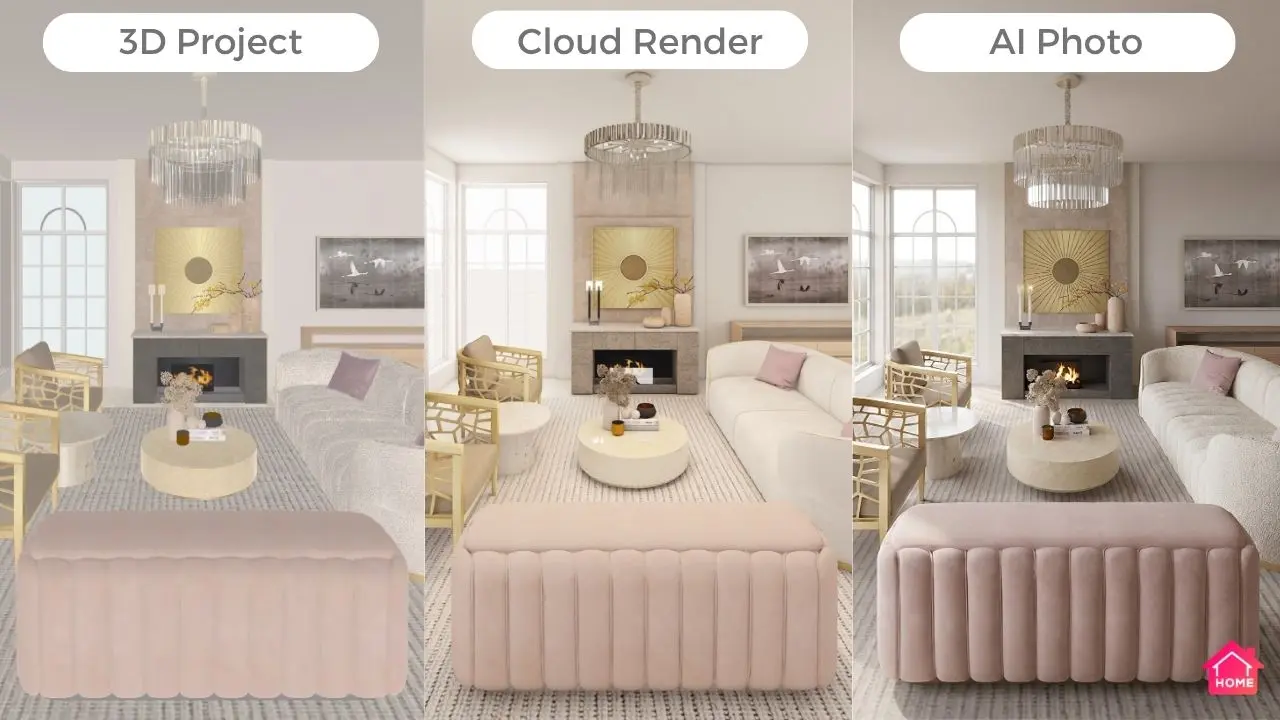
Home Planner, on the other hand, puts visualization speed first. Using the built-in Home Planner AI Render, you receive breathtaking, 4K photorealistic images in just 10 seconds—even when generated directly from your smartphone. There is no complicated setup process. You get magazine-quality visuals instantly, letting designers impress clients on the spot, and giving homeowners the confidence to finalize their material choices.
5. Blank Canvas vs. AI Redesign
Staring at an empty room grid in Coohom can cause severe design paralysis. You must manually place every lamp, rug, and chair to test an idea.
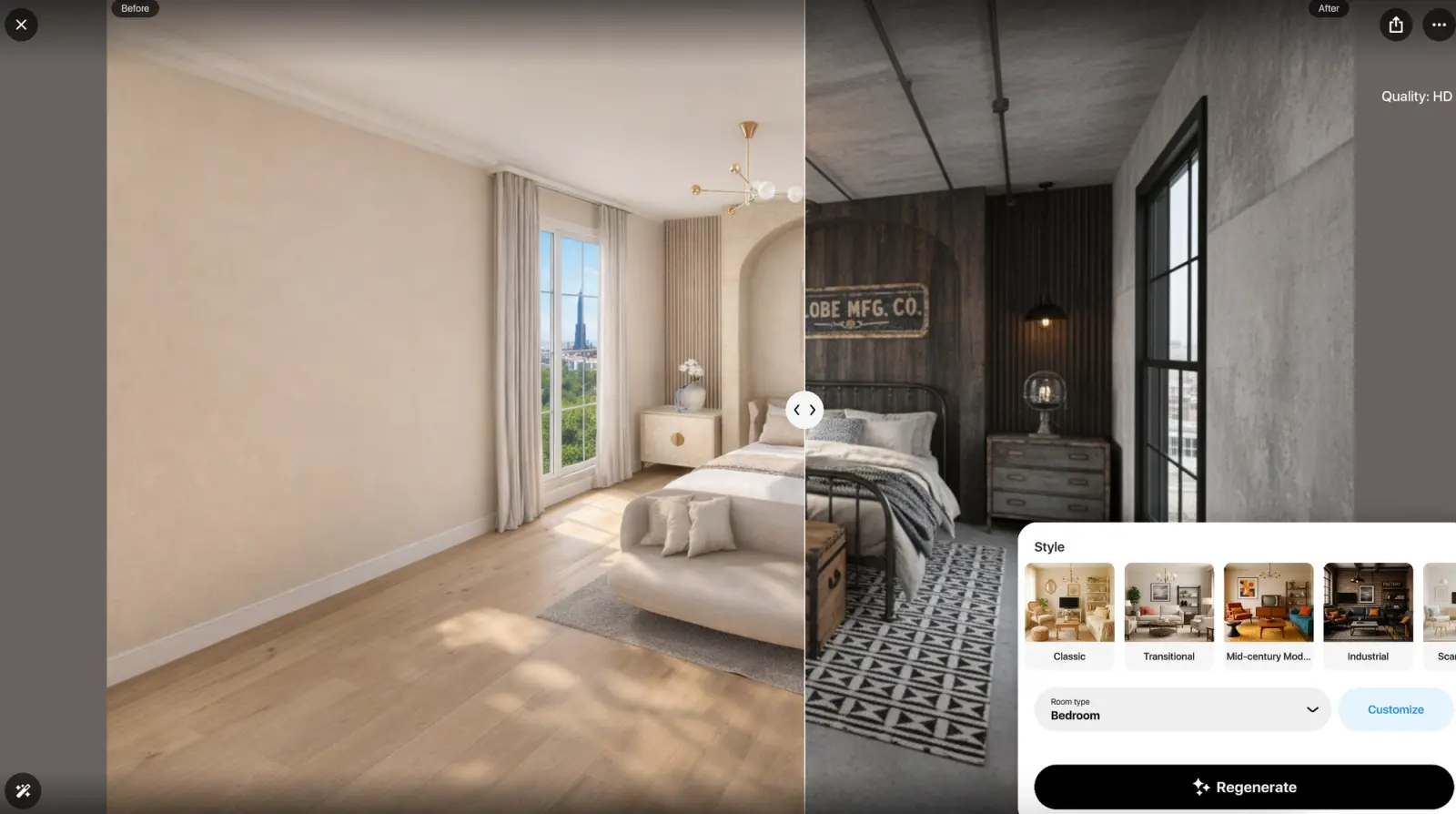
Home Planner solves "designer's block" through automation. If you don't want to start from scratch, you can deploy the exclusive AI Redesign feature. Upload a photo of your current, unrenovated room. Within 60 seconds, the AI redesigns the entire space in a new style (like Scandinavian or Industrial), fully respecting the architectural dimensions.
Additionally, you can always browse the vast Projects Gallery to start your layout from a beautiful, pre-made template.
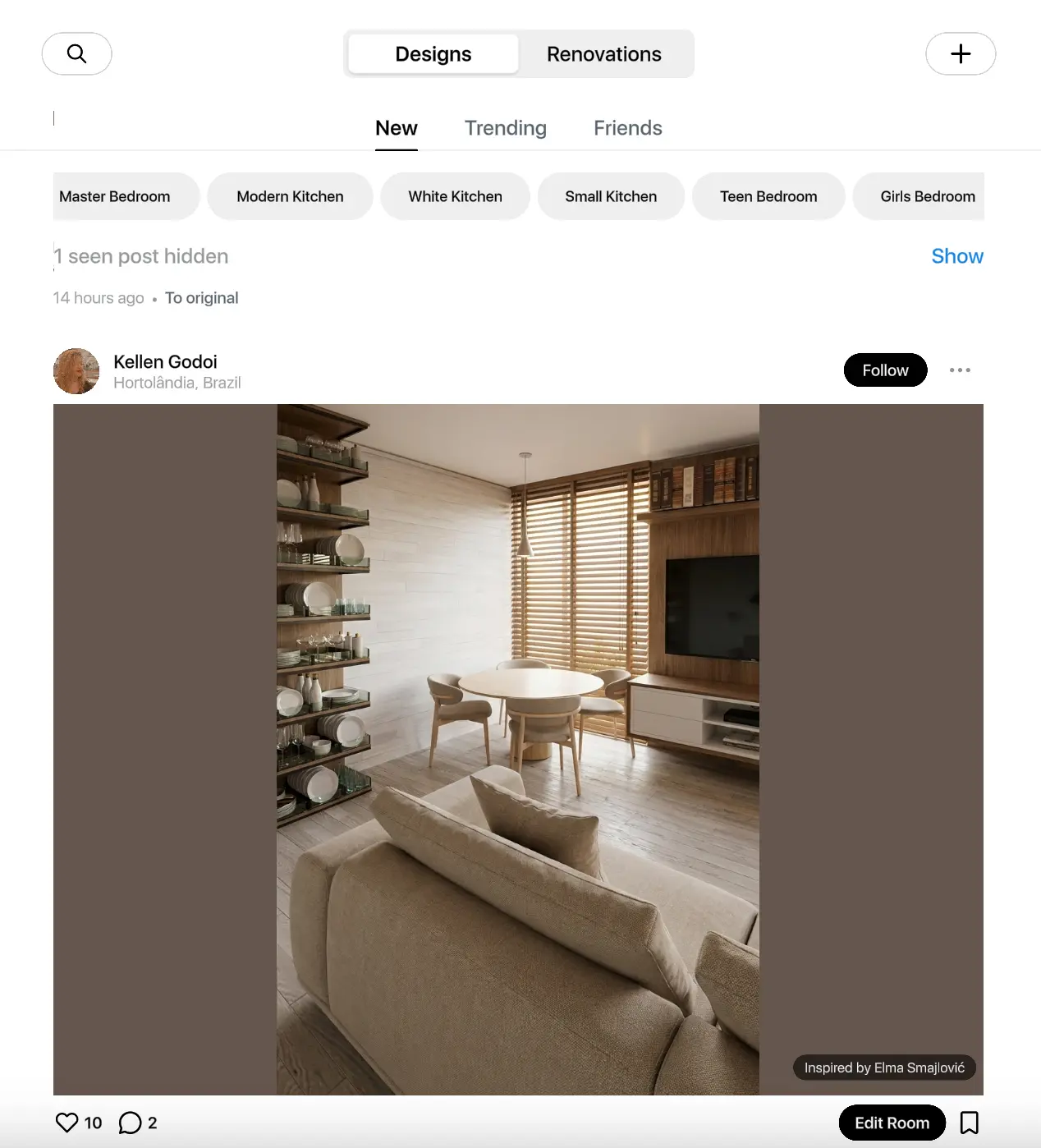
The Verdict
Coohom remains a fantastic desktop tool with an expansive, sprawling library for those who spend hours meticulously tweaking custom 3D scenes on a computer.
However, whether you are a professional designer who values rapid conceptualization or a homeowner planning a remodel, Home Planner provides unmatched agility. With the ability to natively draft or scan floors right from your phone, a curated catalog of real-world furniture, and 10-second AI renders, it streamlines the entire process.
Ready to see your design before you spend a dime? Download Home Planner today, draft your room on your phone or PC, and start visualizing the perfect interior.

Try it on your own project
Free app for iPhone, iPad, Mac, Android and Windows.