Try a new look for your own room with AI Redesign

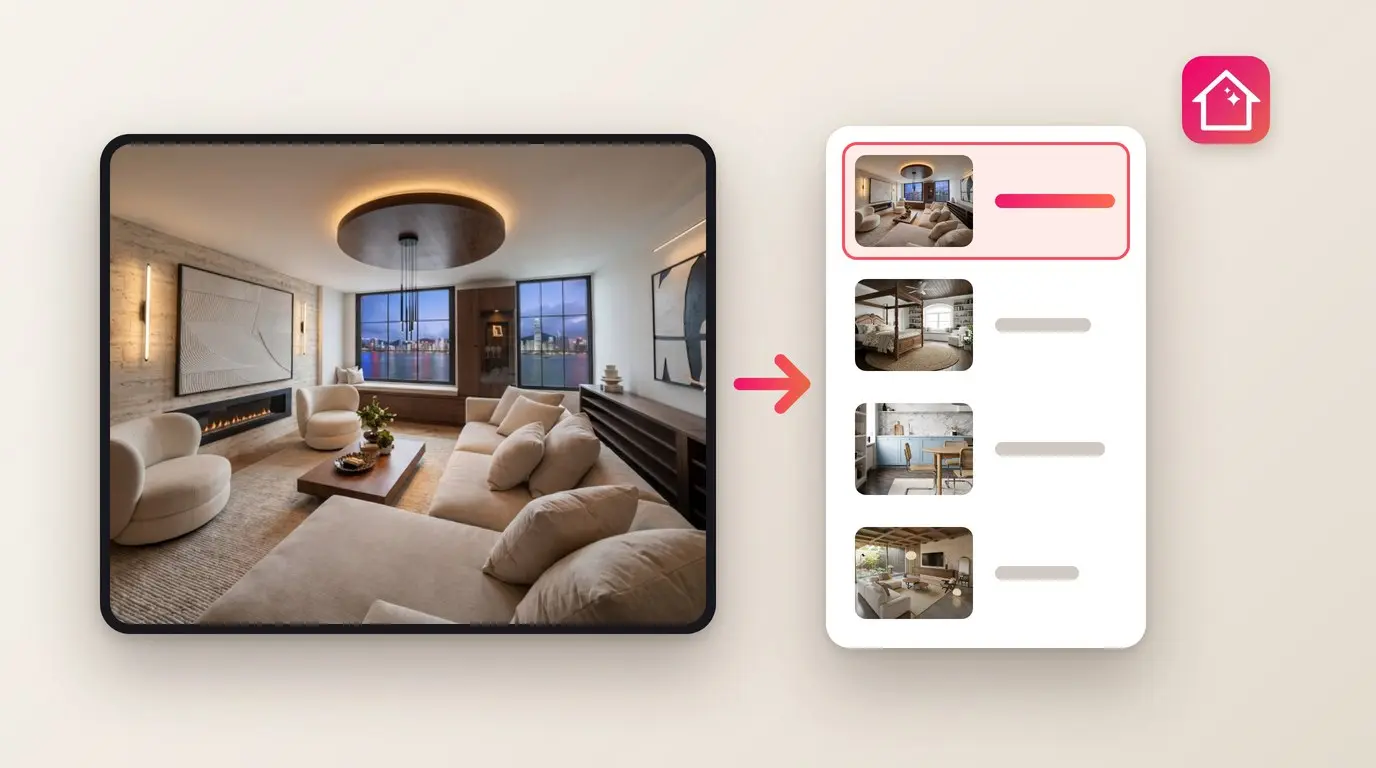
AI Redesign in Home Planner has five tools (Style, Color, Light, Clean and Renovate), so you can change one thing in a photo of your room and compare.
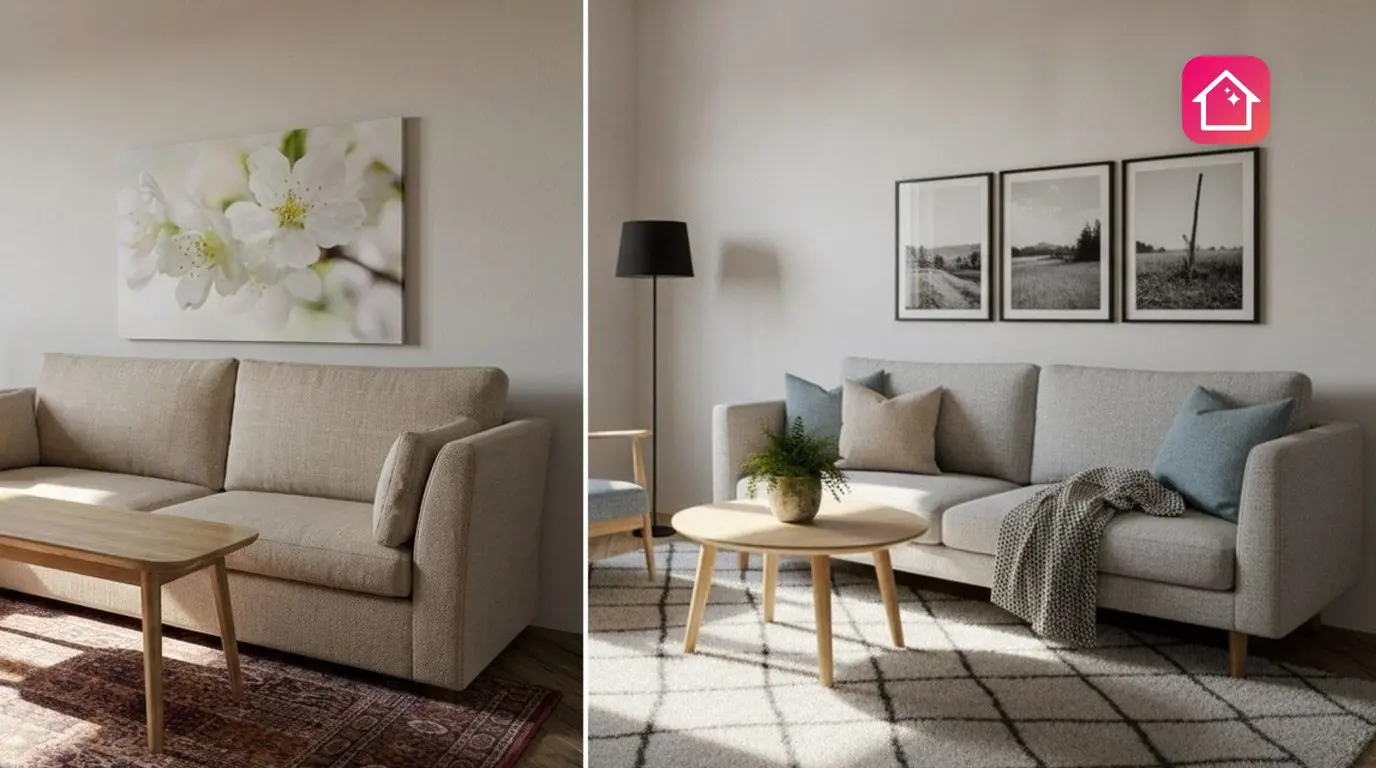
Not sure a darker floor will work in your room? AI Redesign in Home Planner now has five tools (Style, Color, Light, Clean and Renovate), so you can change one thing in a photo and compare.
Planning a renovation: see your tile, wood or paint on a wall, floor or ceiling, from one photo.
Designing your dream home: try Scandinavian, Japandi or Boho Chic on a photo of any room you love.
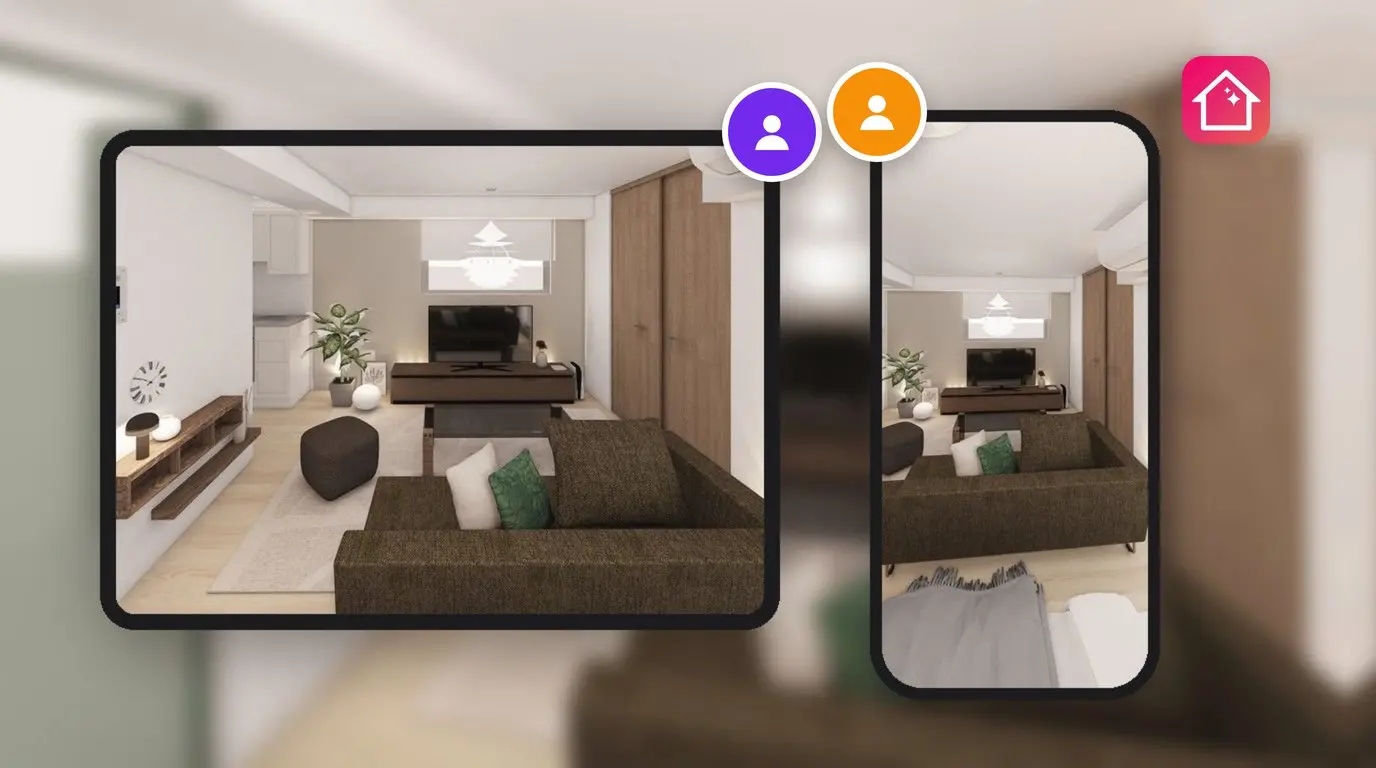
Working with clients: empty a client's room with Clean, then show it in new styles.
AI Redesign works online. New users start free; more redesigns need PRO. PRO+ removes the watermark from saved images. The result shows how a room could look, not whether a sofa fits.
Try it on your own project
Free room planner and interior design app