Back to Help centerWhat's new
Keep client projects in your CRM with Home Planner
Home PlannerApp Team · October 31, 2026
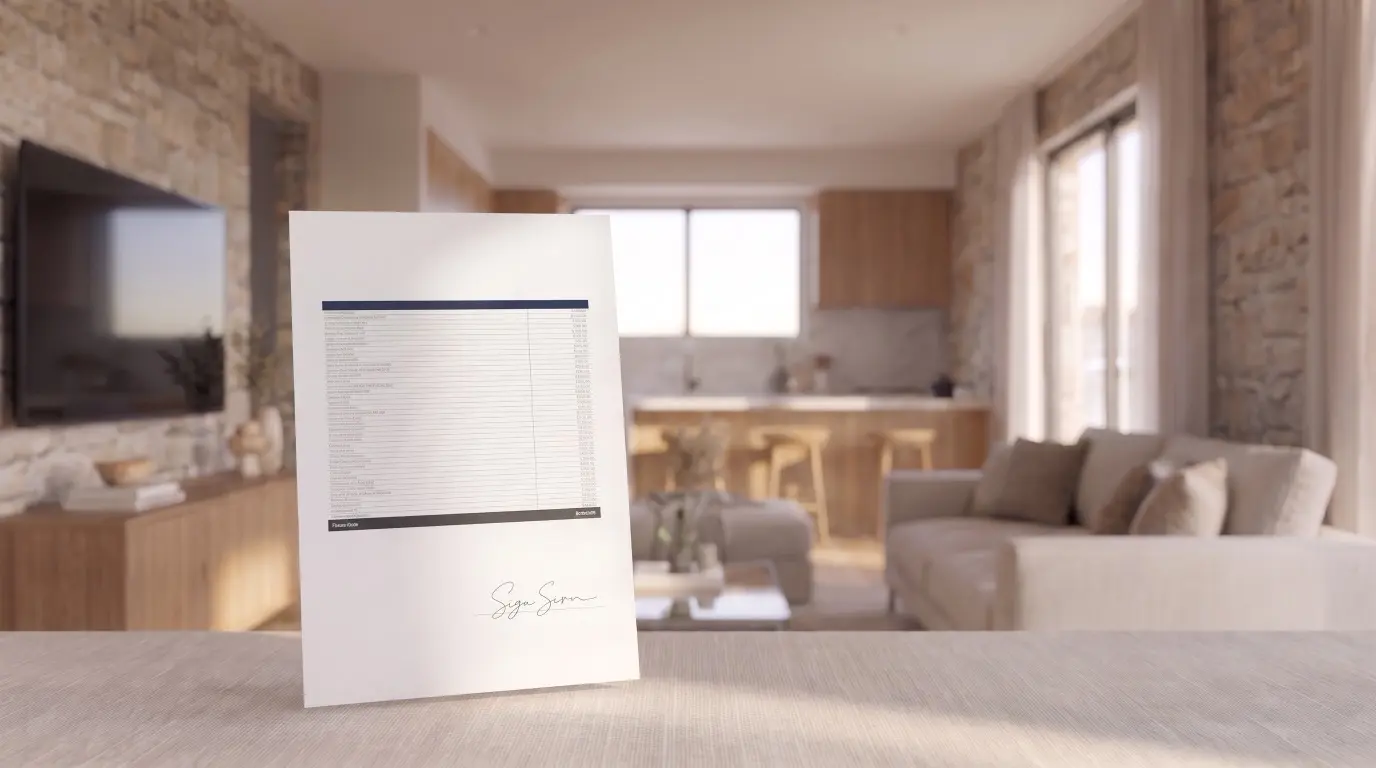
With CRM & spreadsheets in Home Planner, each project you send arrives as one record with rooms, products, prices, the total and the floor plan PDF.
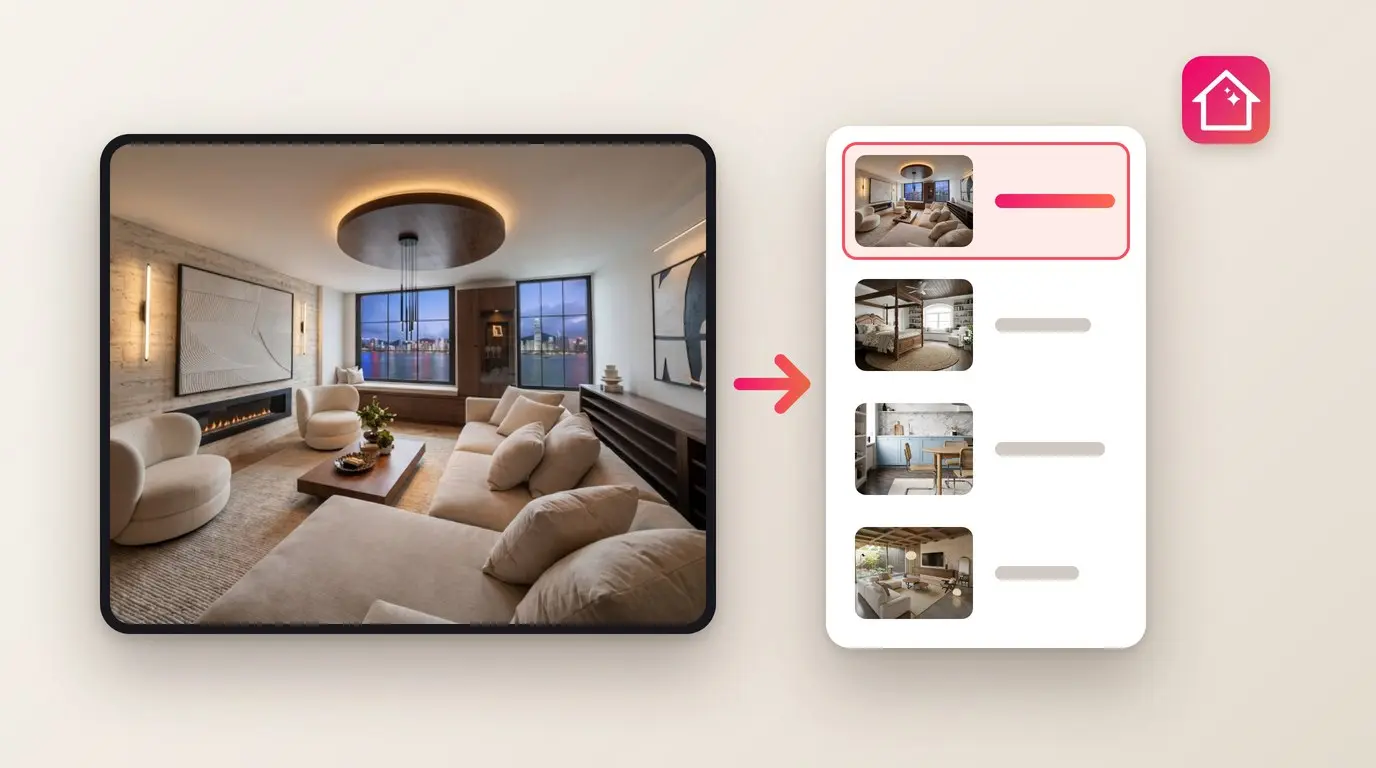
Send a project from Home Planner to your CRM or spreadsheet and it now arrives as one record, with the project link, rooms, products, prices, the total and the floor plan PDF. The feature is called CRM & spreadsheets.
Your CRM stays the one place for client records, and nobody retypes a shopping list.
Sending projects needs PRO++ and a project saved to the cloud. Most CRMs connect through a third-party service with its own account, and some need its paid plan.
Home Planner
Try it on your own project
Free room planner and interior design app
TagsCRM