Room scanner app
Room scanner app: turn your room into a 3D plan you can furnish
Walk the room with your phone camera: Home Planner draws the walls, doors and windows, turns the scan into a floor plan and opens it in 3D, ready to furnish.
Get Home Planner on your phone
Point the phone camera at the code, install the app and scan your first room.
Free: scan a room into a new design and view it in 3D · editing the scan, sharing and laser meters need PRO
- 30M+ downloads
- 560,000+ real products

How the room scan works
No tape measure, no drawing: the camera does the walk, you get the plan.
Walk the room
Open Home Planner and tap Room scan. Move the phone slowly around the room — the camera tracks the walls as you go.
Get the plan
The scan turns into a floor plan: walls, doors and windows in place. On a LiDAR phone or tablet the scan runs through RoomPlan.
Furnish it in 3D
Switch to 3D, look around, and place real furniture at real size. Viewing the scan in 3D is free; furnishing a scanned room needs PRO.
What the free scan gives you
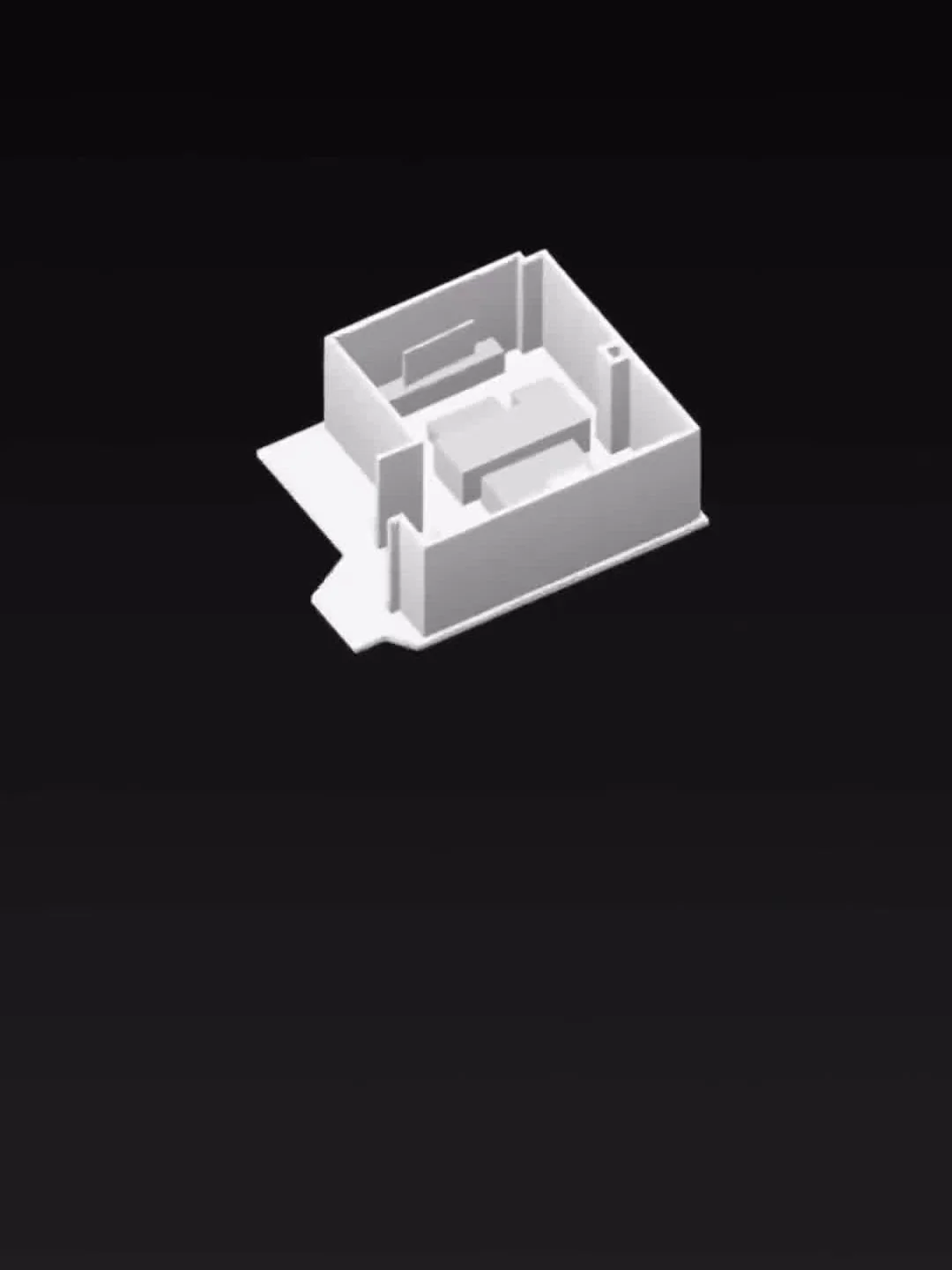
A scan into a new design costs nothing: the room becomes a plan you can walk around in 3D.
- Scan any room into a new design — free.
- The plan opens in 3D as soon as the scan ends: look around, see the shape of the room.
- The scan stays with the project, so you can return to the room later.
- Free
Editing, wall lengths and sharing: PRO
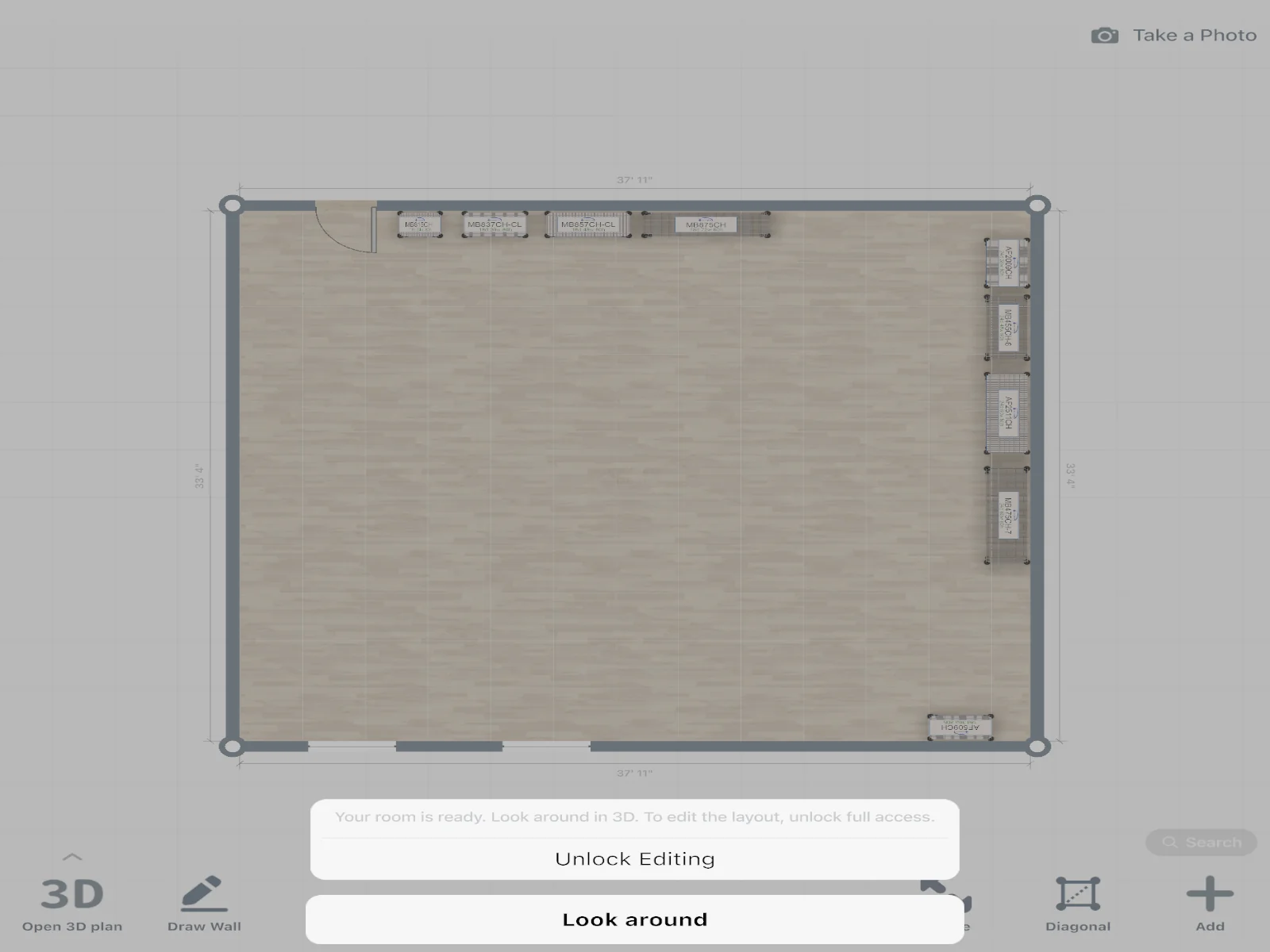
The free scan views the room; PRO turns it into a working plan.
- Edit the scanned plan: move walls, add doors and windows, fix what the scan got wrong.
- Type the exact length of a wall — put the measured size into the plan.
- Scan into a design you already work on, not only into a new one.
- Share the design with a link your client or family opens in a browser.
- Furniture and materials the scan finds in the room: place them at real size.
- PRO

Laser distance meters write straight into the plan
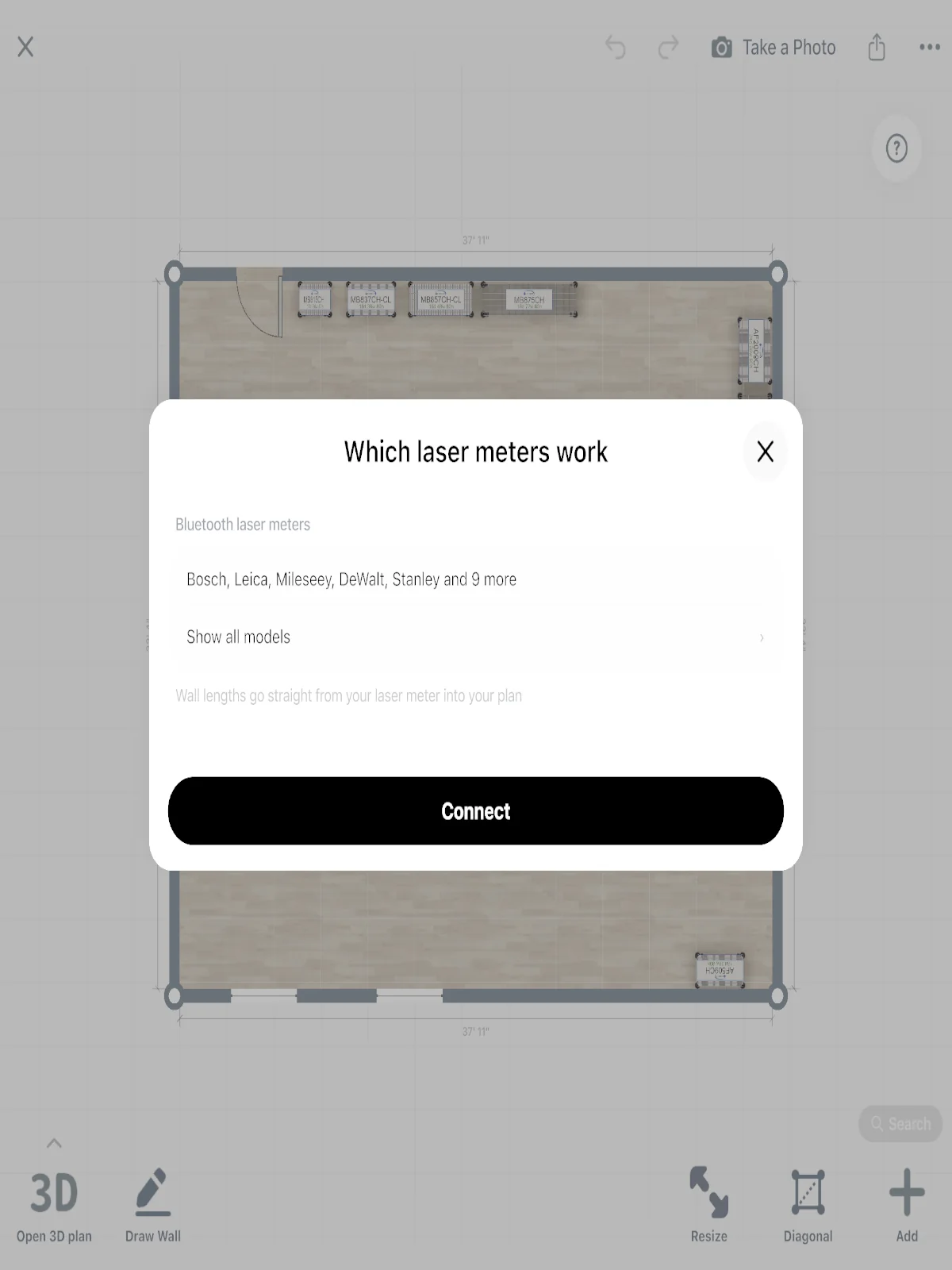
Want numbers you can check? A laser distance meter sends each reading into the wall you tapped.
- Tap a wall, take the reading: the length goes into the plan at once. No toggle, no retyping.
- Selected models from Bosch, Leica and other makers — 55+ meters in the app's list.
- On iPhone, iPad, Android and Mac. Not on Windows.
- Laser meters: PRO
Which phones can scan a room?
The room scan runs in the phone app — no extra hardware to buy.
- AR scan: iPhones newer than the 6s, and Android phones with ARCore.
- LiDAR scan (RoomPlan): a LiDAR phone or tablet with iOS 16 or later.
- No scanning on Mac and Windows: scan with the phone, open the design on your computer.
- Scan: free
No AR on your phone?
Draw the same room by hand instead — the measuring guide works on any phone.
After the scan: AI styles and real furniture
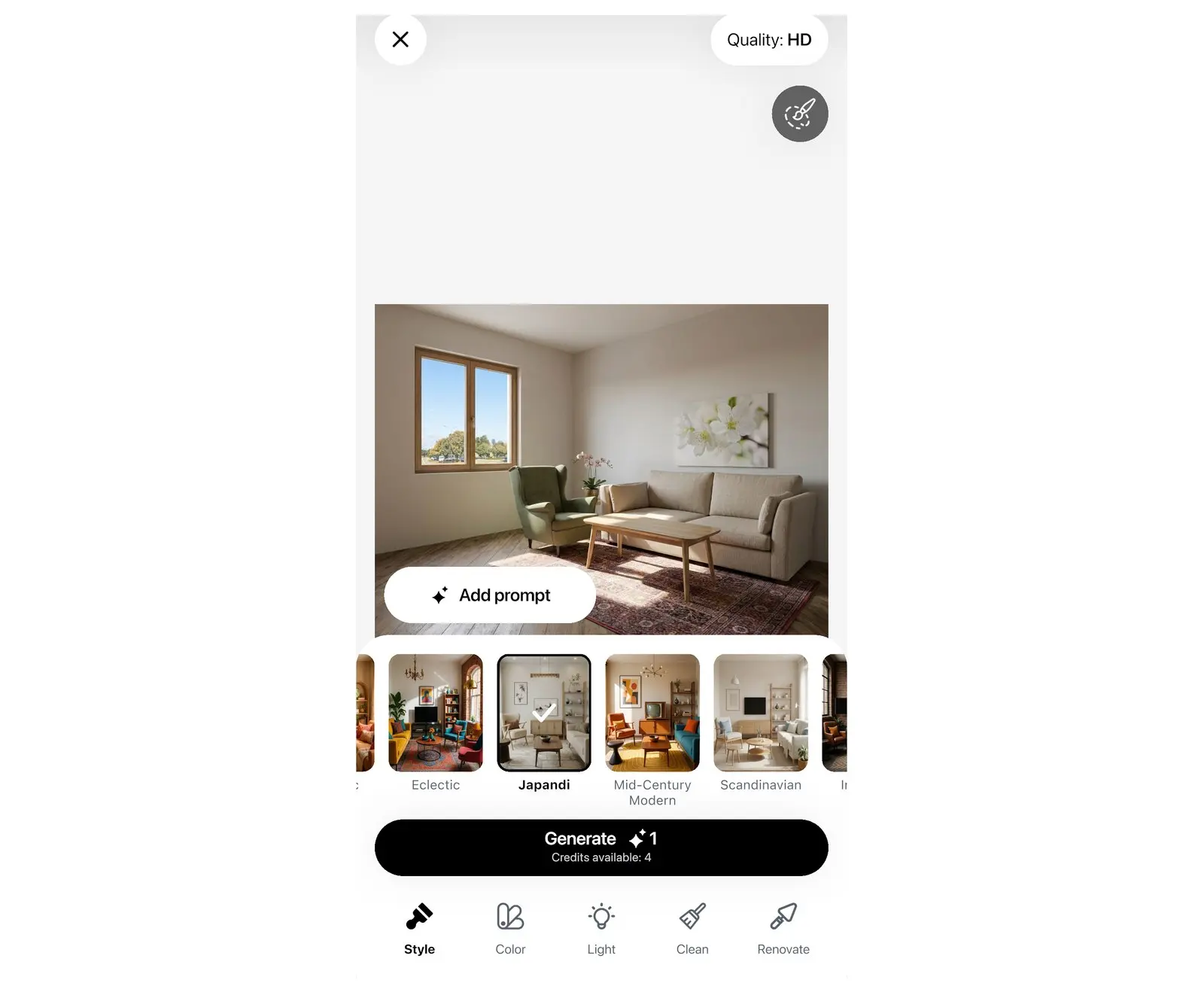
The plan is the start. See the room in a new style with AI, then furnish it from the catalog.
- 4 free AI redesigns: see the scanned room in a new style before you buy a thing.
- 560,000+ real products from real brands, at real size.
- A shopping list with prices for everything you placed.
- First 4 free
Room scanner questions
Scanning a room into a new design and viewing it in 3D are free. Editing the scanned plan, typing exact wall lengths, sharing the design, scanning into an existing design, furniture found by the scan and laser meters need PRO.
Current plans and prices are on the Pricing page. PRO unlocks everything on this page the free scan does not: editing, exact wall lengths, sharing, found furniture and the laser meter.
No. The scan runs on a phone or tablet with AR support. The Mac and Windows apps open the finished design.
It depends on the device and how steadily you walk the room. The plan gives you the shape of the room; check the lengths that matter with a tape measure or a laser meter and, on PRO, type the exact size into the wall.
Yes — selected Bosch, Leica and other models, on iPhone, iPad, Android and Mac, on PRO. Not on Windows. Each reading goes into the wall you tapped, with no retyping.
Any room you can walk around: living rooms, kitchens, bedrooms, bathrooms, garages and gardens. One scan gives you that room's plan; scan the next room the same way.
Scan your first room
Point the camera, walk the room, and furnish the plan it gives you. The scan and the 3D view are free — the app is one tap away.
- Scanning roomsthis page
- Measuring rooms for quotes?Home Planner for contractors
Home Planner is not affiliated with, endorsed or sponsored by Apple, Google, Bosch or Leica Geosystems; their names and marks belong to their owners. Android is a trademark of Google LLC. iPhone, iPad and Mac are trademarks of Apple Inc., registered in the U.S. and other countries. Windows is a trademark of the Microsoft group of companies. Other trademarks are the property of their respective owners.