Back to BlogHow-to guides
Free Interior Design Course
Home PlannerApp Team · July 17, 2020
Video lessons on designing interiors in Home Planner: room design, doors and windows, the catalog, materials, photos and panoramas, export and sharing.
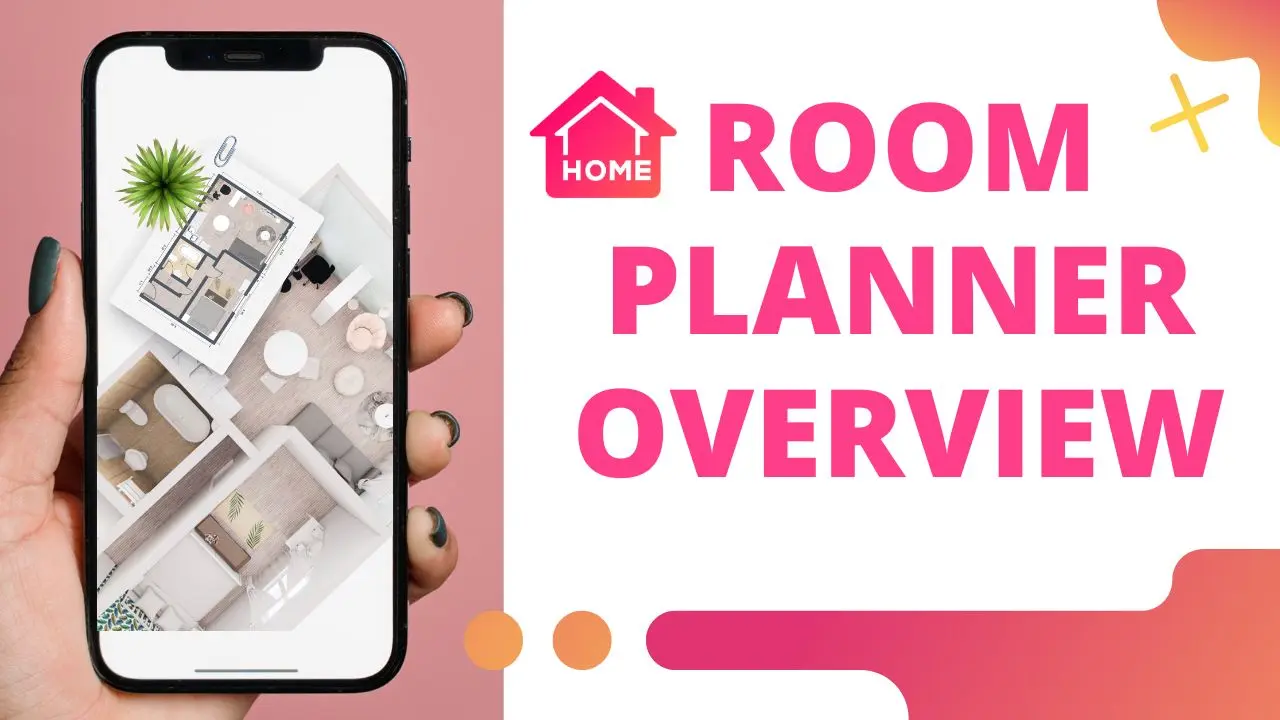
Learn how to create stunning interiors with Home Planner App
Measure your space, create 2D/3D floor plans, decorate and furnish your interior with world-famous brands, make professional visualizations, and get inspiration from predesigned layouts for your bedroom, bathroom, living room, etc.
Home Planner App - Lesson 2 - Room design
Home Planner App - Lesson 3 - Doors and Windows
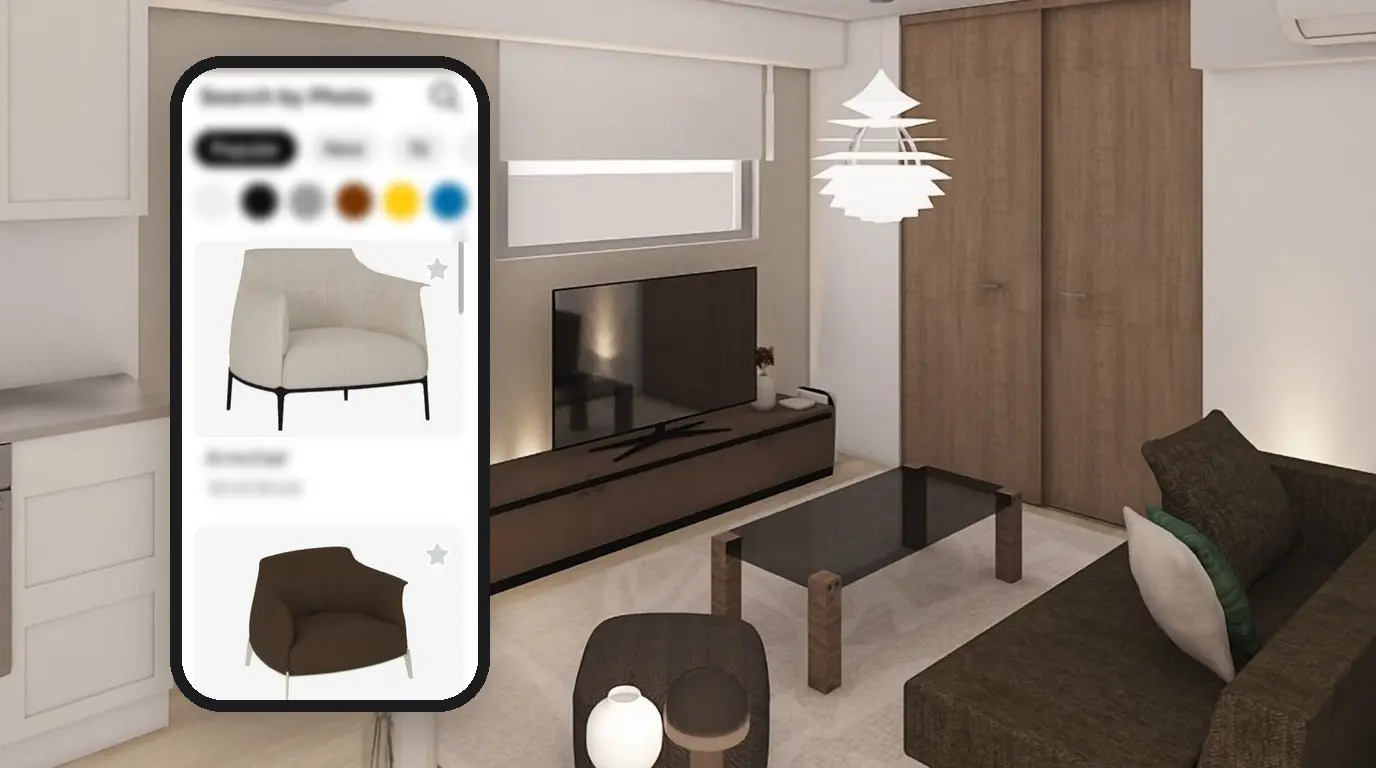
Home Planner App - Lesson 4 - Catalog
Home Planner App - Lesson 5 - Materials
Home Planner App - Lesson 6 - Photos and Panoramas
Home Planner App - Lesson 7 - Export and Share
Try the best interior design app Home Planner
Measure your space, create stunning 2D/3D floor plans, decorate and furnish your interior with world-famous brands, make professional visualizations, and get inspiration from predesigned layouts for your bedroom, bathroom, living room, etc.
Home Planner
Try it on your own project
Free app for iPhone, iPad, Mac, Android and Windows.