How to Use AI for Interior Design (And Actually Get Good Results)

AI is changing interior design in 2026. Learn the professional workflow for using AI Redesign, from photo uploads to mastering the custom style prompt field.
By 2026, Artificial Intelligence has moved from being a "futuristic gimmick" to an essential part of every designer’s toolkit. However, many users still treat AI like a magic button—they press it, get a random result, and feel disappointed when it doesn't match their vision.
The secret to getting professional-grade results from the Home Planner AI Redesign isn't luck; it's communication. Here is how to master the engine.
1. Start with a Clean "Digital Canvas"
AI works best when it understands the underlying geometry of your room. You have two ways to provide this:
- Photo Upload: Take a photo of your existing room. For the best results, stand in a corner to get the widest possible view of the floor, ceiling, and wall intersections.
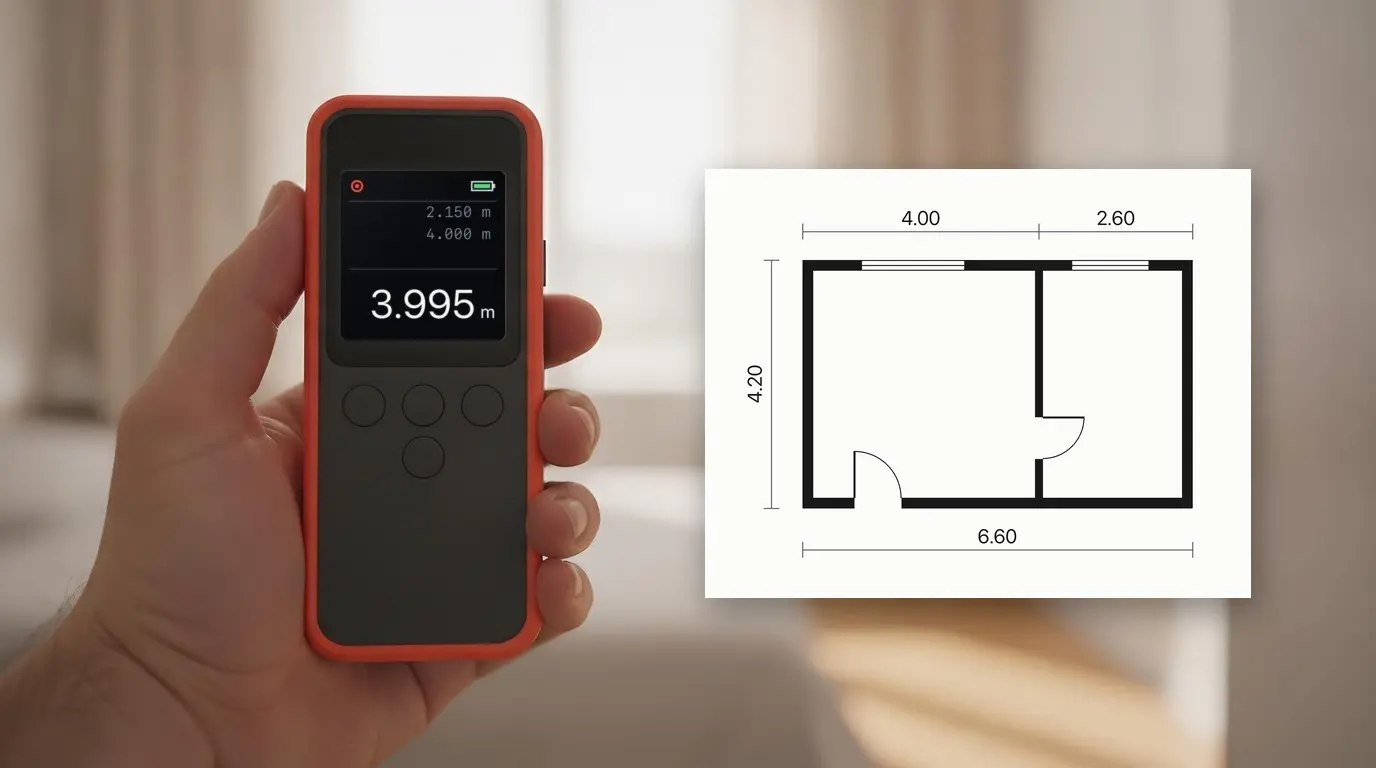
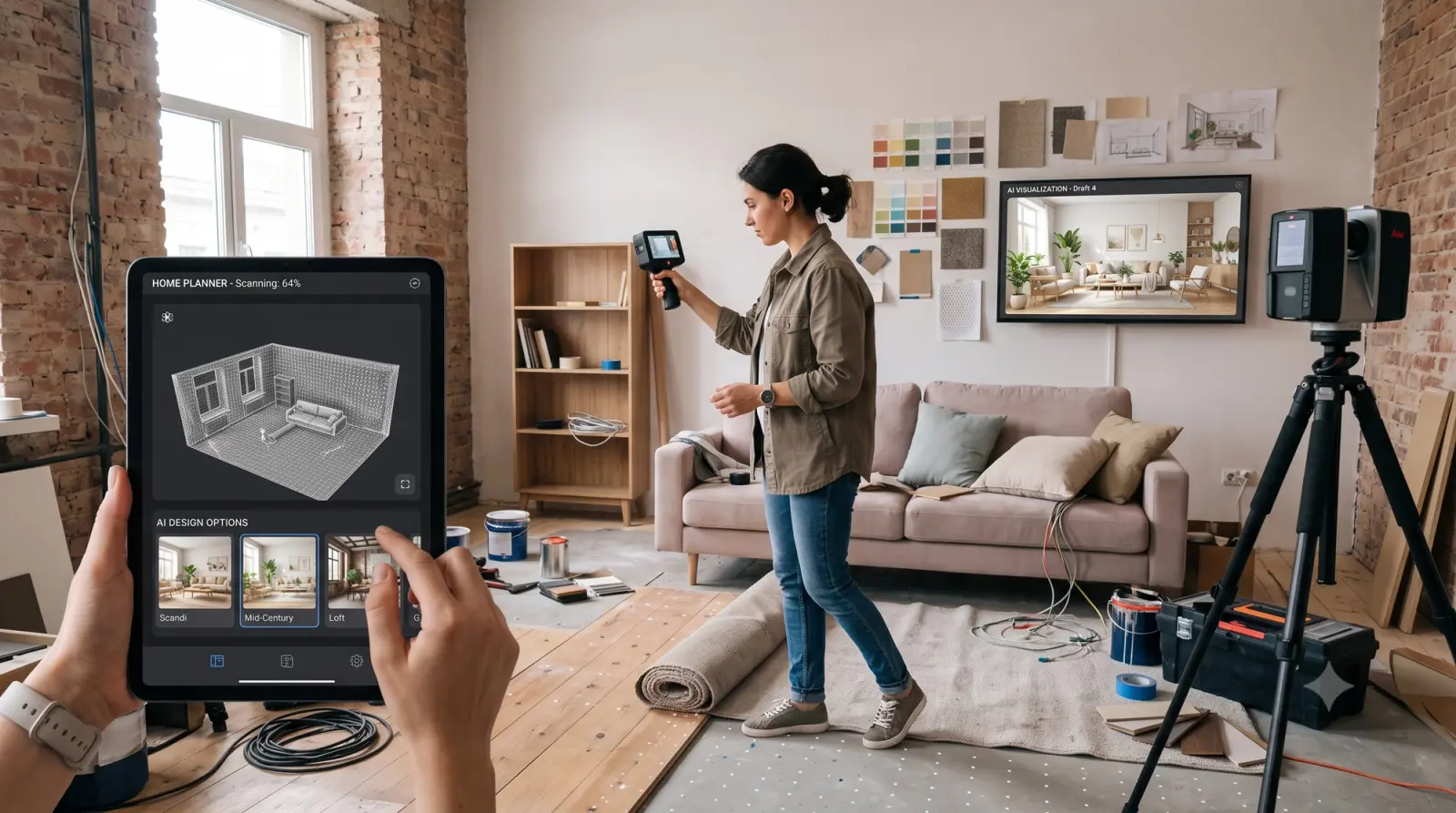
- 3D Model (Recommended): If you build a floor plan using the AR LiDAR Scanner first, the AI doesn't have to guess the dimensions. Once the scan is complete, the AI will automatically arrange professionally curated furniture within your 3D model. You can then easily swap any item with over 300,000+ real products from our integrated catalog.
2. Mastering the Prompt Field
This is where 90% of users fail and where you will succeed. While Home Planner offers one-tap style presets (Modern, Scandi, Industrial), the true power lies in the Custom Style Prompt Bar.
Instead of just selecting a preset, try typing specific "vibe" scripts: * Don't type: "green room"
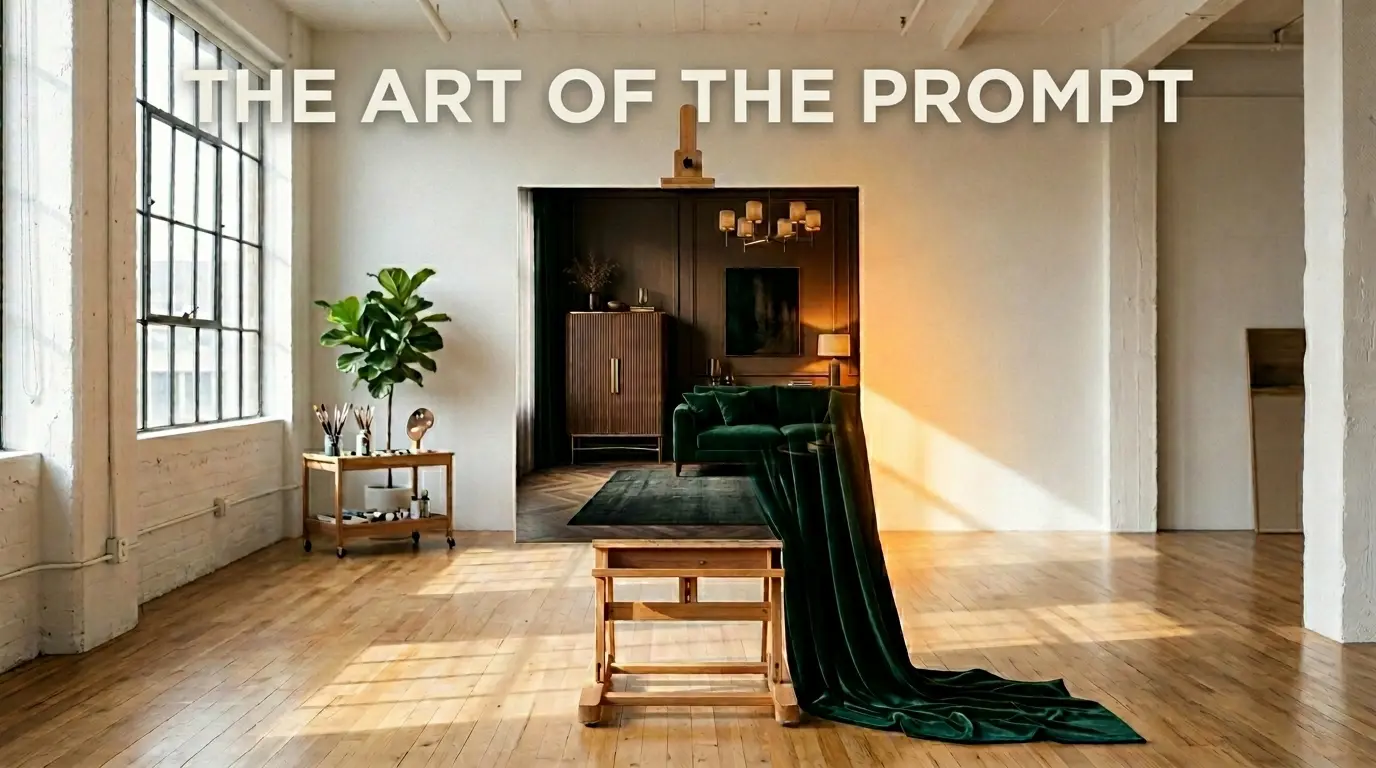
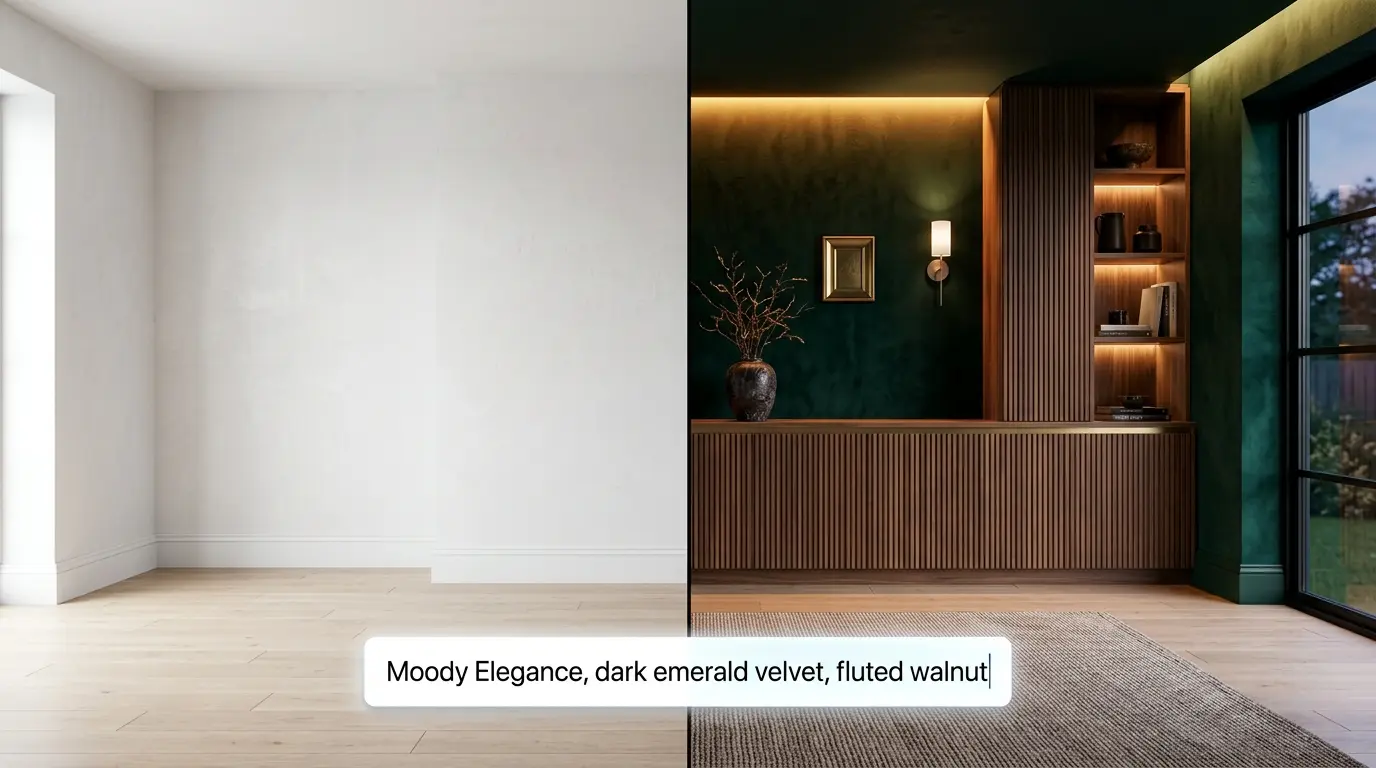
Do type: "Moody Elegance, dark emerald velvet textures, fluted walnut cabinetry, indirect warm amber lighting, high contrast."
The more specific you are about materials (velvet, brass, oak) and lighting (indirect, sunset, atmospheric), the more photorealistic and "expensive" the final design will look.
3. The Power of Iteration
Professional designers don't just generate one image and stop. They iterate.
If the AI gives you a layout you love but the rug is the wrong color, simply update your prompt. In Home Planner, you can lock certain elements while the AI regenerates others. This allowed us to keep the floor plan fixed while testing 15 different color combinations in under 5 minutes.
4. Why AI Won't Replace Your Taste
AI is a generator, but you are the curator. The AI can suggest a "Tactile Comfort" layout, but only you know if that armchair fits your lifestyle or if that specific shade of blue matches your favorite painting.
Use AI to handle the heavy lifting—lighting simulations, material combinations, and spatial layouts. Use your intuition to make the final choice.
Try AI Redesign in Home Planner.

Try it on your own project
Free app for iPhone, iPad, Mac, Android and Windows.