Case Study: How We Saved $5,000 on a Remodel Using Only a Smartphone

Real-world data. See how one family used Home Planner's LiDAR and AI features to slash their renovation budget by $5,000 while achieving a designer-level look.
Most people start a renovation with a budget and an optimistic smile, only to end it with a mountain of debt and a headache. The average renovation in 2026 goes 25% over budget.
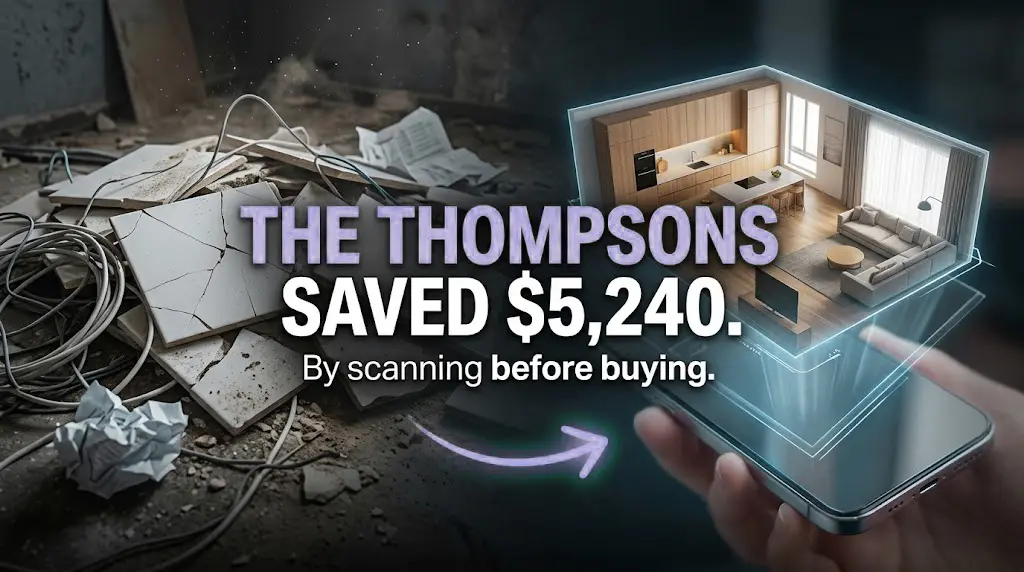
Last year, the Thompson family decided to buck that trend. Their goal? A complete living room and kitchen overhaul on a strict $30,000 budget. By using Home Planner as their primary planning tool, they didn't just stay on budget—they saved $5,240 compared to their original contractor's estimate.
Here is exactly how they did it.
1. Skipping the "Professional Measurement" Fee ($400 Saved)
Before Home Planner, the Thompsons were quoted $400 by a local drafting service to create a baseline set of floor plans for their 800 sq. ft. open-plan space.
The Solution: Using the AR LiDAR Room Scanner on an iPhone 15 Pro, Sarah Thompson scanned the entire space herself in 8 minutes. The result was a millimeter-precise file ready for design.
Cost: $0 (for the first usage).
2. Eliminating Material Over-Ordering ($2,840 Saved)
The contractor’s initial estimate included a standard "15% waste buffer" for the expensive Italian porcelain tiles and hardwood flooring.
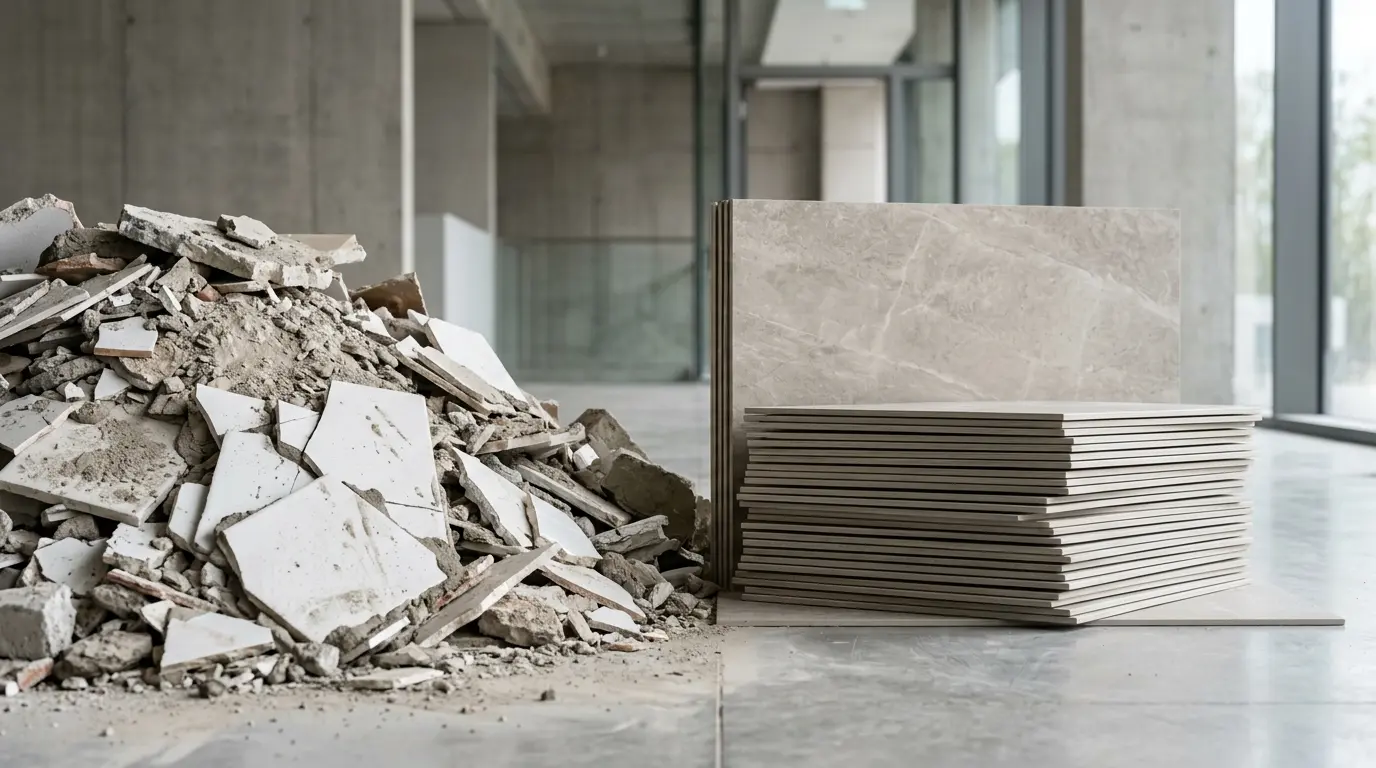
The Solution: Because the Home Planner 3D model was accurate to the millimeter, Sarah used the Automatic Material Calculation feature. It calculated that they only needed an 8% buffer due to the precise layout of the planks in the app.
The Math: By ordering exactly what was needed, they avoided buying 4 extra boxes of tiles and 6 extra boxes of flooring that would have otherwise ended up in a dumpster.
3. Avoiding the "Change Order" Trap ($1,500 Saved)
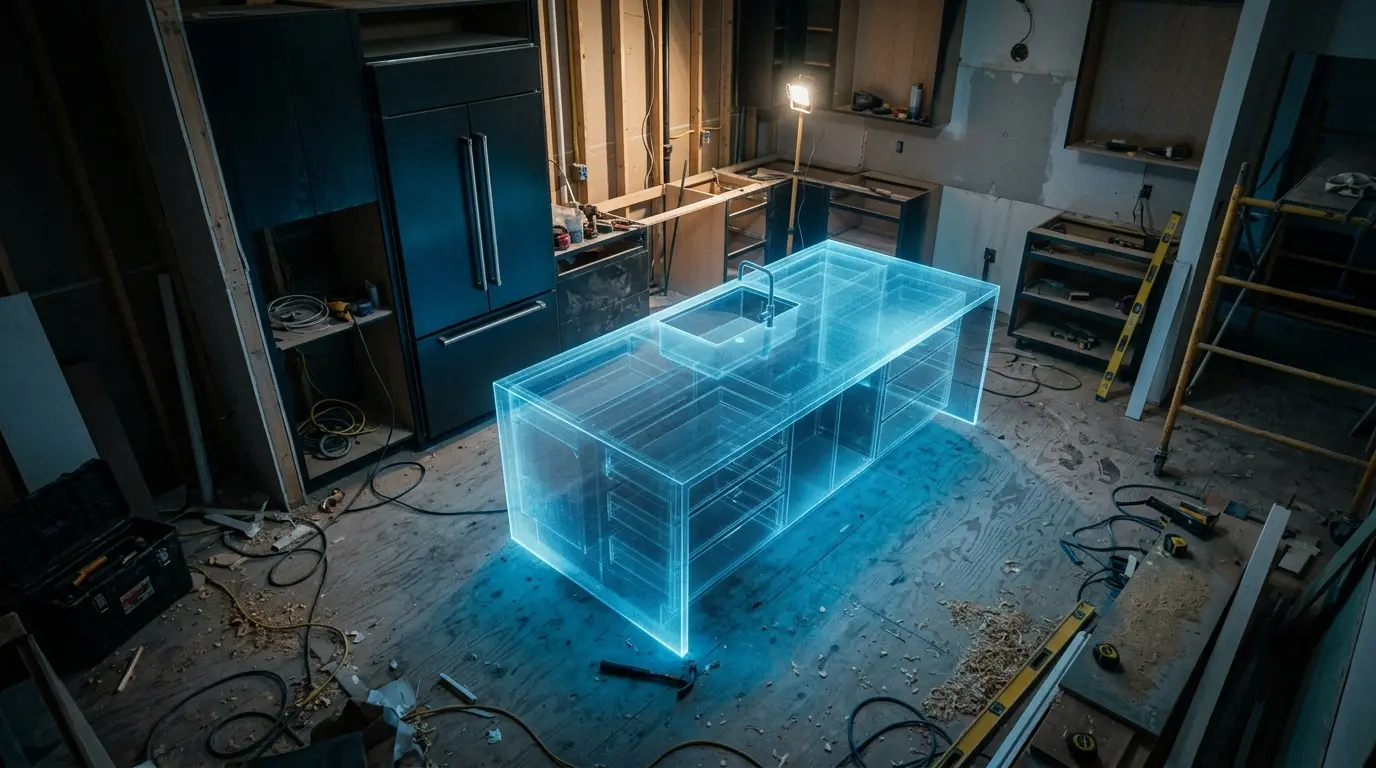
Halfway through the design, the Thompsons were set on a massive kitchen island. However, when they placed a real-scale model of the island in their 3D plan, they realized it would block the refrigerator door from opening fully.
The Solution: They caught this mistake in the Home Planner virtual layout weeks before the island was ordered.
The Saving: A typical "Emergency Cabinet Modification" fee from a contractor averages $1,500. By catching the error in 3D, that cost was eliminated completely.
4. DIY Design vs. Professional Fees ($500 Saved)
While the Thompsons wanted a professional look, they didn't want to pay $150/hour for an interior designer to pick out pillows.
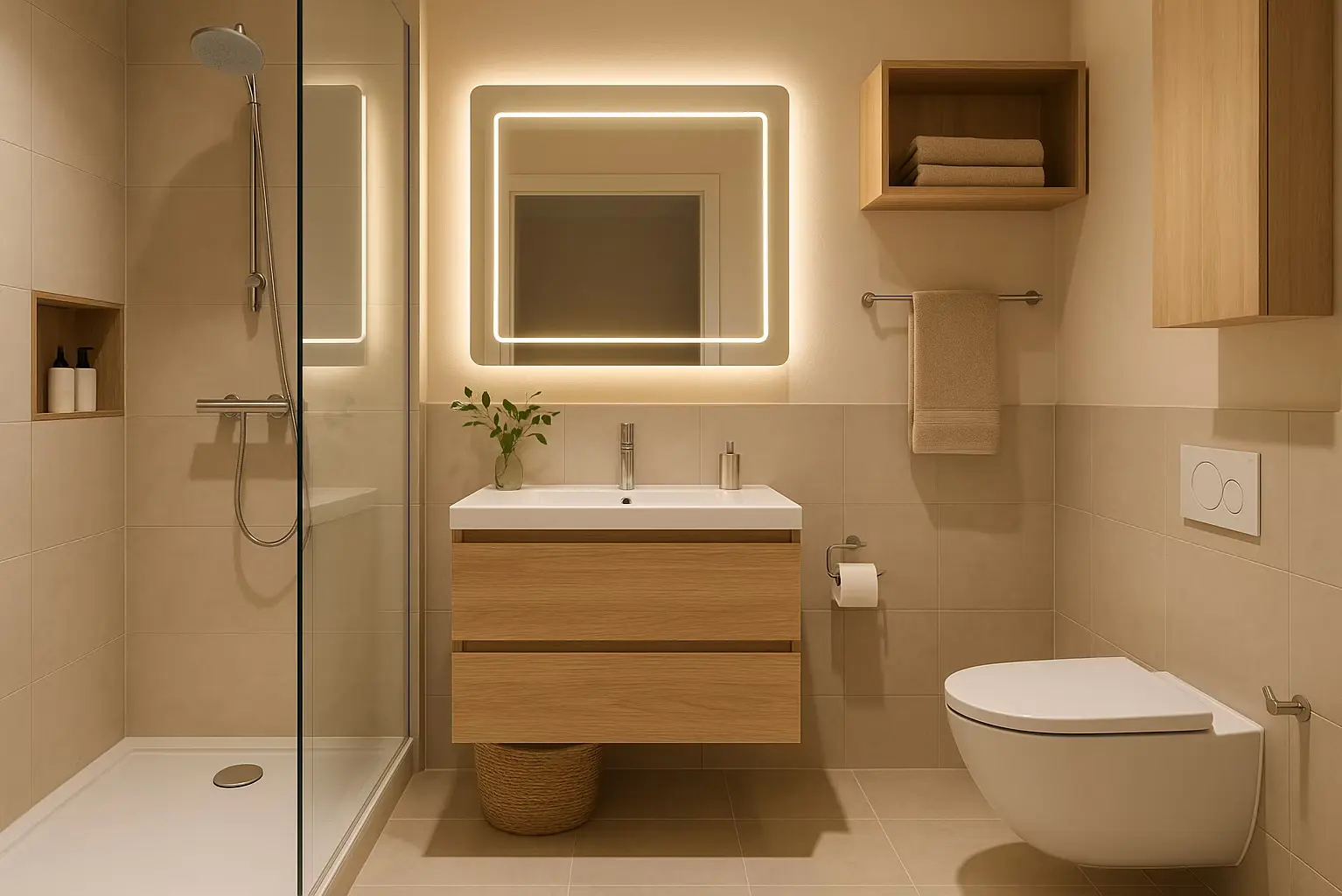
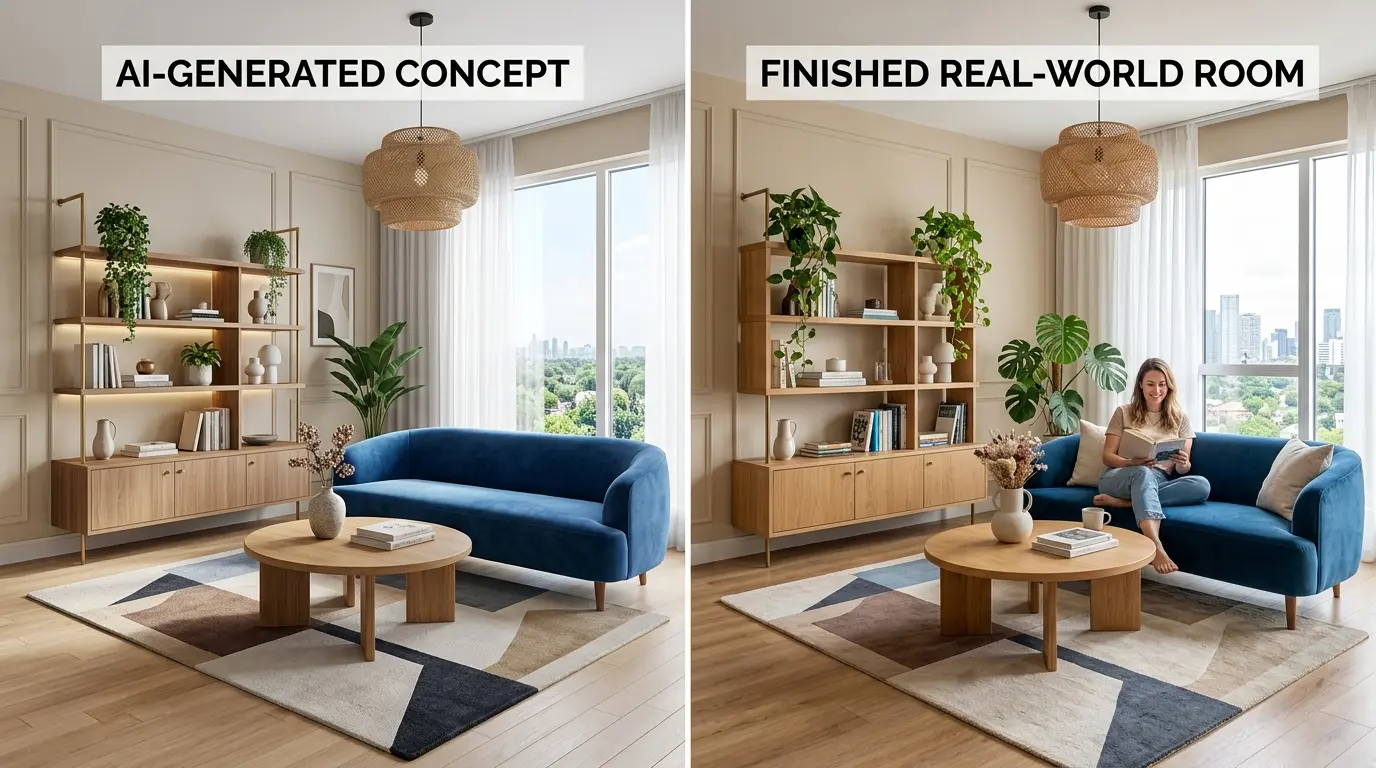
The Solution: By applying AI Redesign to their home project with the Scandi style filter, they got a cohesive design in just 60 seconds, complete with a color palette and decor ideas.
The Lesson: Precision is Profit
"The app paid for itself 100 times over in the first week," says Sarah. "The biggest saving wasn't just the money; it was the confidence. We knew exactly how many tiles were going on the floor before the first one arrived."
Stop guessing your budget. Download Home Planner and start your own success story today.

Try it on your own project
Free app for iPhone, iPad, Mac, Android and Windows.