What's new - release 9.6.9

Release 9.6.9 adds the floor editor: add a new level from the catalog, name it, and switch between floors from the menu in the top left corner.
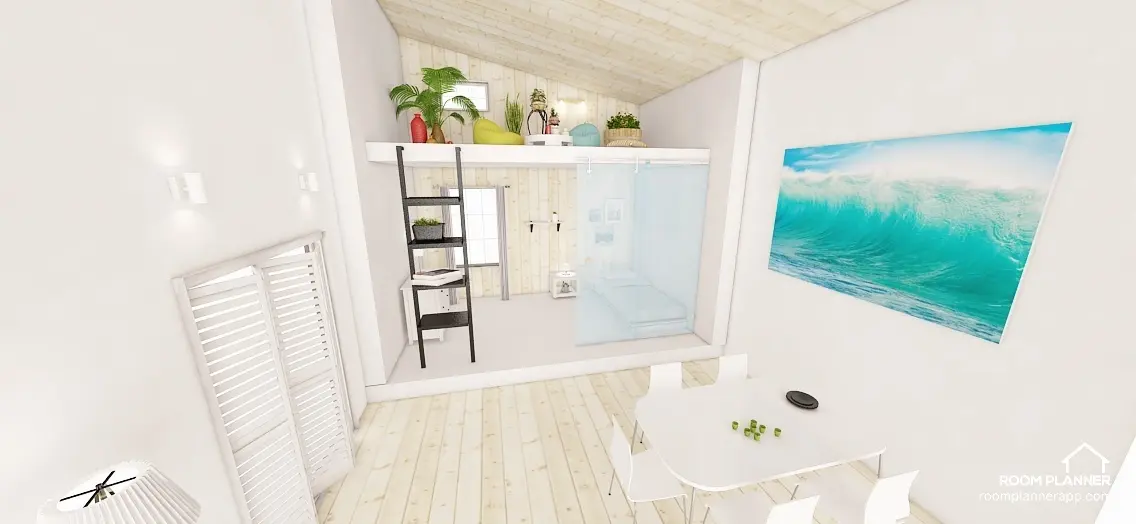
Yes, we did it!
We get so many requests from you about additional floors and some of you even tried to create floors using our 'constructions'. You have waited for so long and now we've launched the floor editor!
Thank you for your patience.
Enjoy the new feature and have fun creating new stunning interiors!
How to add a new floor?
1. Go to the catalog and find an item - 'Add Level' to create a new floor.
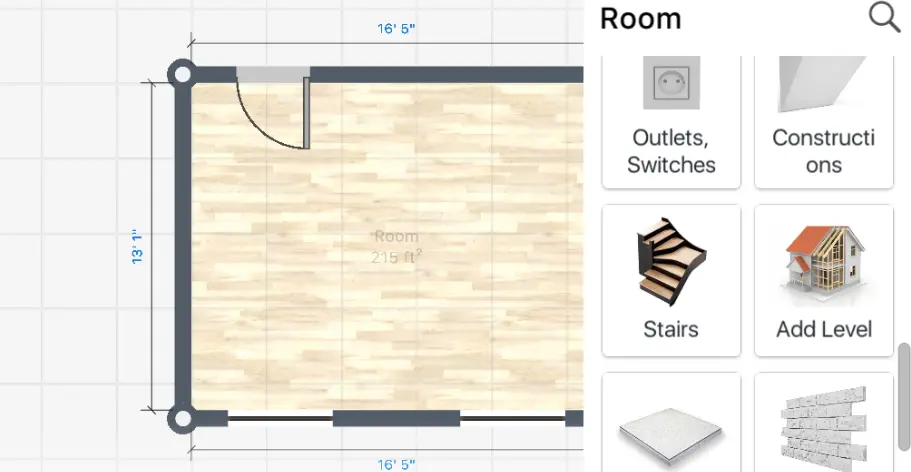
Add Level
2. Name a new floor.
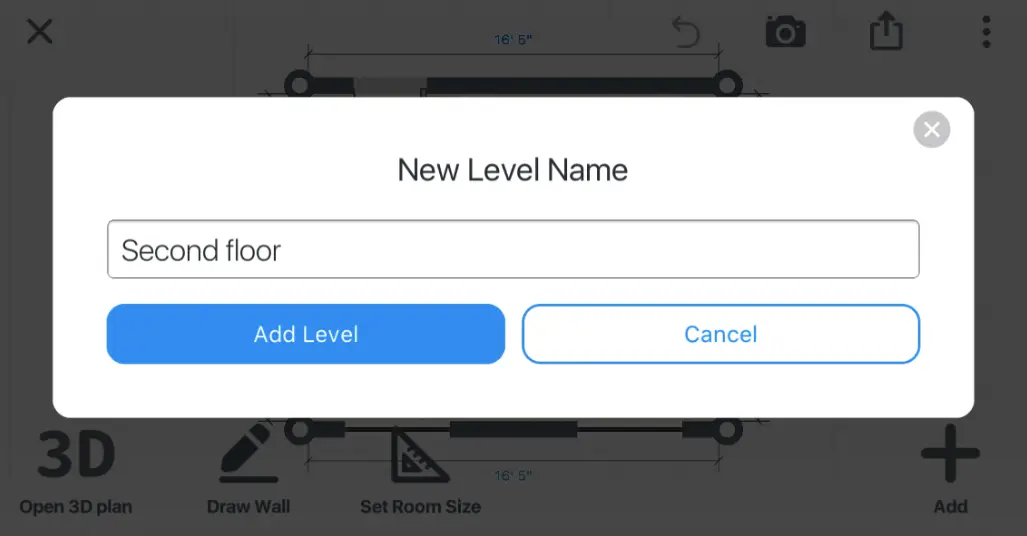
Level Name
3. Manage floors and edit them.
At the top left corner, you can find the floor menu. Tap it to switch the floor.
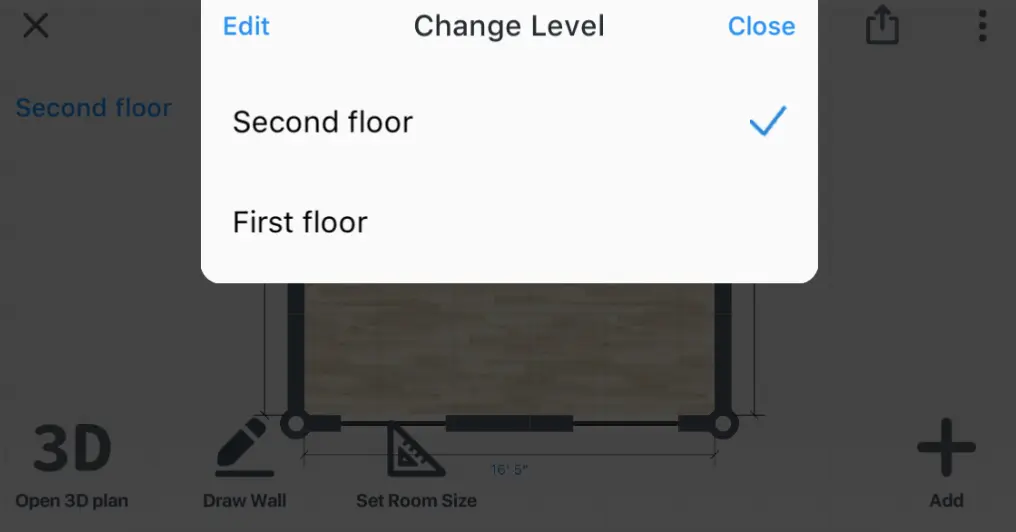
Change Level
We are planning to add a Portfolio page in the next big update.
Please do not hesitate to send us feedback to [email protected].
And don't forget to share with us your interior designs on Instagram. We wish you all the best with your interiors!
With love and care, your Home Planner Team.
Try the best interior design app Home Planner
Measure your space, create stunning 2D/3D floor plans, decorate and furnish your interior with world-famous brands, make professional visualizations, and get inspiration from predesigned layouts for your bedroom, bathroom, living room, etc.

Try it on your own project
Free app for iPhone, iPad, Mac, Android and Windows.