The 7 Best Interior Design Apps 2026: Reviews & Comparison

The landscape of digital interior design has shifted. In 2026, it’s no longer enough for an app to simply show you a gallery of beautiful photos.
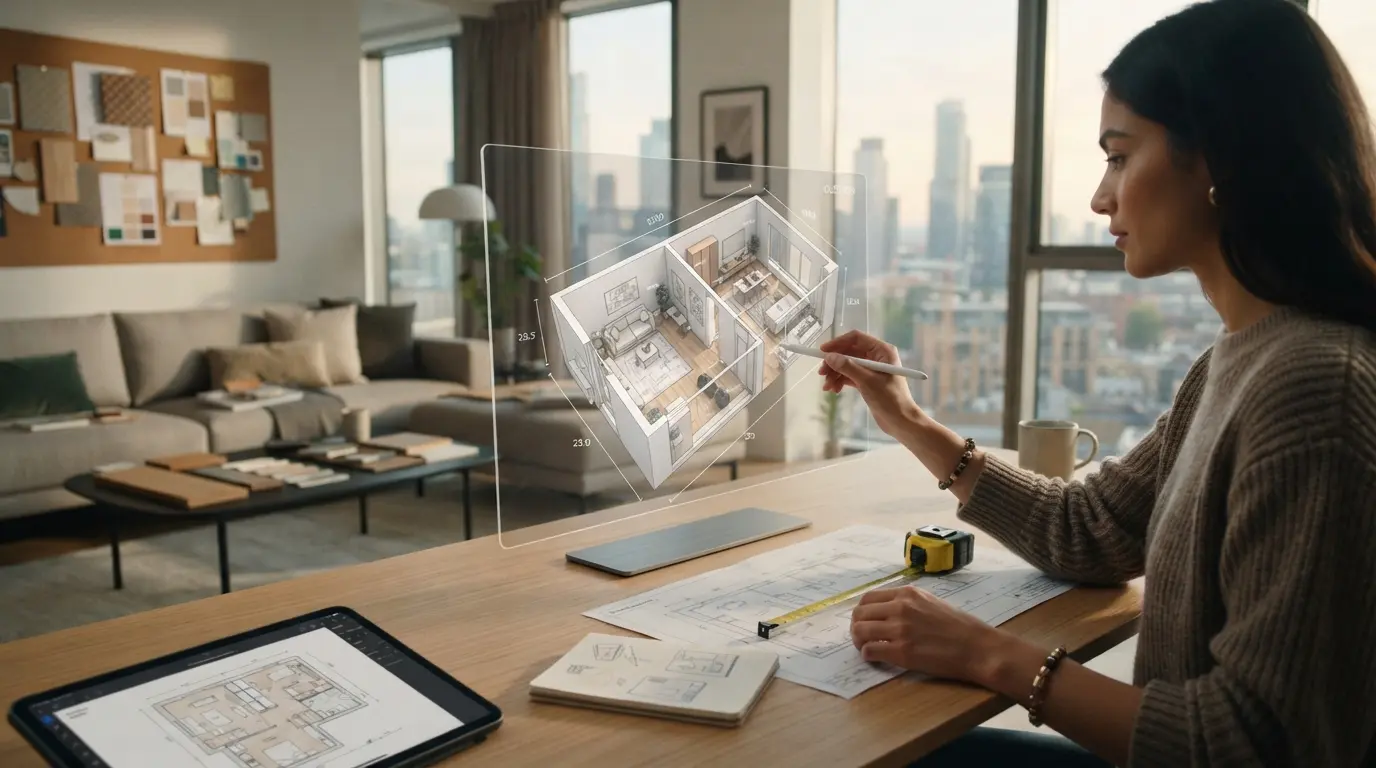
The landscape of digital interior design has shifted. In 2026, it’s no longer enough for an app to simply show you a gallery of beautiful photos. Homeowners and professionals alike are demanding tools that bridge the gap between "that looks nice" and "I can build this."
Whether you need a quick mood board or a millimeter-precise 3D floor plan, here are the 7 best interior design apps of 2026.
1. Home Planner: The All-in-One Powerhouse
Home Planner has secured the top spot in 2026 by being the most comprehensive tool on the market. It doesn't just help you visualize, it helps you execute.
Key Feature: The instant AR LiDAR Room Scanner that builds a 3D twin of your room in seconds.
Best For: Real-world renovations where precision and photorealistic results are non-negotiable.
Unique Edge: A catalog of 500,000+ real retail items that ensures your design is actually buyable.
2. Pinterest: The Ultimate Inspiration Engine
While not a "design" tool in the technical sense, Pinterest remains essential for the discovery phase.
Best For: Finding overall aesthetics, color palettes, and vibe checks.
Limitation: It lacks spatial awareness. You can't see how that "Boho-chic" sofa actually fits in your specific living room dimensions.
3. Houzz: The Professional Networking Hub
Houzz continues to be the go-to place for finding local contractors and browsing professional portfolios.
Best For: Finding and hiring pro labor once your design is finalized.
Limitation: The 3D planning tools feel dated compared to current AI-driven alternatives.
4. Magicplan: The Blueprint Technical king
Magicplan is a favorite for contractors who need quick, technical exports.
Best For: Generating technical floor plans and site surveys.
Limitation: It focuses on the "bones" of a building rather than the interior design and aesthetics.
5. Morpholio Board: The Professional Mood Board
For those who love the "collage" style of design, Morpholio remains the gold standard.
Best For: Creating layered, professional mood boards for client pitches.
Limitation: It is 2D only. It requires a separate 3D tool to see the spatial reality.
6. Planner 5D: The Casual Sandbox
A robust browser-based tool that is great for beginners who want to play with layouts.
Best For: Casual users and hobbyists.
Limitation: Lacks the LiDAR precision and advanced AI Redesign automation found in premium tools.
7. HomeByMe: The Community-Driven Designer
A massive library of user-generated designs makes this a great place to see what others are doing.
Best For: Browsing thousands of community layouts for inspiration.
Limitation: The pricing for high-resolution renders can become complex for power users.
The 2026 Verdict: Inspiration vs. Execution
When you are ready to stop dreaming and start building, Home Planner is the all-in-one tool that provides the millimeter-precise LiDAR scanning, AI-driven redesign, and a real-world furniture catalog needed to avoid expensive renovation mistakes.
On the other hand, if you are just starting your journey and need to find your style, Pinterest and Home Planner's Projects Gallery are where you should live.

Try it on your own project
Free app for iPhone, iPad, Mac, Android and Windows.